Realism Enhancer for Krea 2: more photographic texture in 8 steps
Topic: Models

By Captain
Published 2026-09-29
Example renders
Prompts and settings shared by the people who made these renders on Civitai. Pick a render to see how it was made.
Settings
Size
816x1304
Prompt
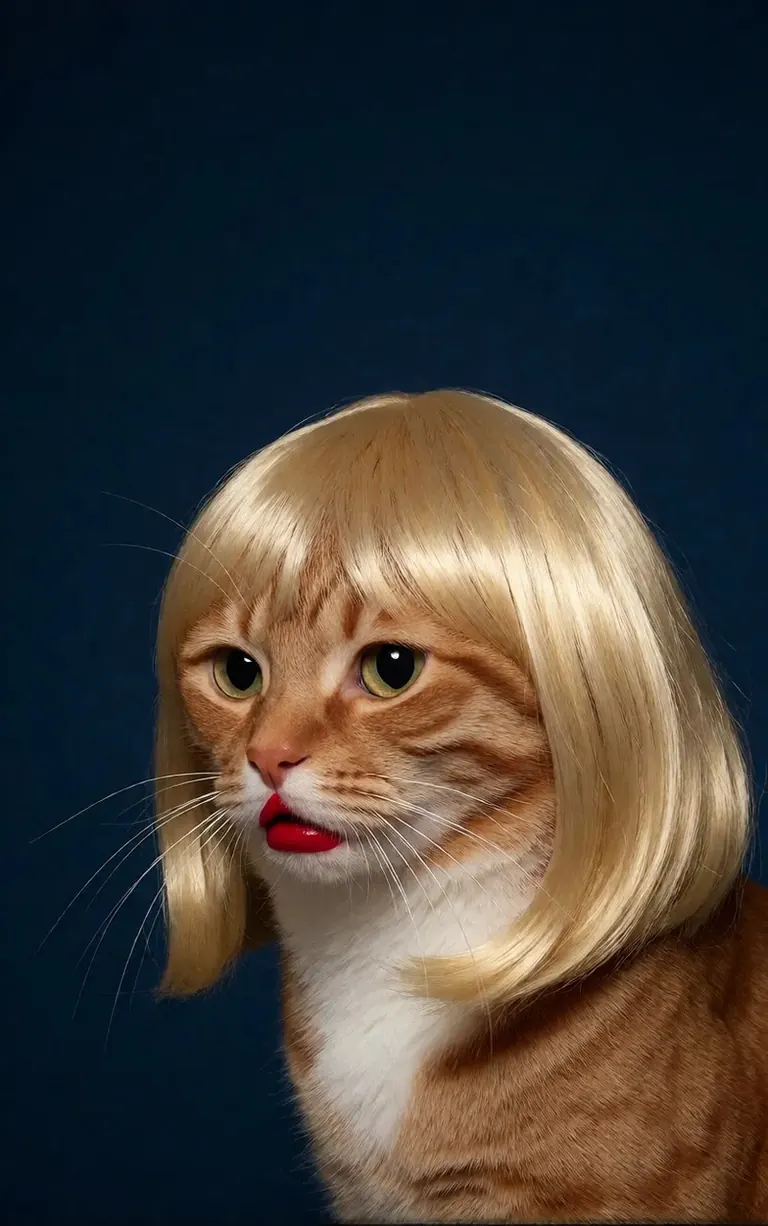
A minimalist, high-contrast studio portrait captures an orange tabby cat wearing a perfectly styled blonde wig with straight bangs, looking off-camera with a grumpy expression and wearing bright red lipstick, featuring rich composition grading and insane sharpness. The cat's smooth, light brown and white fur stands out sharply against a flat, deep dark blue background that serves as a vast expanse of clean negative space. The tight, centered flash composition highlights the realistic texture of the shiny blonde synthetic hair, the cat's long white whiskers, and the glossy red pout, creating a bizarre, authentic, and starkly humorous artistic study.
Settings
Size
1080x1920
Prompt
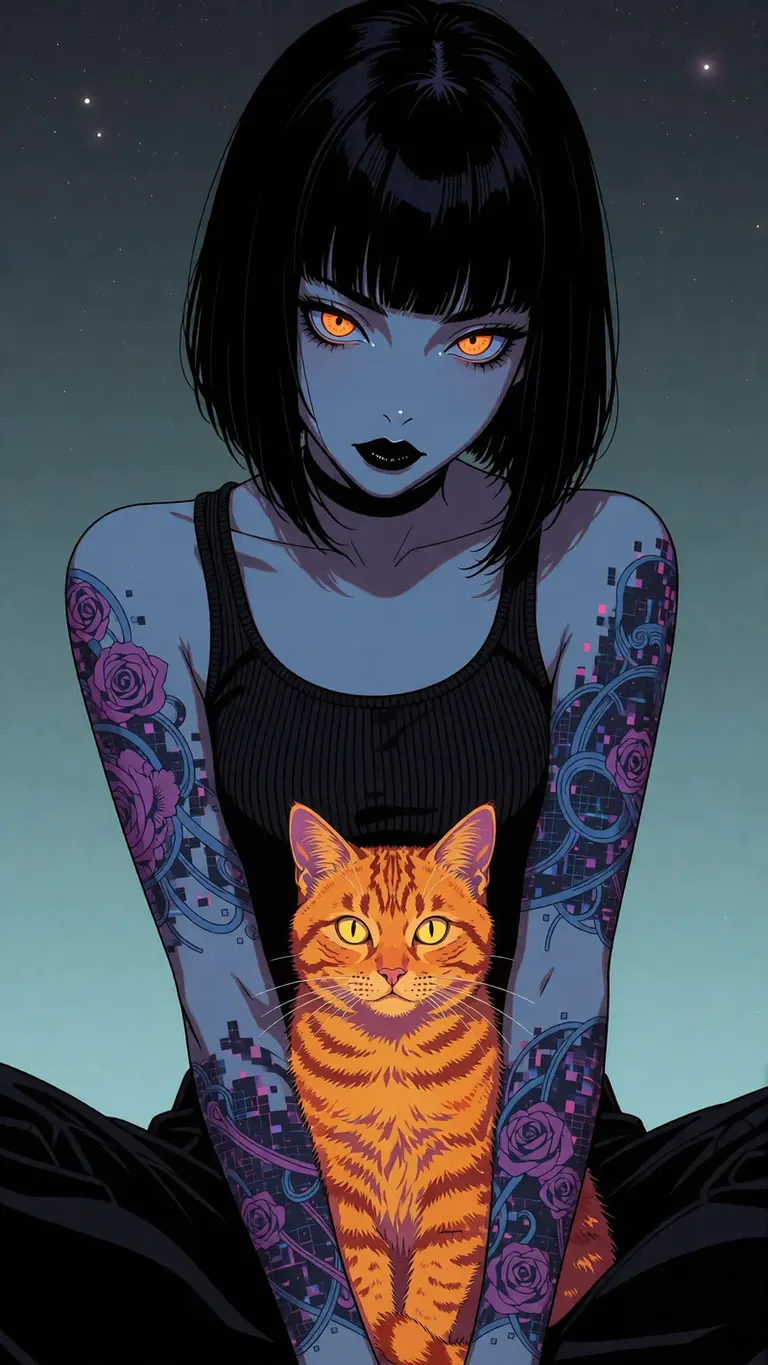
A moody, cyber-noir anime art illustration featuring a mysterious young woman with a sleek black bob haircut and straight bangs, sitting cross-legged against a smooth teal-to-grey gradient background dotted with faint stars. Her skin is a striking pale blue hue, contrasted by intense, glowing amber-orange eyes and dark black lipstick, while her arms display intricate purple and blue tattoos with subtle pixelated digital glitch textures. She wears a black ribbed tank top, and nestled comfortably in her lap is a bright orange tabby cat with glowing yellow eyes, creating a highly detailed, futuristic sci-fi aesthetic with sharp outlines and clean digital rendering.
Settings
Size
768x1368
Prompt
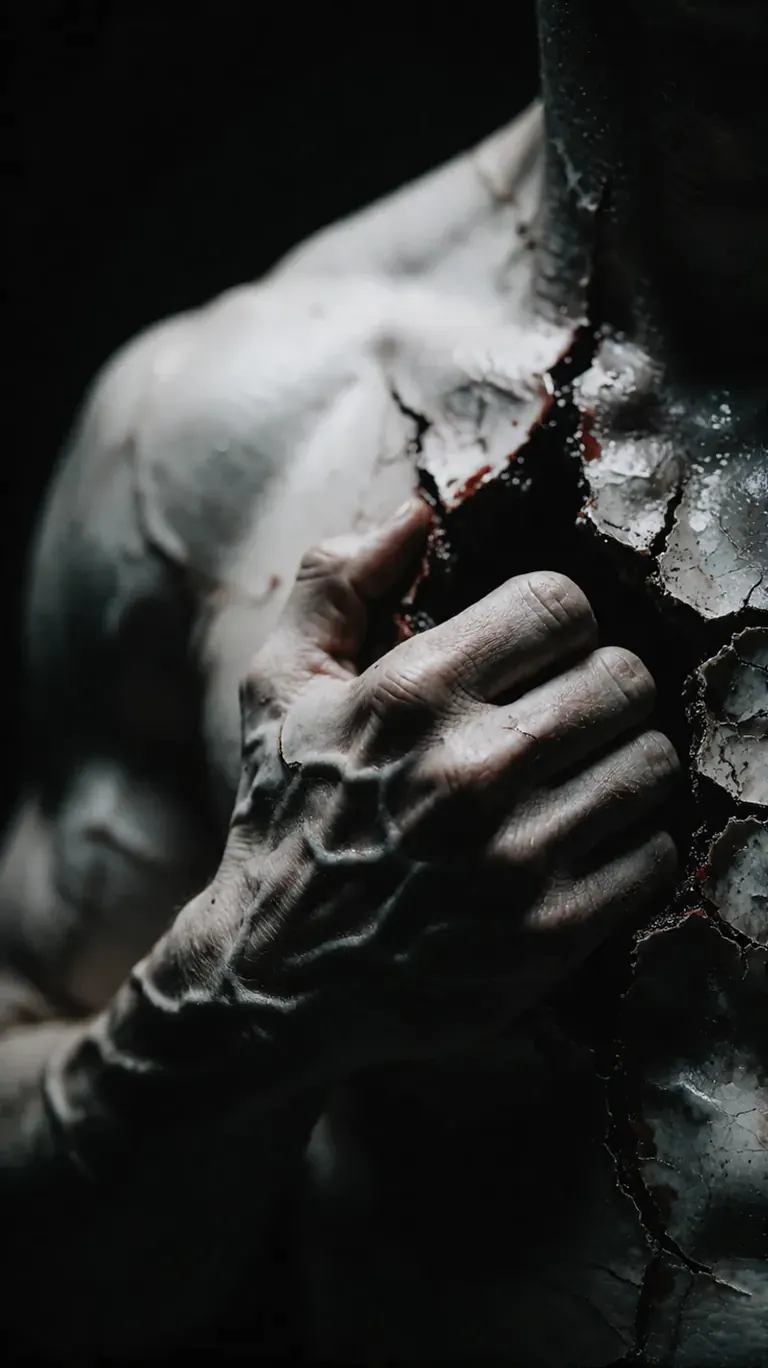
Hyper-photorealistic 35mm film photograph of a raw, surreal anatomical scene captured in close-up macro composition. A muscular, pale human torso is shown from the chest to the shoulder, with a powerful, strained hand forcefully gripping and ripping open the flesh over the chest. The wound exposes cracked, stone-like decaying skin and deep, hollow textures beneath. Every vein on the hand and forearm bulges with intense physical tension, highlighted by sharp, dramatic bone-edge rim lighting that cuts through the surrounding darkness. The shot features a faded dark contrast with desaturated, monochrome charcoal and obsidian tones, fading into a pure pitch-black background. The mood is agonizing, visceral, and darkly poetic, showing ultra-sharp skin textures, subtle vertical canvas-like grain, and a stark chiaroscuro lighting scheme.
HearmemanAI's Realism Enhancer LoRA pushes Krea 2 toward photographic realism. Learn the weight, the prompts that pair with it and creative ideas for product, portrait and documentary shots.
Overview
Realism Enhancer
Krea2
is a
LoRA
trained on 500 photographs with AI-Toolkit to add realistic texture, lighting response and material detail to Krea 2 output. The showcase images were produced on the mxfp8 turbo model, so it works in the fast 8-step path.
Krea 2 is already a strong SFW generalist; this LoRA is for when you want its output to pass as a photograph.
Reference
Name | Type | What it is |
|---|---|---|
LoRA weight | 0.6-1.0 | 0.8 is a safe start. |
Trigger | none | None required. |
Steps / guidance | 8 / 1 | Krea 2 turbo defaults. |
Prompt | text | Natural language; include camera and light. |
Combination | any | Stacks with sliders and character LoRAs. |
AD

No install required - run AI models on the cloud
BitVector Prism is the easiest way to start: pick a model, type a prompt and generate in a clean web app, with nothing to configure. BitVector is also available on Discord and on the web (SpyGlass).
Step by step
- Write a photographic prompt: subject, place, light, camera.
- Attach the Realism Enhancer at 0.8.
- Generate at Krea 2's defaults.
- Compare with and without on the same seed.
- Add the Skin Detail slider at 1.0 for close portraits.
Examples
Studio portrait
A minimalist high-contrast studio portrait of an orange tabby cat in a tiny knitted hat, grey seamless backdrop, single softbox.
Realism Enhancer 0.8
Street
A rainy evening street in Lisbon, tram lights reflecting on wet stone, people with umbrellas, 35mm, handheld.
Realism Enhancer 0.9
Creative idea: product in context
A hand-thrown ceramic mug on a workbench covered in clay dust, late afternoon window light, 50mm macro.
Realism Enhancer 1.0
Tips
- It works on non-human subjects too: products, food, interiors.
- Say the lens and the light; the LoRA renders realistic falloff and bokeh.
- For an amateur look, pair with the Aesthetic Amateur Photo LoRA at 0.6.
- Lower to 0.6 when using a strong style LoRA.
Troubleshooting
Over-sharp, crunchy textures
Why it happens
Weight 1.0 with a detail slider also high.
How to fix it
Drop one of them; 0.8 and +0.5 is a good pair.
Illustration prompts become photos
Why it happens
The LoRA pulls toward realism.
How to fix it
Remove it for illustrations or use 0.3.
AD

No install required - run AI models on the cloud
PirateDiffusion is Telegram only and built for pros: thousands of models, LoRAs and workflows driven by chat commands, with unlimited generation on a fixed price plan.

Questions
Does it work on Krea 2 fine-tunes?
Generally yes; fine-tunes that are already realistic need less weight.
Trigger word?
None.
Links and sources
Models in this guide
Written by
Captain
Related guides
Models
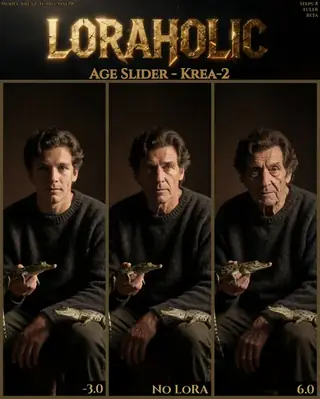
The Age Slider for Krea 2: adjust apparent age without changing anything else
Loraholic's Age Slider shifts the apparent age of people in Krea 2 images while preserving exposure, color and composition. Learn the recommended range, responsible use and creative ideas like ageing a character across a story.
By Captain
2026-09-29
Models
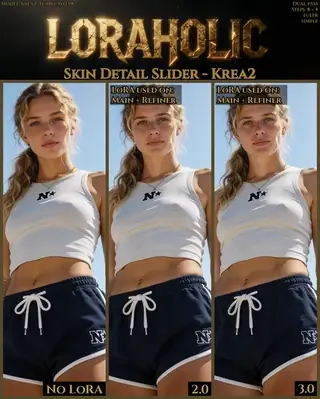
Skin Detail Slider for Krea 2: alive-looking skin without changing the image
Loraholic's Skin Detail Slider adds pores, fine lines and natural variation to skin in Krea 2 without altering composition. Learn the range (0.5-3.5), where to apply it in multi-pass workflows and when not to use it.
By Captain
2026-10-01
Models
Krea 2 Detail Slider: dial texture up or down on any Krea 2 image
alcaitiff's Detail Slider for Krea 2 is a LoRA you steer with its weight: positive values add micro-detail, negative values simplify. Learn the ranges, how to combine it with Krea 2's 8-step workflow and ideas for using both directions.
By Captain
2026-09-30
Models
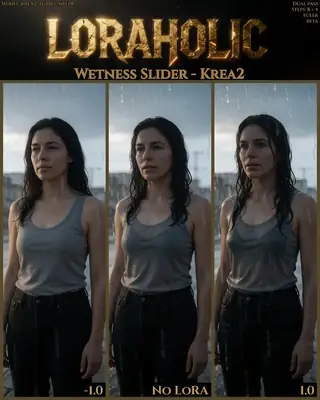
Wetness Slider for Krea 2: rain, sweat and sheen on demand
Loraholic's Wetness Slider adds or removes wetness on skin, hair and surfaces in Krea 2 with minimal side effects. Learn the safe ranges, the prompts that pair with it and creative uses from rain scenes to dewy product shots.
By Captain
2026-09-30
More guides

Models
FLUX.1 Dev: how to prompt it, best settings and creative ideas
A practical guide to FLUX.1 Dev by Black Forest Labs: natural-language prompting, guidance and step settings, LoRA stacking, text rendering and prompt ideas that play to its strengths.
By Captain
2026-09-30

Models
Stable Diffusion XL 1.0: prompts, settings and what it still does best
How to get the most out of the official SDXL 1.0 base model: native resolutions, CFG and sampler settings, the refiner, negative prompts and ideas for styles where SDXL still shines.
By Captain
2026-10-01

Models
Stable Diffusion 1.5: the classic model, prompted properly
Stable Diffusion 1.5 is still worth knowing: the right resolution, CFG and sampler, how to use its huge library of LoRAs and embeddings, and creative prompt ideas suited to a 512-pixel model.
By Captain
2026-10-02

Models
FLUX.2 Dev: prompting the newest Black Forest Labs model
FLUX.2 Dev brings larger prompts, better text, stronger realism and multi-reference editing. This guide covers the turbo workflow, guidance and resolution settings, prompt structure and ideas that use its new strengths.
By Captain
2026-10-03

Models
Qwen-Image: long prompts, perfect text and bilingual posters
Qwen-Image is the model to reach for when the words in the picture matter. Learn how to write its long descriptive prompts, render English and Chinese text accurately, set CFG and steps, and explore layout-heavy creative ideas.
By Captain
2026-09-29

Models
SDXL-Lightning: four-step generation on any SDXL checkpoint
ByteDance's SDXL-Lightning LoRA turns a 30-step SDXL render into a 4-step one. Learn the step counts, the CFG you must use, the sampler, and how to combine it with your favorite checkpoints and style LoRAs.
By Captain
2026-09-30

Model
Trends
.ai
© ModelTrends.ai
|
Made in Japan
|
© 2026