
Fresh Photo XL (realism eddiemauro mix)
7556°
<freshphoto-xl>
支持 ModelTrends 标签的应用允许你通过在提示中复制这段代码来运行/安装模型,无需任何设置。请在支持该功能的应用中寻找我们的图标,比如下面的 Prism。

运行此模型
优惠 / 广告

Easy Creator (Prism) 网页
不限量 · 固定费用
最适合初学者。强大的工作流程,学习曲线低。

PirateDiffusion Telegram
不限量 · 固定费用
创建视频、图像、自定义聊天角色等。

Pro studio (SpyGlass) 网页
不限量 · 固定费用
从任何浏览器或手机浏览模型、渲染和优化。

Discord bot (Vector)
不限量 · 固定费用
将 Vector 添加到你的服务器或加入 Vector Discord。创造任何东西!

Unified Editor 网页
不限量 · 固定费用
图像和视频编辑器:在同一页面渲染、编辑、放大等。

Civitai 网页
按次付费
在Civitai官网生成;每张图片用Buzz积分支付。

本地应用
需设置
如果你的电脑硬件够好,可以安装本地程序。

ModelDuel 网页
按次付费
一次在多达50个检查点/基础模型上生成相同的提示。


by EddieMauro is a realism focused non-pony SDXL model. Example Prompting: Positive prompt: RAW photo of Laura Ojeda in casual clothes, little smile, Photorealistic, dramatic lighting Negative prompt: low quality, worst quality, text, artifacts, strabismus, bad eyes, render, (asian:0.1) Steps: from 30-40 Guidance scale: 5-6
创作者说明
Before to use
-
You have to know how works Stable Diffusion. I recommend using ComfyUI or Automatic1111 like an interface to launch the model. Civitai doesn’t read the ComfyUI metadata, so you are welcome to experiment with it, and also consider that ComfyUI system is different from Automatic1111 (CFG, Steps, and configuration). Today I’m not using anymore Automatic1111, so these examples here are ComfyUI based. I tried to make a simple translation of the metadata.
-
This is a block-merge model based on XL models. I had to make so much testing before to arrive to a desirable generation. You have to consider that SD1.5 system is way different from SDXL, you can use both versions, but consider that.
-
This is a Checkpoint dataset, not a Lora.
-
It is a merge, so consider that it could sometimes generate NSFW images. Add in the negative prompt "(nudes:0.1)" or just "nudes", when is required.
-
I recommend you to follow me on my Instagram account, where I will explain about AI image generation:
Intro
FRESH PHOTO (digital and 3d-eddiemauro mix) CHECKPOINT: Hi, I’m a product and car designer, and I’m so excited to test with AI, I think is a good tool for designing. It is a merged model that I created to facilitate my creations, and it has a SD1.5 version as well.
v1: it performs well in different types of photography. My idea is to create a "general model" to use it for realistic image creation. Also is sometimes creative, including some prompts, but for more creative models, use Fresh Magic or Fresh Draw (but you will lose reality).
v1 Lightning: Same than v1, but I consider that is better the normal model in quality. This model is faster in generation. This will work just with some samplers, like: DPM++SDE with scheduler: SIMPLE, HEUN +scheduler: SIMPLE. Steps from 4 to 6, and CFG from 1 to 2.
If you want to support my work and help me to upload more models (with better quality), you can do it by entering here and donating, I would greatly appreciate it:
Installation
-
I use ComfyUI, the best UI for Stable Diffusion image generation, so I recommend you to install locally or use it online with some Colab or other hosting. You can find online instructions or videos to do that.
-
You have to install the Checkpoint model to use. Put the file inside “Checkpoints” folder.
-
Please for image creation you have to follow some small recommendations, but please don't hesitate to experiment, XL system is more precise and interesting.
Recommendations for image generation
-
Activation token/caption: Inside prompt you can whatever you want, but you can start with "RAW photo of", “photo of” or "Analog photo of" (for a more retro style). If you want a more realistic representation, just put in the positive “realistic”, “photorealistic”, and to put more contrast, words like “dramatic lighting” or “cinematic”.
-
I recommend using “Wildcards” for prompt experimentation. Install any Node for ComfyUI, that works with Wildcards. This will put more creativity to your creations.
-
Textual inversion/embedding or Lora tool recommended: You can use whatever Lora or Embedding for XL system, for positive or negative. For negative prompt, I use: “low quality, worst quality, text, artifacts, strabismus, bad eyes, render”. If you want to put less realism, just put the opposite word inside the negative prompt. Sometimes is recommended to add in the negative prompt “asian”, to reduce asian face aspect, because of the results of the model merge, but is up to you to experiment. Put "nudes", or "(nudes:0.1) in the negative prompt, if you find that you are getting NSFW images.
-
VAE: This model is baked with VAE, and mostly the majority of the models are. But in case you wish to use the VAE, it works with the normal XL VAE.
-
Clip Skip: Use 1 mostly, and you will get more realism. You can use 2, for less realism, more contrast, colors and other effects, but is up to you to experiment.
-
Steps and CFG: It is recommended to use Steps from “30-40” and CFG scale from “5-6”.
-
Sampler: I use mostly “DPM++SDE - Karras”, but there are some interesting results with: “DPM++2S A - Normal” (simplier) and “DPM++SDE GPU - Karras”. For Lightning, is mandatory to use: DPM++SDE with scheduler: SIMPLE, HEUN +scheduler: SIMPLE. Steps from 4 to 6, and CFG from 1 to 2; also works DPM++SDE GPU +scheduler: SIMPLE or DPM++2M SDE +scheduler: SIMPLE.
-
Batch: In txt2img try to put a value of 4 to generate more than 1 image and watch the generations. If you have a good graphic card, you can use “Batch size”, this will create at same time 4 images, increasing generation time; but if your computer cannot handle this, change to “Batch count” that will create 4 images in a row (not a same time), but generation time will be more.
-
Image aspect: Try to use these dimensions: 1024x1024, or image size or aspects, related to 768 or 1024 on one or both sides. For example, I use the proportion of 768x1152. Then, for upscaling a rate of 1,5.
-
Create bigger images: There are 4 different methods to create large images in Stable Diffusion, you can check online how to. For the first method “txt2img hires.fix”, I recommend you to use upscale model called “8x-NMKD-Superscale_150000_G”,just “.pth” file, and then installing it, putting inside “ESRGAN” file. In hires.fix option put any “upscale by” value, and then with a “denoise strength” of “0.4-0.7”. For the second method, you have to select first the image generated in txt2img and then putting in img2img mode, increasing dimension at least “1,5 times” with a “denoise strength” from “0.4-0.7”. For the third method, you can use “tiled generation”, the same configuration of img2img, but activating “tile” mode of “ControlNet” extension or the script of “Ultimate SD Upscale”, but for that. For the last method, you have to pass the generated image in txt2img to “extras” and then select a GAN model and scale it, you can also use the “8x-NMKD-Superscale_150000_G” model.
-
Get more control of your cr
触发词
Photo of
RAW Photo of
Analog photo of
SHA256
B5F90D39ACB9730BDABEC54439E0141C65F153D4B739290ABDA8FDEBEE6E5433
Ranking badge
Updated Oct 22, 2026

Made this model? Show this badge on your page.
Paste it into your Hugging Face card or Civitai description.
Fresh Photo XL (realism eddiemauro mix) 热度趋势
热度分数,过去12个月
热度评分
7,556°
本周
n/a
尚未发布/跟踪
本月
n/a
尚未发布/跟踪
过去一年
n/a
尚未发布/跟踪
7,000°
起点
评分范围是 0° 到 9,999°。低于 7,000° 的部分保留给还没有任何来源报告的模型,这些模型用替代数值填充,保证列表完整。7,000° 是有实际数据的起点:一个有真实数据但几乎没人下载的模型就在这里,后续的度数都是基于它的测量。起点本身不反映模型质量,只有起点以上的度数才区分不同模型。
+722°
Civitai 下载量
该版本在Civitai上有255次下载。下载是最重要的因素,按对数刻度计数:下载量增加十倍,热度增加300°,所以百万下载的模型不会比千次下载的热度高一千倍。六个下载来源共享该指标,按各自下载量比例分配。
+181°
点赞数
各来源累计点赞数为 15。点赞权重是下载量的一半,按同样的对数比例计算。
+150°
完整模型
+150°,因为这是完整模型:一个检查点,权重本身。LoRA 或嵌入是附加在别人权重上的,不会超过同等流行度的检查点。
−497°
年龄
−497°,因为 SDXL 权重发布于 2023。每个模型继承其权重的年龄:每年扣 150°,最多扣 750°,直到达到上限。没有这个扣减,排行榜前列会被 2022 和 2023 年的检查点占据,因为它们下载量积累了多年。
显示详细分解
本站上的每个数字都可以查证。这个模型的热度评分是 7,556°,这里一步步展示了它是如何组成的,每一步都有累计总分:起点、每个来源增加的度数、模型类型的加成以及权重年龄的扣减。颜色对应上方图表的区间。最后的词汇表解释了所有术语。
- 1从起点开始。为什么是 7,000° 而不是零:评分范围是 0° 到 9,999°,低于 7,000° 的部分保留给还没有任何来源报告的模型,这些模型用替代数值填充,保证列表完整且不会超过有数据的模型。7,000° 是有实际数据的起点。一个有真实数据但几乎没人下载的模型就在这里;后续的度数都是测量值,起点以上有十个十倍下载阶梯,每阶梯增加 300°。起点对所有模型一样,不影响排名;区分模型的是起点以上的度数。7,000°累计总数
- 2加上下载量。总共255个下载等价量,来自Civitai 下载量。下载量增加十倍,热度增加相同的300°,所以大小很重要,但不会让分数失控。+722°7,722°累计总数
- 3加上点赞数。15个点赞和竖起大拇指,权重是下载量的一半。+181°7,903°累计总数
- 4完整模型的额外加分。检查点包含权重本身;附加组件不会超过同等受欢迎度的完整模型。+150°8,053°累计总数
- 5去除年龄。SDXL权重发布于2023:每年扣除150°,最多扣除750°,直到达到最大值。−497°7,556°累计总数
- =热度得分。这个模型在本站所有榜单上的排名。没有其他因素会调整它。7,556°
术语表:这里用到的术语
- 热度得分
- 一个数字,表示模型当前的使用和需求程度,范围从0°到9,999°。本站所有标注为最热门的榜单都按这个分数排序,别无他物。
- 基准线
- 所有有真实数据的模型起始于7,000°。分数范围是0°到9,999°;基准线以下的部分保留给无数据的替代模型,这样有数据的模型总是排在无数据模型之上。基准线对所有人相同,不影响排名;超过基准线的度数才是实际测量值。
- 下载等价量
- 得分中当作下载计算的所有项目总和:下载本身,每个种子上传者算1,000,每个AI Horde图片和每次生成网站的运行算一个。
- 对数刻度
- 以十为单位计数,而不是以一为单位:从1,000到10,000下载增加的热度和从10,000到100,000增加的热度相同。这样可以防止巨头压倒一切。
- 点赞
- 来自所有来源的点赞和竖起大拇指,每个点赞在对数刻度上价值半个下载。
- 采用率
- 模型当前每天的下载次数,基于两次读数的差值。权重是下载项的四分之一。
- 测量与估算
- 测量表示有两个来源的读数,且差异是真实的。估算表示只知道今天的总数,过去的数据是根据模型的生命周期分配的;网站会说明显示的是哪种。
- 做种者
- 指那些在线保存权重副本供他人通过种子下载的人,或者提供同样服务的托管镜像。每个做种者相当于1000次下载。
- AI Horde
- 一个志愿者网络,在捐赠的电脑上免费生成图片。它用某个模型生成的图片数量是公开的,每张图片算作一次下载。
- 生成网站
- 托管自己模型副本并允许用户生成的站点,比如PixAI、SeaArt和Yodayo。它们的下载计数和Civitai一样,每次生成算一次下载。
- OpenRouter 令牌
- 通过API提供的文本模型,如Claude或GPT,没有权重需要下载,因此其使用量以令牌计量:过去30天内通过OpenRouter(一种许多应用使用的网关)读取和生成的文本片段。每10,000,000个令牌计为一次下载。来源:OpenRouter (openrouter.ai/rankings),CC BY 4.0。
- 完整模型(检查点)
- 权重文件本身,是能独立生成的文件。它会获得额外加分,因为附加组件依赖它。
- LoRA和嵌入
- 小型附加文件,用来引导别人的权重朝向某种风格、角色或概念。它们不能单独运行。
- 家族与权重
- 模型构建所基于的基础,比如SD 1.5、SDXL、Flux或Wan。每个模型继承其家族权重的发布日期。
- 年龄
- 根据家族权重发布多久,扣除的度数:每年150°,最多750°。它保留了那些积累了多年下载量的老模型,防止它们被挤出榜单顶部。
- 家族加成
- 对当前网站重点推广的某个家族的LoRA给予的小幅度限制性加分,总是在分数细目中列出。
- 替代分数
- 给还没有任何来源报告的模型一个稳定的最低分数,这样榜单才完整。它永远不会高于有数据的模型。
- 新模型!(宽限期)
- 不到7天的新模型显示“新模型!”而非分数,且不参与排名。其分数从第一天开始计算,但一天大的模型增长最快,若不等待,周榜#1总是昨天刚发布的模型,而非持续一周的。
- 趋势
- 模型在某段时间内的增长与同一时间段内典型模型增长的对比。比典型快表示上升,比典型慢表示下降。
- 典型模型
- 目录的中间值:一半有数据的模型增长比它快,一半比它慢。
这个模型的受欢迎程度相对于整个目录的变化:它在每个时间段内下载量、点赞和使用量的增长,和同一时间段内典型模型的增长相比,以及当时的热度分数。高于典型增长表示上升,低于则表示下降。过去的数据是从今天的总数、模型的第一天和测量的下载速度(如果有两次测量)推算出来的;如果模型在某个时间段开始时不存在,则显示为 n/a。
示例作品
以下提示词和参数由在 Civitai 上创作这些作品的人分享。选择一张作品查看它是如何生成的。

参数
采样器
dpmpp_2m_sde_simple
步数
6
引导强度
2
种子
483739333951325
尺寸
1152x1728
提示词
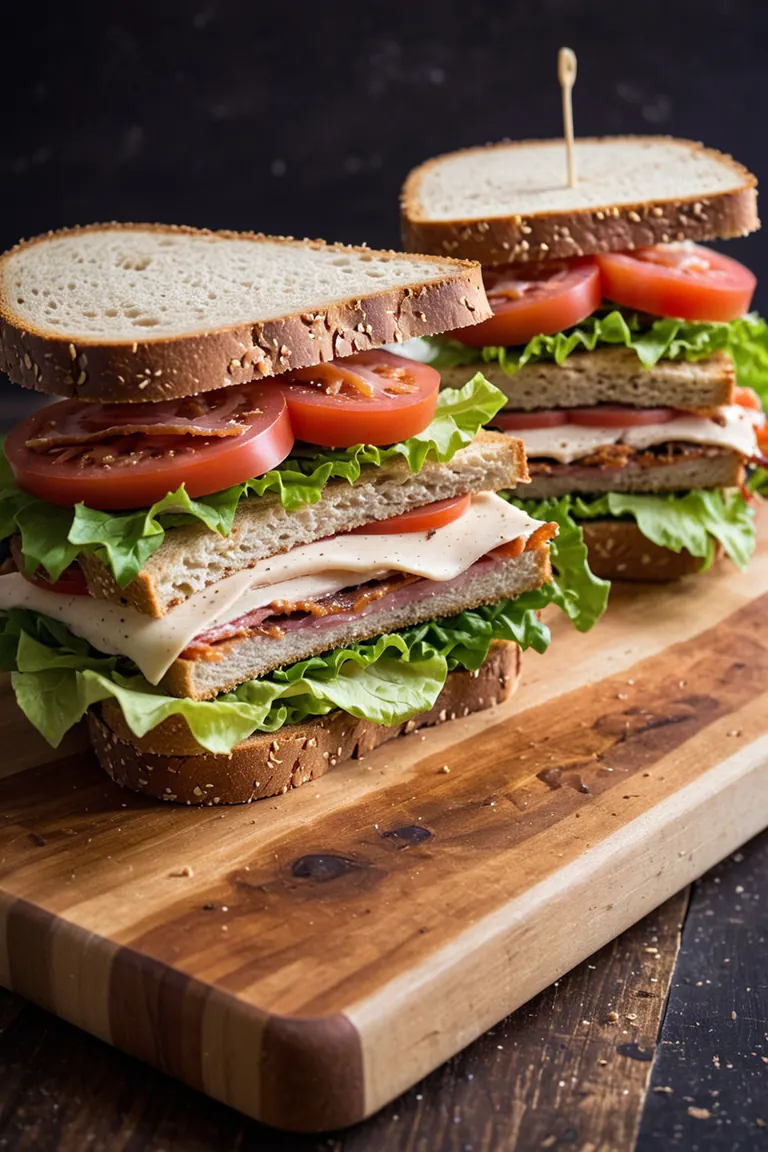
RAW photo, high contrast, dramatic light, BLT sandwich on a wooden cutting board, irregular bread, fresh lettuce, bacon, ripe tomato slices, and a creamy, tangy sauce, the sandwich bread appears to be artisanal, background is dark
负面提示词
low quality, worst quality, text, artifacts, strabismus, bad eyes, render, low contrast
参数
采样器
dpmpp_2m_sde_simple
步数
6
引导强度
2
种子
1058011156300710
尺寸
1152x1728
提示词
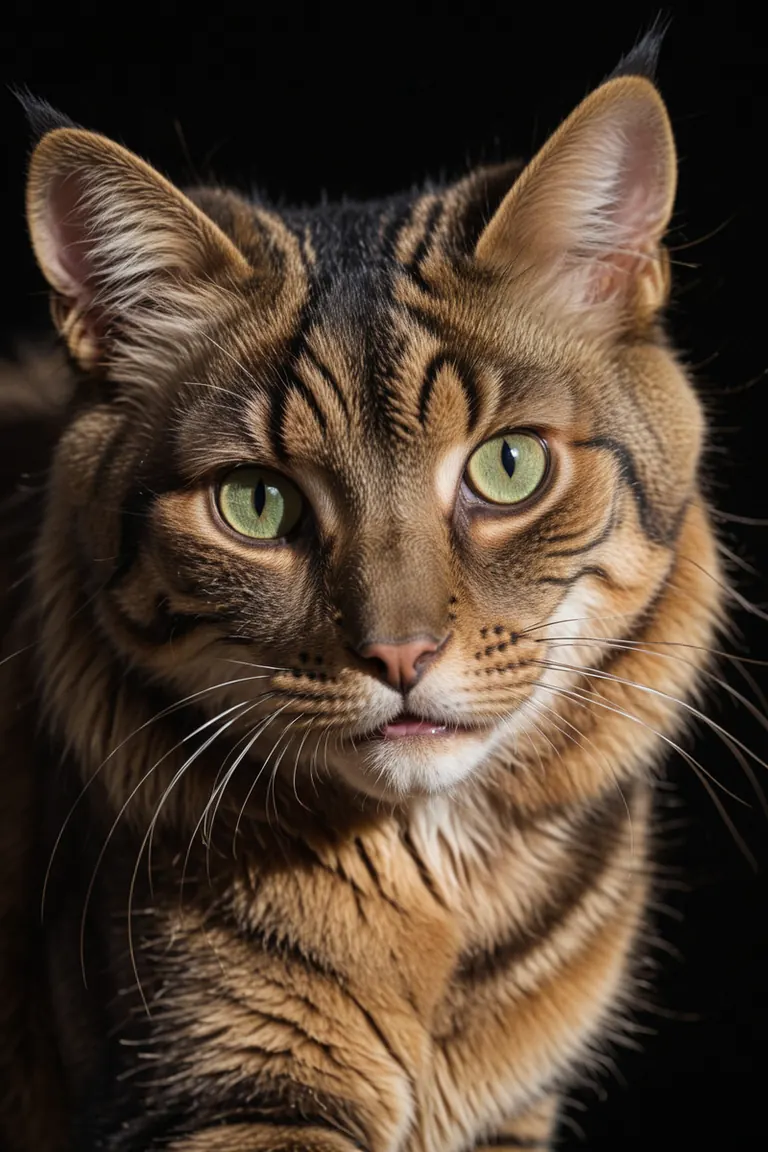
RAW photo, dramatic light, close up view, a rich golden and dark brown stripes cat, green eyes, black background, 8k
负面提示词
low quality, worst quality, text, artifacts, strabismus, bad eyes, render
参数
采样器
dpmpp_2m_sde_simple
步数
6
引导强度
2
种子
1045561810308050
尺寸
1152x1728
提示词
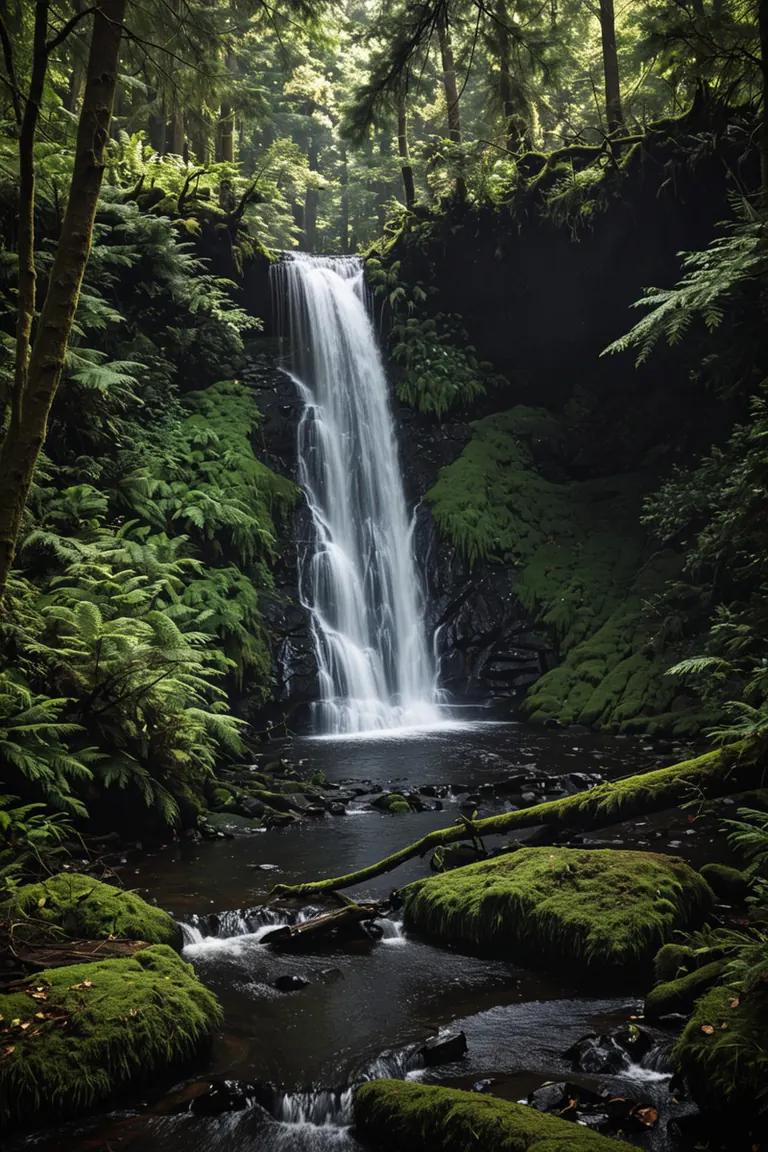
RAW photo, high contrast, dramatic light, forest scene featuring a waterfall
负面提示词
low quality, worst quality, text, artifacts, strabismus, bad eyes, render, colorful
参数
采样器
dpmpp_2m_sde_simple
步数
6
引导强度
2
种子
181736622619745
尺寸
1152x1728
提示词
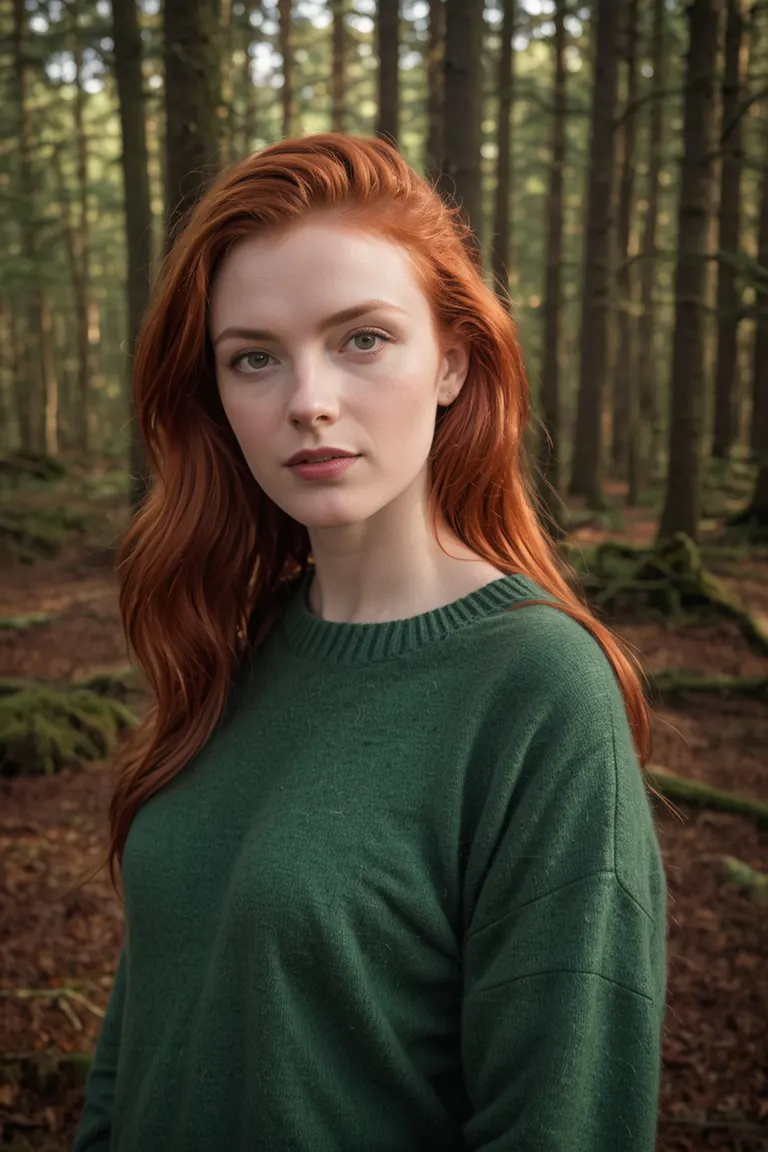
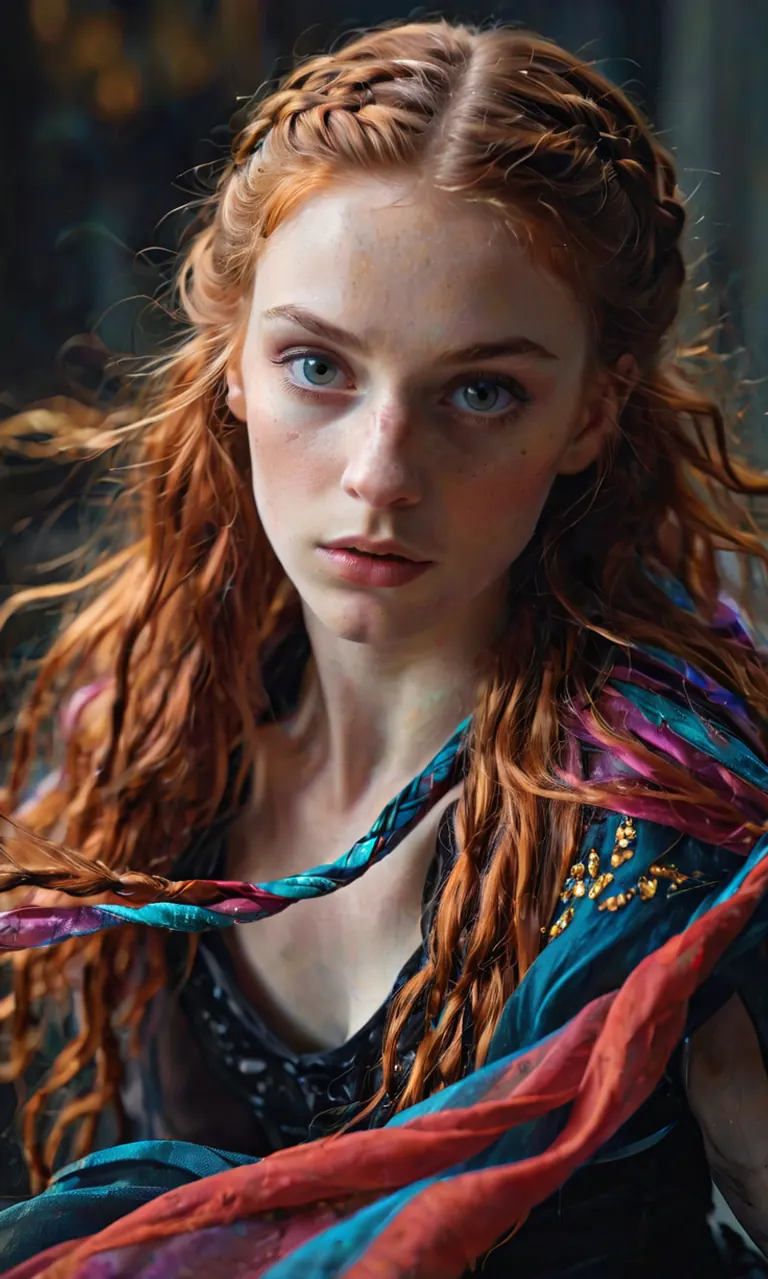
RAW photo of Neassa Móirín with sweater, (red hair:0.8), forest, Photorealistic, dramatic lighting
负面提示词
low quality, worst quality, text, artifacts, strabismus, bad eyes, render
这张作品没有分享提示词。
参数
采样器
dpmpp_2m_sde_simple
步数
6
引导强度
2
种子
362017804061836
尺寸
1152x1728
提示词
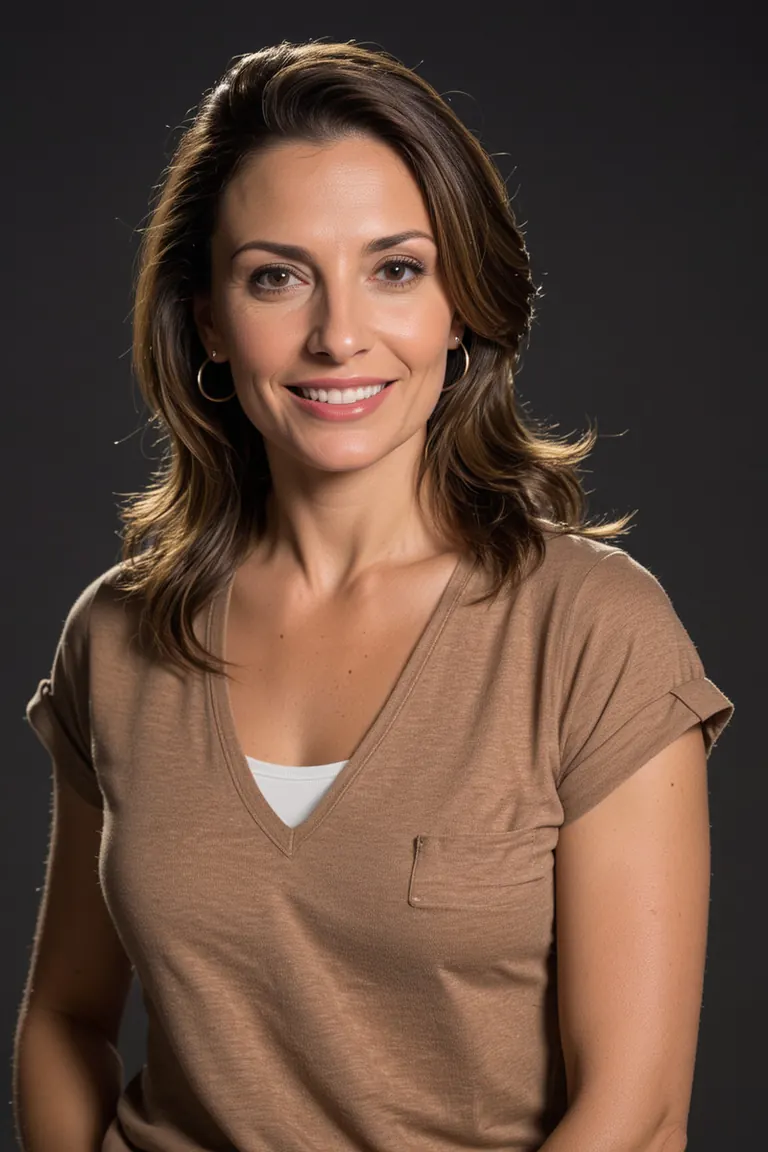
RAW photo of saura Ojeda in casual clothes, little smile, Photorealistic, dramatic lighting
负面提示词
low quality, worst quality, text, artifacts, strabismus, bad eyes, render, (asian:0.1)
参数
采样器
dpmpp_2m_sde_simple
步数
6
引导强度
2
种子
373922533204917
尺寸
1152x1728
提示词
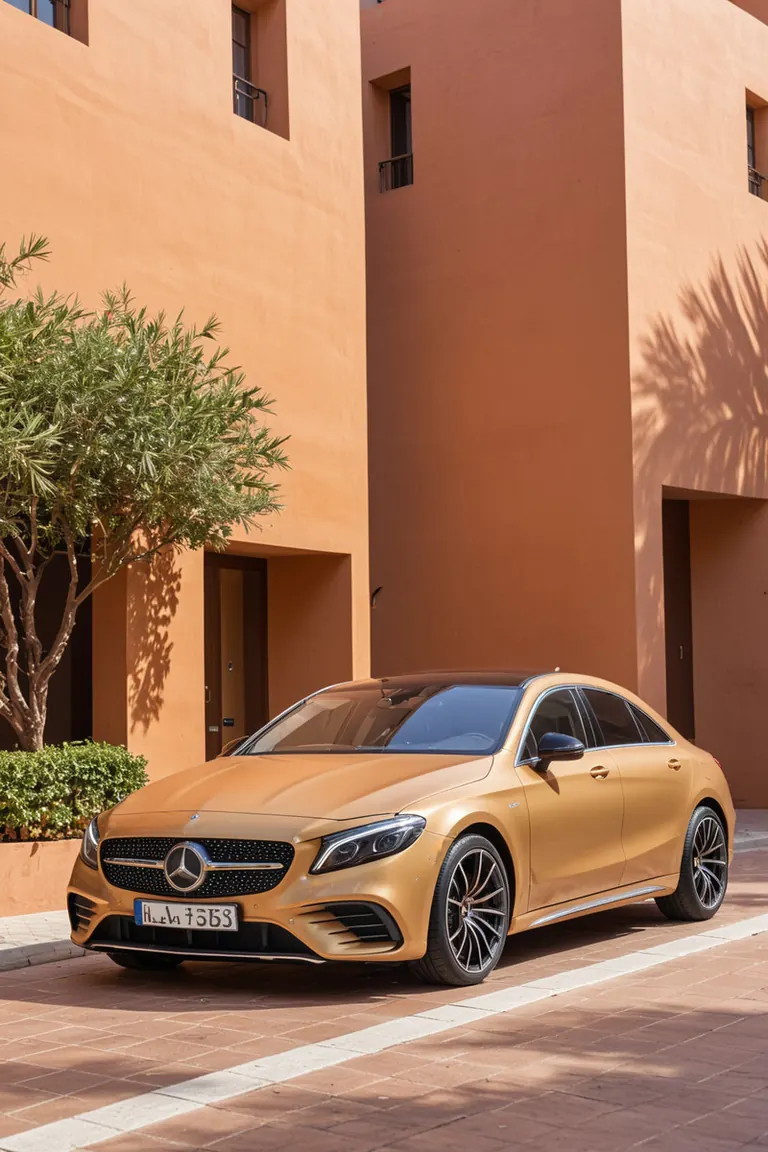
RAW photo, (close up view:1.2), golden car from Mercedes-Benz with simple grille, modern headlights, and aerodynamic lines, mediterranean building with a (red terracotta) facade and arches background
负面提示词
low quality, worst quality, text, artifacts, strabismus, bad eyes, render
这张作品没有分享提示词。
本地运行
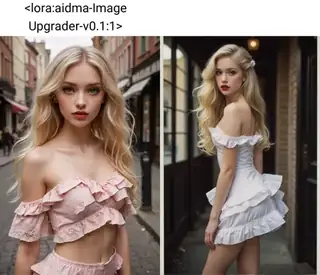
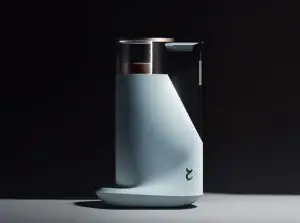
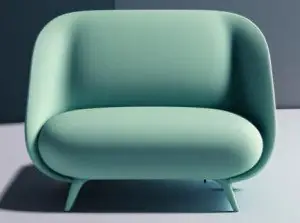
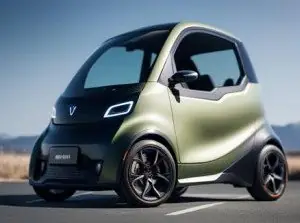




Fresh Photo XL (realism eddiemauro mix) 是 Stable Diffusion XL 1.0 系列的一个基础模型,收录于 ModelTrends.ai——一个只读的开源 AI 图像、视频和文本模型目录。你可以将它与其他 Stable Diffusion XL 1.0 模型比较,查看热度分数了解趋势,并在 PirateDiffusion 或 BitVector 上打开试用。
按模型系列浏览

Text / LLM 模型
434

Anima 模型
528

Chroma 模型
19
Fibo 模型
2
Flux 模型
1,496
Flux 2 / Klein 模型
1,239
Flux 3 模型
3

Moss 模型
3

Iris 模型
1

MiniMax H3 模型
364

Hunyuan 模型
204

Ideogram 模型
20

Krea2 模型
717
Qwen 模型
20

Qwen2 模型
47
Ltx2 模型
153