Run Locally
freshPhotoXLRealism_v10Lightning.safetensors
6.65 GB · SafeTensor · fp16 · full
Downloads are served by Civitai. Some creators ask for a Civitai login first.


About This Model
STABLE DIFFUSION XL 1.0 · Base Models
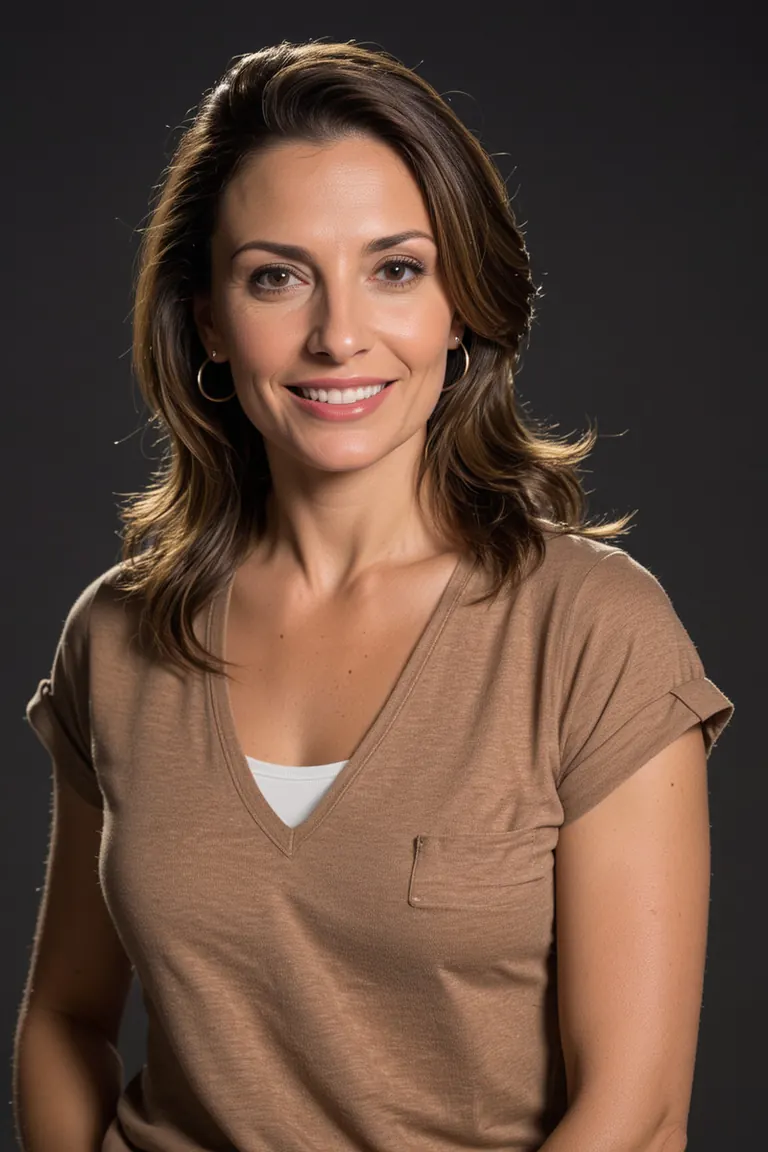
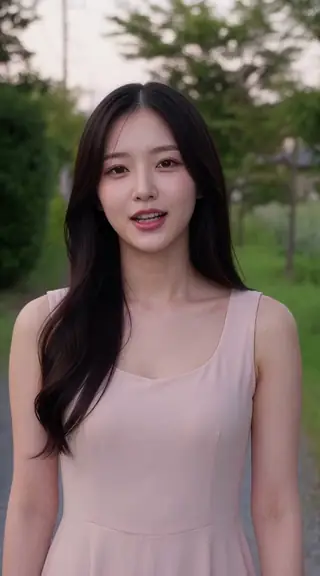
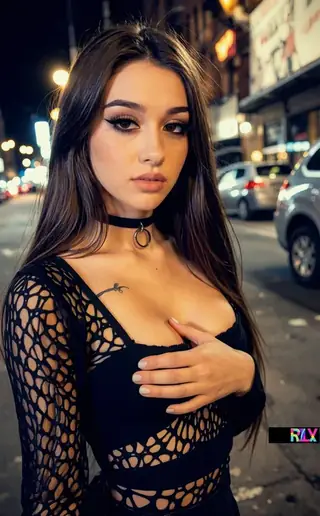
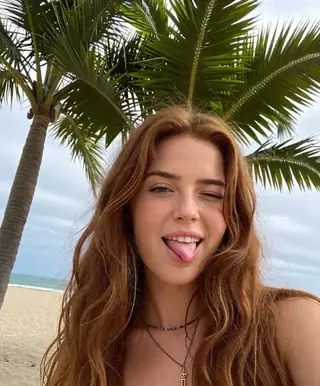
by EddieMauro is a realism focused non-pony SDXL model. Example Prompting: Positive prompt: RAW photo of Laura Ojeda in casual clothes, little smile, Photorealistic, dramatic lighting Negative prompt: low quality, worst quality, text, artifacts, strabismus, bad eyes, render, (asian:0.1) Steps: from 30-40 Guidance scale: 5-6
Creator notes
Before to use
-
You have to know how works Stable Diffusion. I recommend using ComfyUI or Automatic1111 like an interface to launch the model. Civitai doesn’t read the ComfyUI metadata, so you are welcome to experiment with it, and also consider that ComfyUI system is different from Automatic1111 (CFG, Steps, and configuration). Today I’m not using anymore Automatic1111, so these examples here are ComfyUI based. I tried to make a simple translation of the metadata.
-
This is a block-merge model based on XL models. I had to make so much testing before to arrive to a desirable generation. You have to consider that SD1.5 system is way different from SDXL, you can use both versions, but consider that.
-
This is a Checkpoint dataset, not a Lora.
-
It is a merge, so consider that it could sometimes generate NSFW images. Add in the negative prompt "(nudes:0.1)" or just "nudes", when is required.
-
I recommend you to follow me on my Instagram account, where I will explain about AI image generation:
Intro
FRESH PHOTO (digital and 3d-eddiemauro mix) CHECKPOINT: Hi, I’m a product and car designer, and I’m so excited to test with AI, I think is a good tool for designing. It is a merged model that I created to facilitate my creations, and it has a SD1.5 version as well.
v1: it performs well in different types of photography. My idea is to create a "general model" to use it for realistic image creation. Also is sometimes creative, including some prompts, but for more creative models, use Fresh Magic or Fresh Draw (but you will lose reality).
v1 Lightning: Same than v1, but I consider that is better the normal model in quality. This model is faster in generation. This will work just with some samplers, like: DPM++SDE with scheduler: SIMPLE, HEUN +scheduler: SIMPLE. Steps from 4 to 6, and CFG from 1 to 2.
If you want to support my work and help me to upload more models (with better quality), you can do it by entering here and donating, I would greatly appreciate it:
Installation
-
I use ComfyUI, the best UI for Stable Diffusion image generation, so I recommend you to install locally or use it online with some Colab or other hosting. You can find online instructions or videos to do that.
-
You have to install the Checkpoint model to use. Put the file inside “Checkpoints” folder.
-
Please for image creation you have to follow some small recommendations, but please don't hesitate to experiment, XL system is more precise and interesting.
Recommendations for image generation
-
Activation token/caption: Inside prompt you can whatever you want, but you can start with "RAW photo of", “photo of” or "Analog photo of" (for a more retro style). If you want a more realistic representation, just put in the positive “realistic”, “photorealistic”, and to put more contrast, words like “dramatic lighting” or “cinematic”.
-
I recommend using “Wildcards” for prompt experimentation. Install any Node for ComfyUI, that works with Wildcards. This will put more creativity to your creations.
-
Textual inversion/embedding or Lora tool recommended: You can use whatever Lora or Embedding for XL system, for positive or negative. For negative prompt, I use: “low quality, worst quality, text, artifacts, strabismus, bad eyes, render”. If you want to put less realism, just put the opposite word inside the negative prompt. Sometimes is recommended to add in the negative prompt “asian”, to reduce asian face aspect, because of the results of the model merge, but is up to you to experiment. Put "nudes", or "(nudes:0.1) in the negative prompt, if you find that you are getting NSFW images.
-
VAE: This model is baked with VAE, and mostly the majority of the models are. But in case you wish to use the VAE, it works with the normal XL VAE.
-
Clip Skip: Use 1 mostly, and you will get more realism. You can use 2, for less realism, more contrast, colors and other effects, but is up to you to experiment.
-
Steps and CFG: It is recommended to use Steps from “30-40” and CFG scale from “5-6”.
-
Sampler: I use mostly “DPM++SDE - Karras”, but there are some interesting results with: “DPM++2S A - Normal” (simplier) and “DPM++SDE GPU - Karras”. For Lightning, is mandatory to use: DPM++SDE with scheduler: SIMPLE, HEUN +scheduler: SIMPLE. Steps from 4 to 6, and CFG from 1 to 2; also works DPM++SDE GPU +scheduler: SIMPLE or DPM++2M SDE +scheduler: SIMPLE.
-
Batch: In txt2img try to put a value of 4 to generate more than 1 image and watch the generations. If you have a good graphic card, you can use “Batch size”, this will create at same time 4 images, increasing generation time; but if your computer cannot handle this, change to “Batch count” that will create 4 images in a row (not a same time), but generation time will be more.
-
Image aspect: Try to use these dimensions: 1024x1024, or image size or aspects, related to 768 or 1024 on one or both sides. For example, I use the proportion of 768x1152. Then, for upscaling a rate of 1,5.
-
Create bigger images: There are 4 different methods to create large images in Stable Diffusion, you can check online how to. For the first method “txt2img hires.fix”, I recommend you to use upscale model called “8x-NMKD-Superscale_150000_G”,just “.pth” file, and then installing it, putting inside “ESRGAN” file. In hires.fix option put any “upscale by” value, and then with a “denoise strength” of “0.4-0.7”. For the second method, you have to select first the image generated in txt2img and then putting in img2img mode, increasing dimension at least “1,5 times” with a “denoise strength” from “0.4-0.7”. For the third method, you can use “tiled generation”, the same configuration of img2img, but activating “tile” mode of “ControlNet” extension or the script of “Ultimate SD Upscale”, but for that. For the last method, you have to pass the generated image in txt2img to “extras” and then select a GAN model and scale it, you can also use the “8x-NMKD-Superscale_150000_G” model.
-
Get more control of your cr
Trigger words
Photo of
RAW Photo of
Analog photo of
SHA256
B5F90D39ACB9730BDABEC54439E0141C65F153D4B739290ABDA8FDEBEE6E5433
ModelTrends.ai Model ID
#13541
Flag content
Example renders
Prompts and settings shared by the people who made these renders on Civitai. Pick a render to see how it was made.
Settings
Sampler
dpmpp_2m_sde_simple
Steps
6
Guidance
2
Seed
483739333951325
Size
1152x1728
Prompt
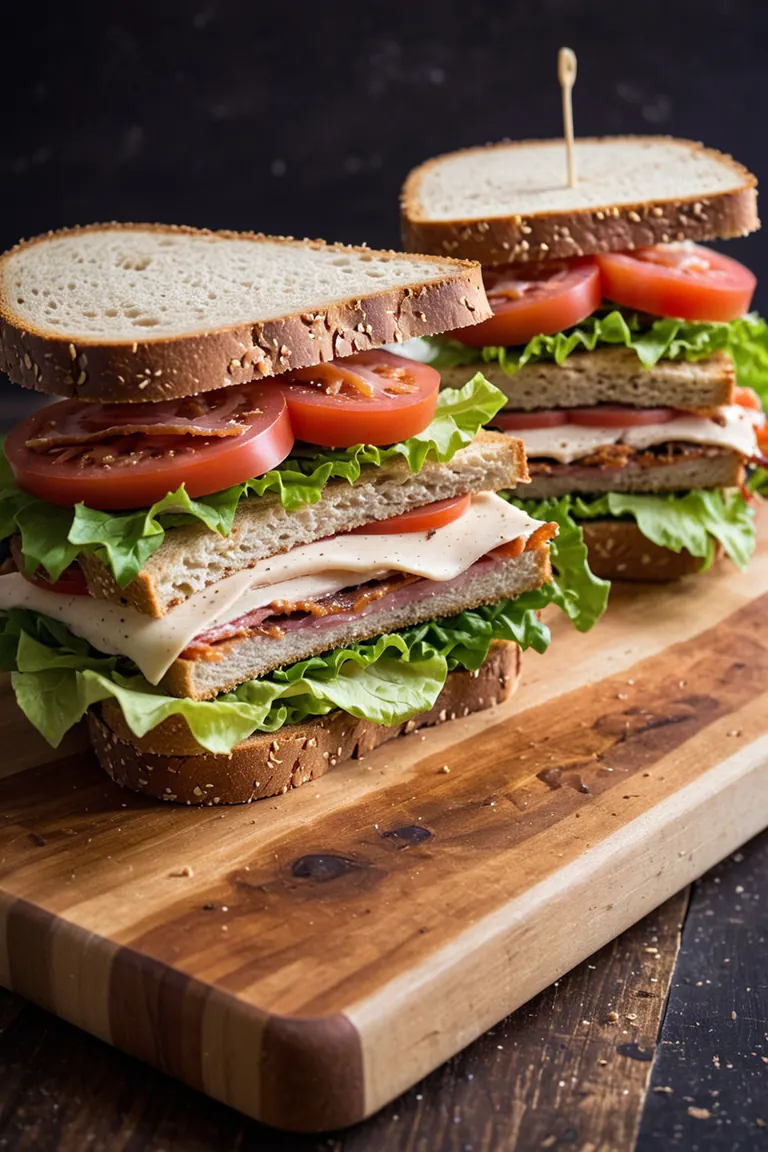
RAW photo, high contrast, dramatic light, BLT sandwich on a wooden cutting board, irregular bread, fresh lettuce, bacon, ripe tomato slices, and a creamy, tangy sauce, the sandwich bread appears to be artisanal, background is dark
Negative prompt
low quality, worst quality, text, artifacts, strabismus, bad eyes, render, low contrast
Settings
Sampler
dpmpp_2m_sde_simple
Steps
6
Guidance
2
Seed
1045561810308050
Size
1152x1728
Prompt
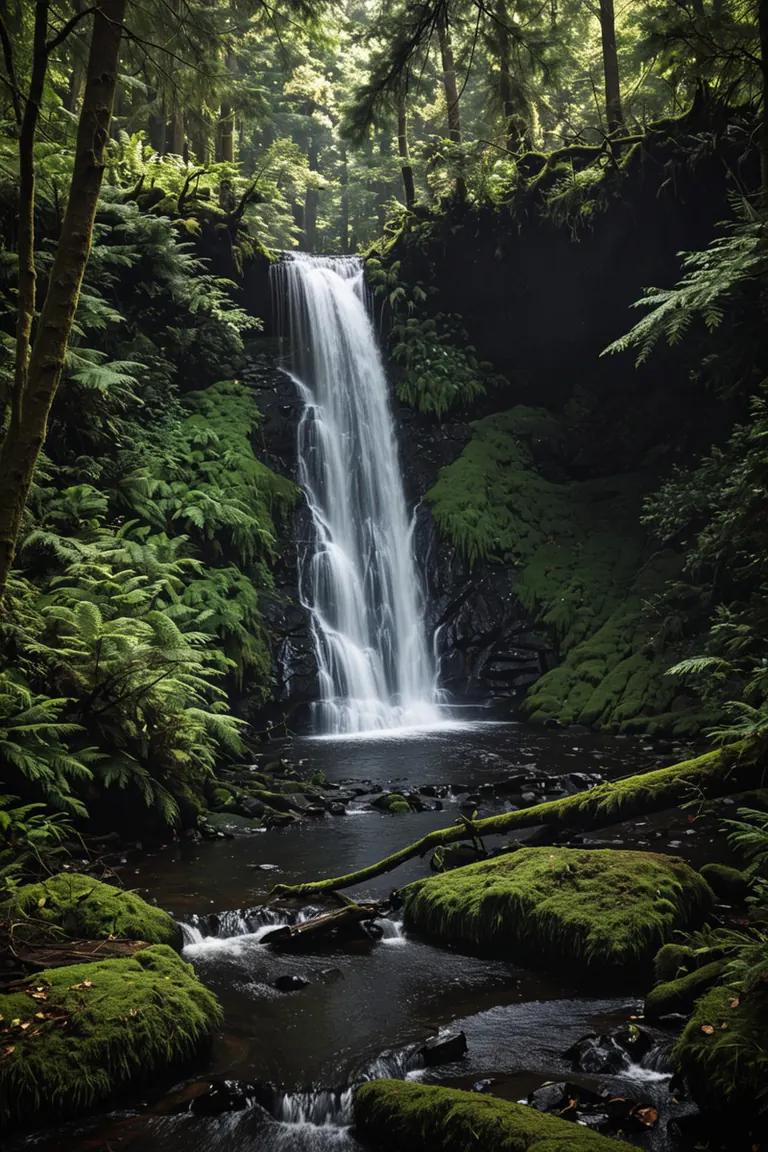
RAW photo, high contrast, dramatic light, forest scene featuring a waterfall
Negative prompt
low quality, worst quality, text, artifacts, strabismus, bad eyes, render, colorful
Settings
Sampler
dpmpp_2m_sde_simple
Steps
6
Guidance
2
Seed
1058011156300710
Size
1152x1728
Prompt
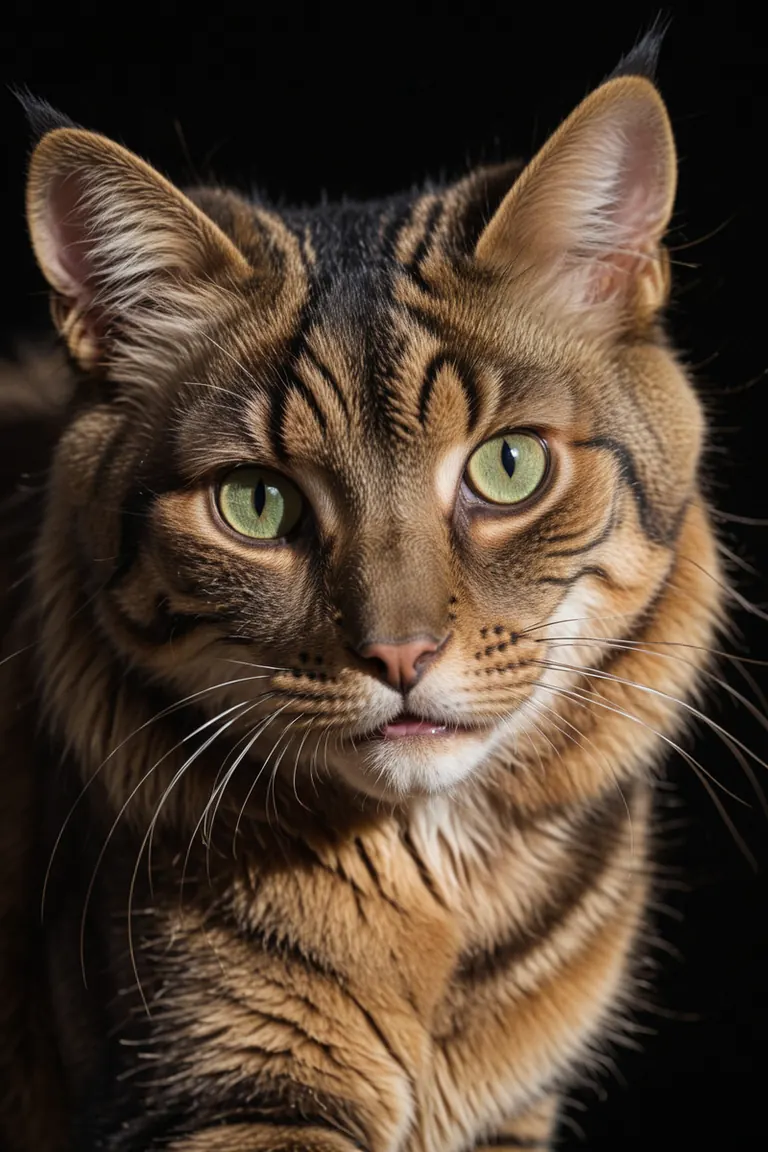
RAW photo, dramatic light, close up view, a rich golden and dark brown stripes cat, green eyes, black background, 8k
Negative prompt
low quality, worst quality, text, artifacts, strabismus, bad eyes, render
Settings
Sampler
dpmpp_2m_sde_simple
Steps
6
Guidance
2
Seed
181736622619745
Size
1152x1728
Prompt
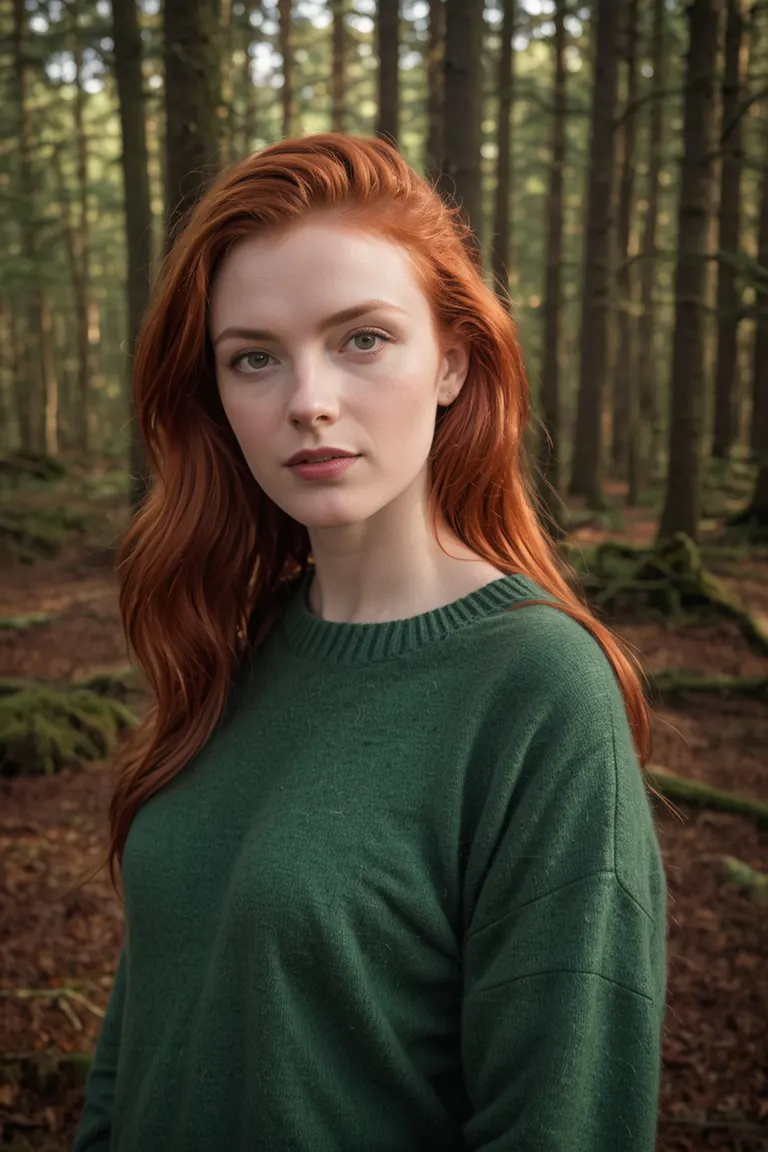
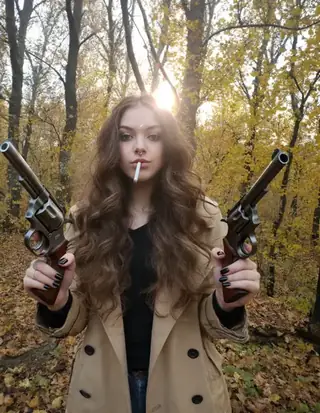
RAW photo of Neassa Móirín with sweater, (red hair:0.8), forest, Photorealistic, dramatic lighting
Negative prompt
low quality, worst quality, text, artifacts, strabismus, bad eyes, render
Settings
Sampler
dpmpp_2m_sde_simple
Steps
6
Guidance
2
Seed
362017804061836
Size
1152x1728
Prompt
RAW photo of saura Ojeda in casual clothes, little smile, Photorealistic, dramatic lighting
Negative prompt
low quality, worst quality, text, artifacts, strabismus, bad eyes, render, (asian:0.1)
Settings
Sampler
dpmpp_2m_sde_simple
Steps
6
Guidance
2
Seed
373922533204917
Size
1152x1728
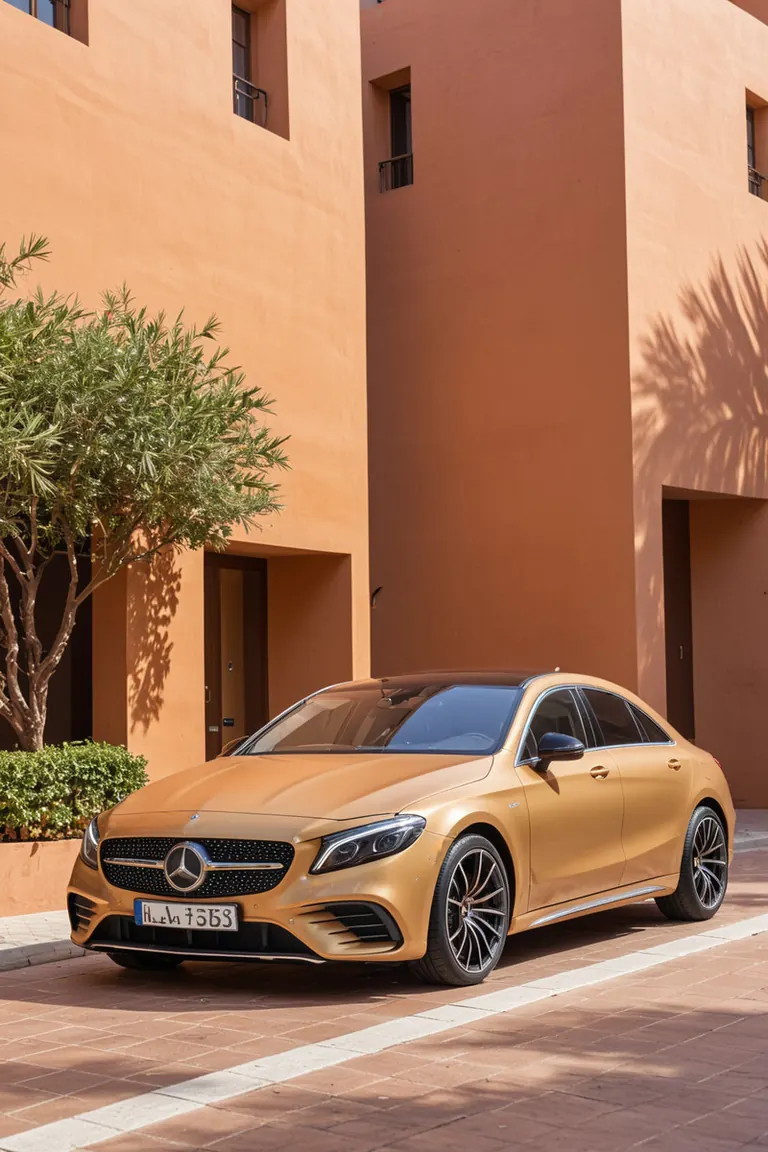
Prompt
RAW photo, (close up view:1.2), golden car from Mercedes-Benz with simple grille, modern headlights, and aerodynamic lines, mediterranean building with a (red terracotta) facade and arches background
Negative prompt
low quality, worst quality, text, artifacts, strabismus, bad eyes, render
Settings
Sampler
dpmpp_2m_sde_simple
Steps
6
Guidance
2
Seed
350811607693248
Size
1152x1728
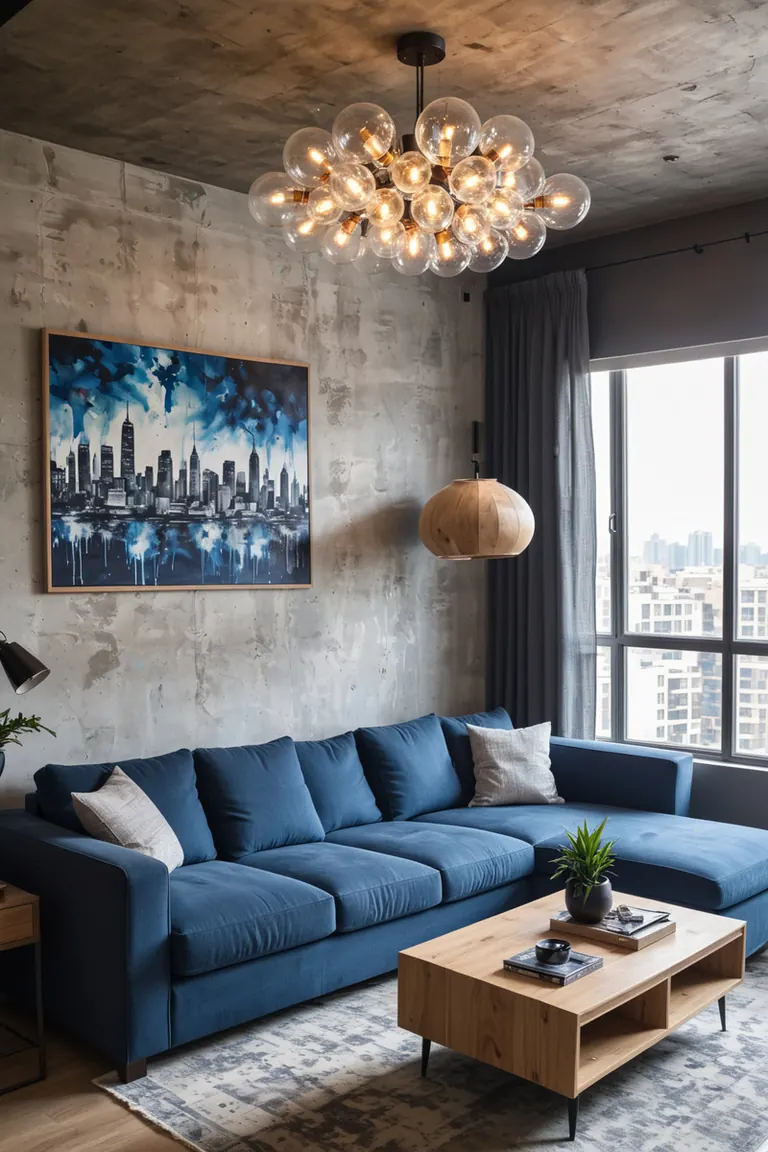
Prompt
RAW photo, high contrast, living room with a rustic wooden ceiling, large modern lamp with exposed bulbs, gray textured walls a large painting of a cityscape above a blue sofa blue sofa with assorted pillows, light wooden coffee table with a book and a cup small side table with a potted plant and a standing lamp large window with blue curtains
Negative prompt
low quality, worst quality, text, artifacts, strabismus, bad eyes, render, low contrast
Similar Models
AI Models for Image, Video & Text Generation
freshphoto xl is a base model for the Stable Diffusion XL 1.0 family listed on ModelTrends.ai, a read-only catalog of open source AI image, video and text models. Compare it with other Stable Diffusion XL 1.0 models, check its heat score to see how it is trending, and open it on PirateDiffusion or BitVector to try it.
More Stable Diffusion XL 1.0 modelsMore Stable Diffusion XL 1.0 Base Modelsponytyperealisticanime3dclothingexpressionslightingeffects
Browse by Model Family

Text / LLM Models
411
Anima Models
509
Chroma Models
14

Flux Models
1,071
Flux 2 / Klein Models
1,237
MiniMax H3 Models
331
Hunyuan Models
198
Ideogram Models
20

Krea2 Models
674

Qwen Models
17
Qwen2 Models
36
Ltx2 Models
150
Stable Diffusion 1.5 Models
6,465
Stable Diffusion XL 1.0 Models
15,432
Zimage Models
804

Wan Models
920

Model
Trends
.ai
© ModelTrends.ai
|
Made in Japan
|
© 2026