Moss turbo


Best for beginners. Describe what you want in a chat and the picture comes back, no learning curve.

Images and video from a chat, with short commands. The most convenient tool for Telegram users, with a web companion.

Best for power users. Full control over models, settings and workflows in a browser studio.

Best for communities. Add it to your own server and run any workflow from a channel.

One screen for every model and workflow: prompts, references, edits and video, built into your Graydient account.

Set up local programs if your computer has capable hardware.

Generate the same prompt on up to 50 checkpoint/base models at a time.

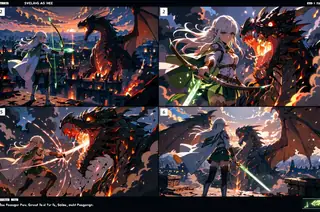
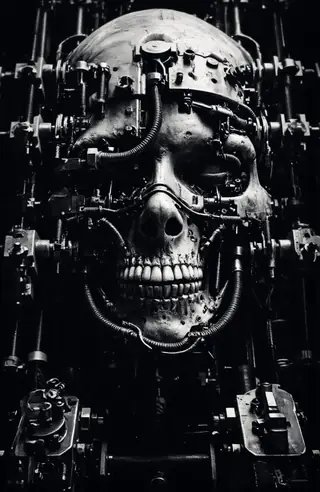
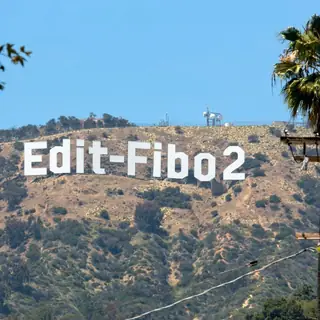
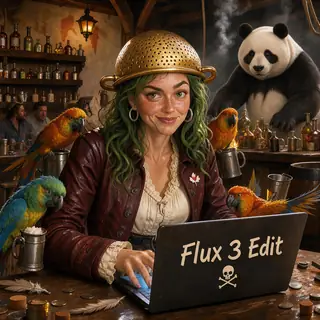
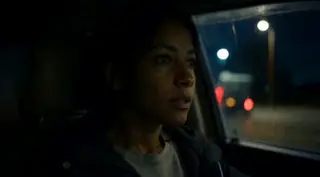
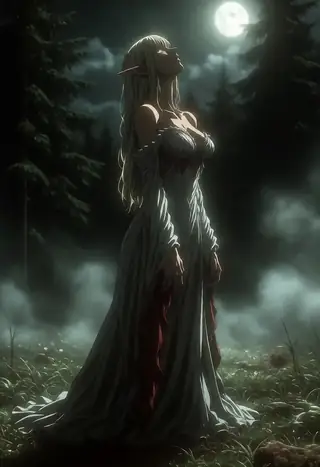
High-speed 8-step variant of MOSS-Image 5B DiT with 8-step DMD Turbo LoRA. Generates high-fidelity images with layout control and typography in English and Chinese in ~15 seconds. Telegram Commands: /run:turbo-moss [prompt] - Generate an image from description or spatial layout /steps:8 - Sampling steps (default: 8, recommended: 6-12) /guidance:2.5 - Prompt guidance / CFG (default: 2.5, recommended: 1.5-3.5) /seed:42 - Reproducible random seed /size:1024x1024 - Output canvas size (multiples of 16, e.g. 1024x1024, 1280x768, 768x1280) /slot1:22 - SLG uncond skip layer (22 = default reference;…High-speed 8-step variant of MOSS-Image 5B DiT with 8-step DMD Turbo LoRA. Generates high-fidelity images with layout control and typography in English and Chinese in ~15 seconds. Telegram Commands: /run:turbo-moss [prompt] - Generate an image from description or spatial layout /steps:8 - Sampling steps (default: 8, recommended: 6-12) /guidance:2.5 - Prompt guidance / CFG (default: 2.5, recommended: 1.5-3.5) /seed:42 - Reproducible random seed /size:1024x1024 - Output canvas size (multiples of 16, e.g. 1024x1024, 1280x768, 768x1280) /slot1:22 - SLG uncond skip layer (22 = default reference; blank = off) /slot2:1.0 - Turbo LoRA strength (default: 1.0; 0.7 for milder effect; 0.0 to disable) /sampler:er_sde - Sampling algorithm (er_sde or euler) Tips: - Rapid 8-step generation cuts latency by ~70% compared to baseline MOSS. - Text Rendering: Put text in quotes within the prompt or use newlines (\n) for line breaks. - Negative Prompt: Default is empty string for clean unconditional guidance.