Image Repair Flux.2 Klein9B
Run Locally
repair_image_Flux.2-Klein9B_V2.safetensors
114 MB · SafeTensor
Downloads are served by Civitai. Some creators ask for a Civitai login first.


About This Model
Compare
FLUX 2 / KLEIN · LoRAs
by Skirg - Image Repair Flux.2-Klein9B V2
Creator notes
Fixed the issue, now it works with gguf models too
Image Repair Flux.2-Klein9B
Hey everyone! This is my second LoRa. So, I took the original idea from
How it works:
I trained this using a LoRA subtraction method (clean originals vs. degraded/pixelated versions). Because it extracts the exact "delta" of the degradation, it only targets the artifacts and noise without altering the core of image. It may not work with all images, on very complex detailed patterns it can hallucinate like the original flux2, try a different seed. Also, as you can see from the examples, the original flux2 saturation is poorly controlled.
Training details:
Latent: 512X512 (Also lora work with higher resolution and other aspect ratio)
I tried 1024 latent size when training, but OOM forced me to optimize the settings.
Lora rank: 16
Steps: 2000
Grad_accum: 4
Source images: 227 (all created in 2k/4k NanoBananaPro + Some Flux2.Kein9B)
These settings were before lora was weakened. She was initially retrained. this is 0.3 Strength of original train.
As with the author of the idea, all settings were created by a neural network (not chatgpt) and Python scripts were used for configuration.
Recommended Settings:
-
LoRA Weight: 1.0
-
Trigger Words: make image high quality
-
CFG: 1
-
Steps: 4-6
I hope for positive feedback, but I hope you find this version useful.
Also think it can be improved further. Later, soon...
Do not use lora with the ImageScaleToTotalPixels node. Some image with this node is totally sh*t
SHA256
41BBB989B2515CEEB0A6B420B26B0C53F8F33EB03DE7DEE1F9E18B8B3A12F7C5
ModelTrends.ai Model ID
#25231
Flag content
Example renders
Prompts and settings shared by the people who made these renders on Civitai. Pick a render to see how it was made.

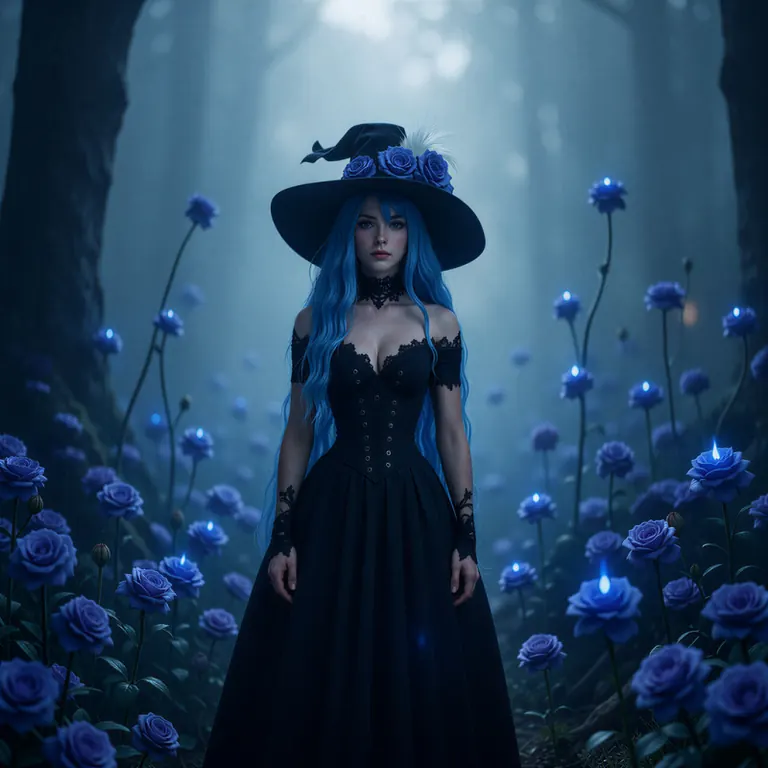
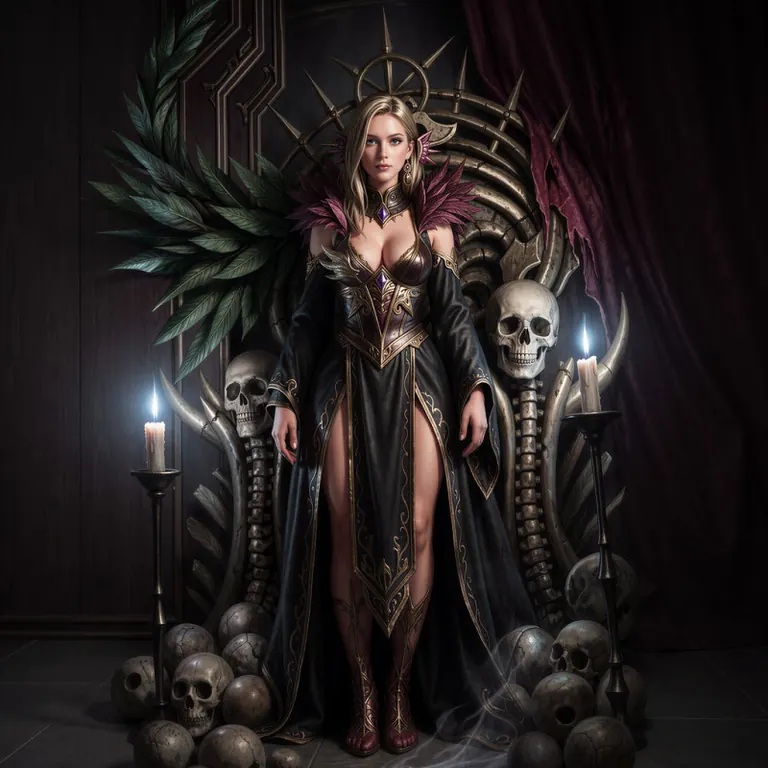
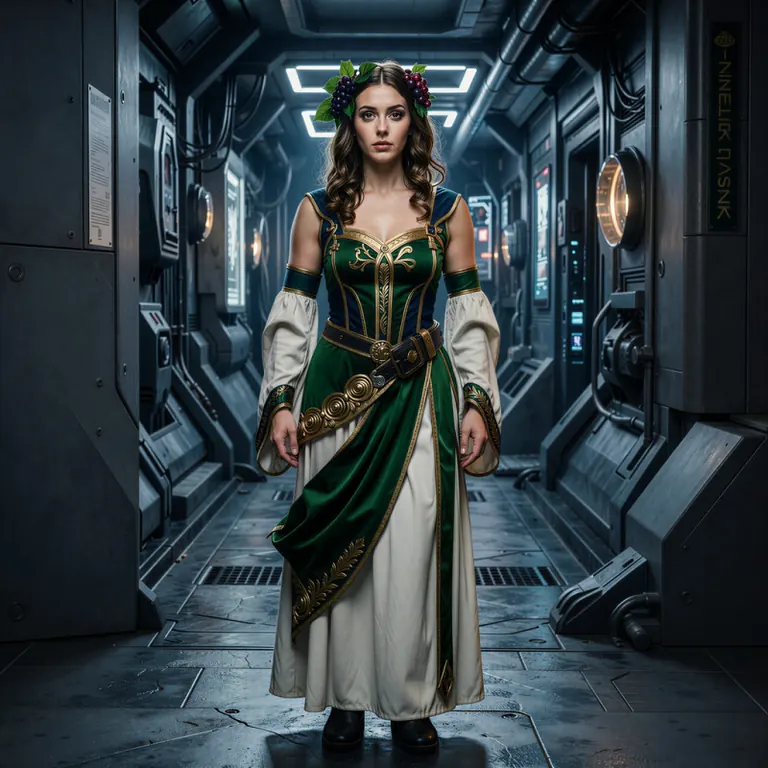
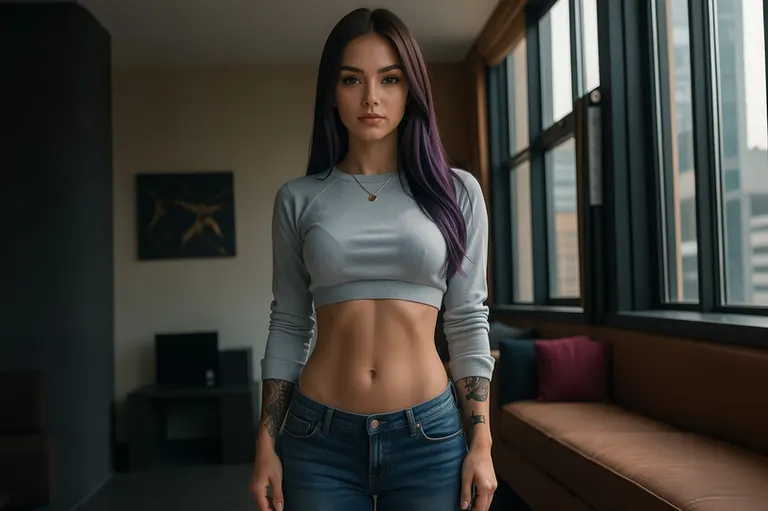
Settings
Steps
6
Guidance
1.2
Seed
12345
Size
1024x1024
Prompt
fluxtrait. make image high quality. High Resolution. redraw the image with more photorealism, fill out any empty white space extending the image. transform the image to realistic photograph. add realistic details to the corrupted image. restore high frequence details from the corrupted image. Details and lighting include professional color grading, commercial photo, vivid contrast, vivid colors, detailed light, detailed shadow, high dynamic range, clear shadows and highlights, realistic, intense, enhanced contrast, highly detailed, soft lighting, cinematic lighting, amazing visuals, vibrant colors, hdr, uhd, dslr, balanced photo, balanced exposure.
Settings
Steps
6
Guidance
1.2
Seed
12345
Size
1024x1024
Prompt
fluxtrait. make image high quality. High Resolution. redraw the image with more photorealism, fill out any empty white space extending the image. transform the image to realistic photograph. add realistic details to the corrupted image. restore high frequence details from the corrupted image. Details and lighting include professional color grading, commercial photo, vivid contrast, vivid colors, detailed light, detailed shadow, high dynamic range, clear shadows and highlights, realistic, intense, enhanced contrast, highly detailed, soft lighting, cinematic lighting, amazing visuals, vibrant colors, hdr, uhd, dslr, balanced photo, balanced exposure.
Settings
Steps
6
Guidance
1.2
Seed
12345
Size
1024x1024
Prompt
fluxtrait. make image high quality. High Resolution. redraw the image with more photorealism, fill out any empty white space extending the image. transform the image to realistic photograph. add realistic details to the corrupted image. restore high frequence details from the corrupted image. Details and lighting include professional color grading, commercial photo, vivid contrast, vivid colors, detailed light, detailed shadow, high dynamic range, clear shadows and highlights, realistic, intense, enhanced contrast, highly detailed, soft lighting, cinematic lighting, amazing visuals, vibrant colors, hdr, uhd, dslr, balanced photo, balanced exposure.
Settings
Steps
6
Guidance
1.2
Seed
12345
Size
1024x1024
Prompt
fluxtrait. make image high quality. High Resolution. redraw the image with more photorealism, fill out any empty white space extending the image. transform the image to realistic photograph. add realistic details to the corrupted image. restore high frequence details from the corrupted image. Details and lighting include professional color grading, commercial photo, vivid contrast, vivid colors, detailed light, detailed shadow, high dynamic range, clear shadows and highlights, realistic, intense, enhanced contrast, highly detailed, soft lighting, cinematic lighting, amazing visuals, vibrant colors, hdr, uhd, dslr, balanced photo, balanced exposure.
Settings
Sampler
er_sde
Steps
4
Guidance
1
Seed
12345
Size
1536x1024
Prompt
Subject in neutral expression, facing the camera directly, front view, head to toe full body shot, ArsMovieStill, Movie still from a 2020s Sci-Fi movie, make image high quality.
Similar Models
Popularity trend
How this model's popularity has moved against the rest of the catalog: its growth in downloads, likes and usage over each period, measured against the typical model's growth over the same period, with its heat score at the time. Above the typical growth reads as a rise, below it as a fall. The past is reconstructed from today's totals, the model's first day and its measured download speed where two readings exist; a model that did not exist at the start of a period shows n/a.
This week
▲
2.2%
8,185° then, 8,191° now
This month
▲
10.6%
8,162° then, 8,191° now
Past year
n/a
Not out yet at the start of this period
No second reading of the sources yet, so the curve spreads today's totals evenly over the model's life. It sharpens as the daily syncs add readings.
First seen 4 Mar 2026.
Badges for creators
Made this model? Put its standing on your Civitai page, your Hugging Face card, your README or your site. Each badge is a small picture that shows the standing on the day you copy it and never changes afterwards, however the rankings move later. The date is part of the badge. Every badge links back to this page.
Badge shape


AI Models for Image, Video & Text Generation
Image Repair Flux.2 Klein9B is a LoRA for the Flux 2 / Klein family listed on ModelTrends.ai, a read-only catalog of open source AI image, video and text models. Compare it with other Flux 2 / Klein models, check its heat score to see how it is trending, and open it on PirateDiffusion or BitVector to try it.
More Flux 2 / Klein modelsMore Flux 2 / Klein LoRAseditseffectspixelfluxartifactrepairflux2 klein9bposes
Browse by Model Family

Text / LLM Models
415
Anima Models
519

Chroma Models
17
Flux Models
1,498

Flux 2 / Klein Models
1,239
MiniMax H3 Models
330
Hunyuan Models
204
Ideogram Models
20

Krea2 Models
676

Qwen Models
20

Qwen2 Models
36
Ltx2 Models
152

Stable Diffusion 1.5 Models
7,042
Stable Diffusion XL 1.0 Models
17,420

Zimage Models
815

Wan Models
1,067

Model
Trends
.ai
© ModelTrends.ai
|
© 2026
|
All Rights Reserved