Aesthetic Quality Modifiers - Masterpiece for Illustrious: stronger quality tags
Topic: Models

By Captain
Published 2026-10-01
motimalu's Masterpiece LoRA for Illustrious strengthens masterpiece, best quality and very aesthetic so they produce visibly better composition and finish. Learn the prompt order, weight and ideas.
Overview
Aesthetic Quality Modifiers - Masterpiece (v3.0 for
Illustrious
) is trained on motimalu's manually rated images tagged masterpiece. Applied to Illustrious checkpoints it makes the quality tags at the start of a prompt matter more: cleaner lighting, better color, more deliberate composition.
Recommended structure: masterpiece, best quality, very aesthetic, {tags}, {natural language}.
Reference
Name | Type | What it is |
|---|---|---|
Trigger | masterpiece, best quality, very aesthetic | At the start. |
LoRA weight | 0.5-1.0 | 0.7. |
Base | Illustrious | |
CFG / steps | checkpoint default | |
Structure | quality, tags, prose |
AD

No install required - run AI models on the cloud
BitVector Prism is the easiest way to start: pick a model, type a prompt and generate in a clean web app, with nothing to configure. BitVector is also available on Discord and on the web (SpyGlass).
Step by step
- Quality tags first.
- Tags for subject and scene.
- A sentence for mood.
- LoRA0.7.
- Compare same-seed; lower to 0.5 if style flattens.
Examples
Cinematic anime
masterpiece, best quality, very aesthetic, (8K cinematic:1.2), anime illustration, soft realism, close-up of a woman in a wool coat on a train platform, volumetric light rays, depth of field
Masterpiece LoRA 0.7
Natural scene
masterpiece, best quality, very aesthetic, ultra-detailed, sharp focus, cinematic lighting, two adults sharing an umbrella on a wet street, natural interaction, atmospheric
Creative idea: gallery series
masterpiece, best quality, very aesthetic, still life, a bowl of persimmons on linen, window light, painterly
Tips
- Cinematic style stacks ((Makoto Shinkai style:1.4), cinematic stills) gain coherence.
- Volumetric light rays and soft light diffusion tags pop.
- Good base layer under other style LoRAs.
Troubleshooting
Generic look
Why it happens
Weight 1.0.
How to fix it
0.5-0.6.
No effect
Why it happens
Quality tags missing.
How to fix it
Put them first.
AD

No install required - run AI models on the cloud
PirateDiffusion is Telegram only and built for pros: thousands of models, LoRAs and workflows driven by chat commands, with unlimited generation on a fixed price plan.

Questions
Anima version?
Separate entry in this catalog.
NoobAI?
Often works; trained on Illustrious.
Links and sources
Models in this guide

Written by
Captain
Related guides
Models
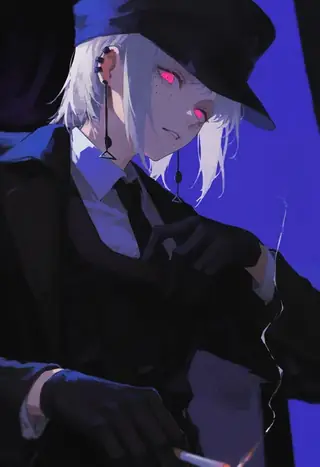
96YOTTEA style LoRA for Illustrious: painterly color and mood
wwHEY's 96YOTTEA style LoRA reproduces the painterly, color-rich style of the artist 96YOTTEA on Illustrious. Learn the author's settings, weight 1.0, hires fix needs and ideas for painterly portraits.
By Captain
2026-09-29
Models
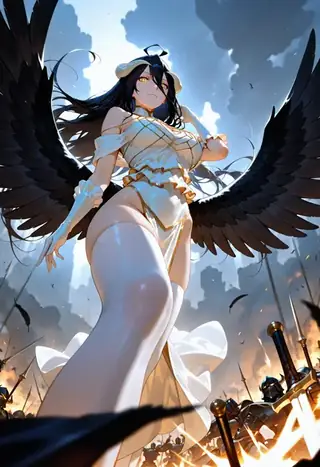
Dynamic Poses slider for Pony, Illustrious and NoobAI: more extreme angles
N4Talent's Dynamic Poses slider pushes characters into dynamic poses, foreshortening and extreme perspective. Learn its weight, trigger phrase, scheduling advice and ideas for action illustration.
By Captain
2026-10-02
Models
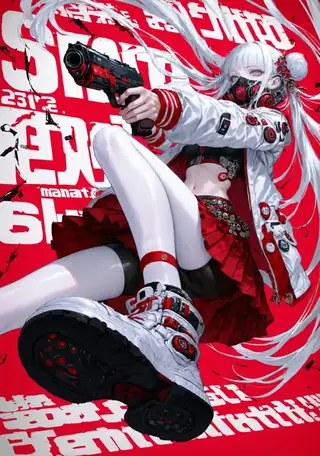
Xu Er Thick Paint style filter: painterly impasto texture on Illustrious
XUERYCJ's style LoRA adds thick-paint texture, complex composition and light enhancement to Illustrious images, with different looks per sampler. Learn the XUER guangying trigger, weight 0.8-0.9, hires value and sampler effects.
By Captain
2026-09-30
Models
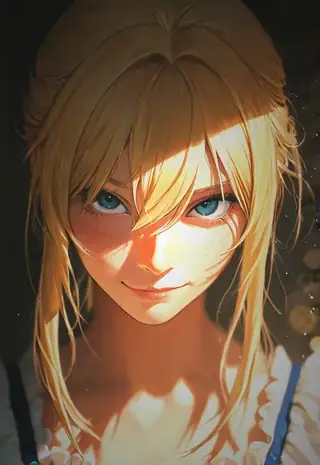
S1 Dramatic Lighting V2 for Illustrious: the s1_dram lighting trigger
DrPeeHands' S1 Dramatic Lighting LoRA adds dramatic, dappled light to Illustrious images via the s1_dram trigger. Learn weight, optional tags and ideas for atmospheric portraits.
By Captain
2026-10-02
More guides

Models
FLUX.1 Dev: how to prompt it, best settings and creative ideas
A practical guide to FLUX.1 Dev by Black Forest Labs: natural-language prompting, guidance and step settings, LoRA stacking, text rendering and prompt ideas that play to its strengths.
By Captain
2026-09-30

Models
Stable Diffusion XL 1.0: prompts, settings and what it still does best
How to get the most out of the official SDXL 1.0 base model: native resolutions, CFG and sampler settings, the refiner, negative prompts and ideas for styles where SDXL still shines.
By Captain
2026-10-01

Models
Stable Diffusion 1.5: the classic model, prompted properly
Stable Diffusion 1.5 is still worth knowing: the right resolution, CFG and sampler, how to use its huge library of LoRAs and embeddings, and creative prompt ideas suited to a 512-pixel model.
By Captain
2026-10-02

Models
FLUX.2 Dev: prompting the newest Black Forest Labs model
FLUX.2 Dev brings larger prompts, better text, stronger realism and multi-reference editing. This guide covers the turbo workflow, guidance and resolution settings, prompt structure and ideas that use its new strengths.
By Captain
2026-10-03

Models
Qwen-Image: long prompts, perfect text and bilingual posters
Qwen-Image is the model to reach for when the words in the picture matter. Learn how to write its long descriptive prompts, render English and Chinese text accurately, set CFG and steps, and explore layout-heavy creative ideas.
By Captain
2026-09-29

Models
SDXL-Lightning: four-step generation on any SDXL checkpoint
ByteDance's SDXL-Lightning LoRA turns a 30-step SDXL render into a 4-step one. Learn the step counts, the CFG you must use, the sampler, and how to combine it with your favorite checkpoints and style LoRAs.
By Captain
2026-09-30

Model
Trends
.ai
© ModelTrends.ai
|
Made in Japan
|
© 2026