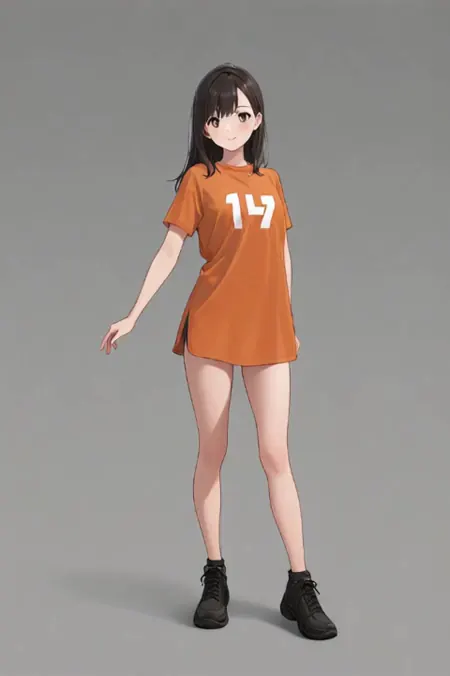
Autoplay
Lokal ausführen
wan2.2anime to realv2.zip
459 MB · Diffusers
Downloads werden von Civitai bereitgestellt. Manche Ersteller verlangen zuerst eine Anmeldung bei Civitai.


Über dieses Modell
WAN · LoRAs
by qiaoy123 - anime to real
Notizen des Erstellers
To avoid any potential legal risks, please do not buzz me.
请不要给我buzz。
If your initial image has poor results due to disproportionate head-to-body ratios, you can increase the strength of the high-noise LoRA—for example, to 1.2 or even 1.5.
如果你的初始图片头部和身材比例失调而导致效果不好的话,可以增加高噪声部分的lora强度,例如1.2,甚至1.5
This is an anime-to-real (A2R) LoRA. I haven’t seen this type of LoRA on Civitai, so I decided to create one myself—this way, I don’t have to keep making separate cosplay outfit LoRAs, although I still think the results aren’t quite as good as dedicated outfit LoRAs.
The low-noise part of this LoRA likely needs more training, but I don’t have time for that right now. The high-noise and low-noise components were trained on different datasets. Initially, I used the A2R dataset from XiaoZhi (Jason), which was based on Qwen. I converted real photos into videos using Wan 2.2 i2v, then used Adobe Premiere Pro (PR) to composite the anime images together.
However, since Wan 2.2 isn’t an editing model, when trained on diverse source materials, the resulting model struggled to maintain consistent hair and clothing colors. To address this, I gathered a new, curated dataset and trained a fresh model. Unfortunately, the skin texture turned out quite poor, so I ended up combining the previous low-noise weights with the current high-noise ones—and the result is actually pretty decent.
All training data excludes any uncensored content. When generating images with special poses or actions, you can combine this LoRA with other LoRAs for better results.You can combine this with other i2v or t2v LoRAs available on Civitai to achieve specific poses or actions.
这是一个动漫转真人的lora,我没有在civital看到这种lora,所以我自己做了一个,这样我就不必再去制作cosplay的服装lora了,虽然我认为效果仍然不如服装lora。
这个lora的低噪声部分可能需要更多的训练,不过我暂时没空,高低噪是使用不同的数据集训练的,我最开始是使用小志jason大佬的qwen的a2r的数据集训练的,我将真实图片用wan2.2i2v做成视频,然后用pr将动漫图片拼在一起。但是由于wan2.2不是编辑模型,在素材种类多的情况下,训练出的模型无法控制发色和服装颜色的一致性,所以我自己找了一批素材炼了新的模型,但是皮肤质感很糟糕,所以我用之前的低噪搭配现在的高噪,效果还不错。
训练素材不包含未经审查的内容,有特殊动作时,使用的时候可以搭配其他的lora。
你可以搭配civital上其他的i2v或者t2v lora来完成一些特殊的动作
SHA256
10361B10E7C6C8154F84397BB2608BE2A19364BE6C7BB462375FE8CE4445D916
ModelTrends.ai-Modell-ID
#21685
Inhalt melden
Beispielbilder
Prompts und Einstellungen, geteilt von den Leuten, die diese Bilder auf Civitai erstellt haben. Wähle ein Bild, um zu sehen, wie es entstanden ist.
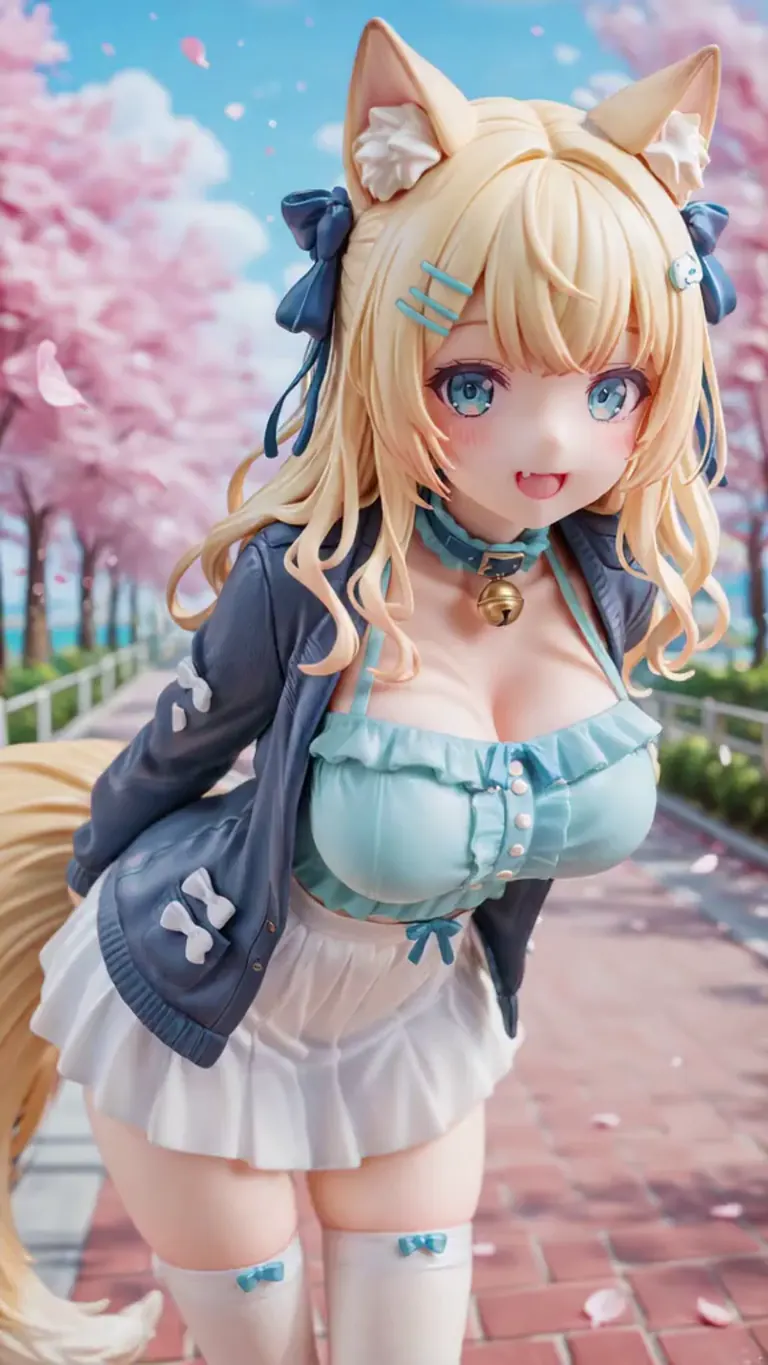
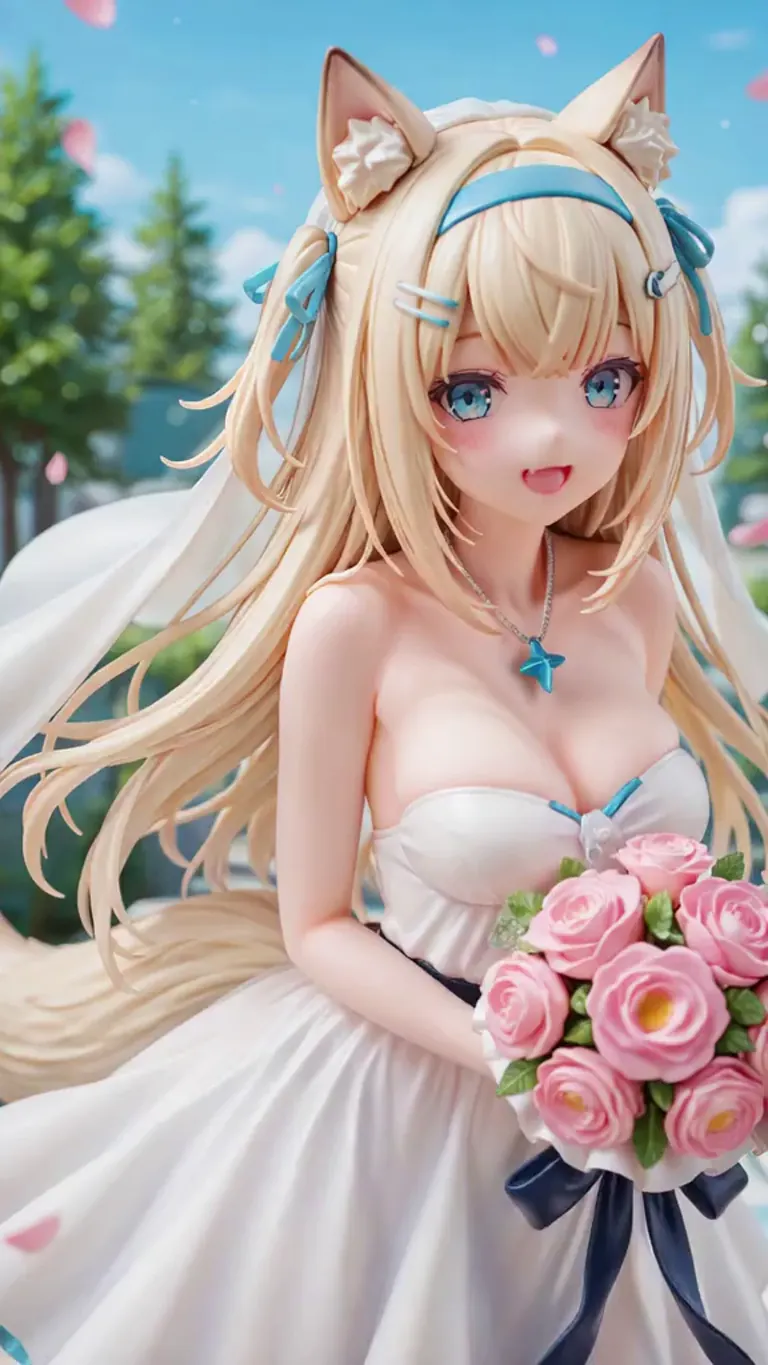
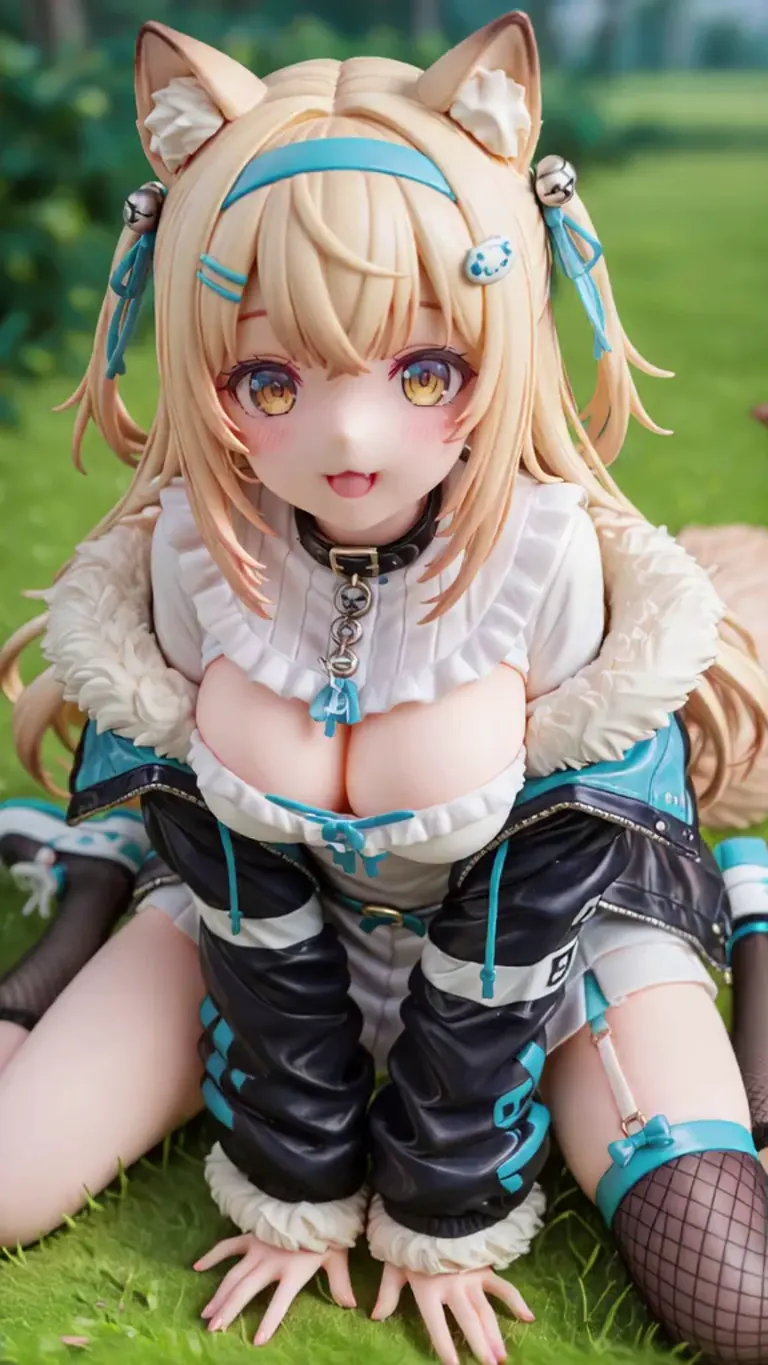
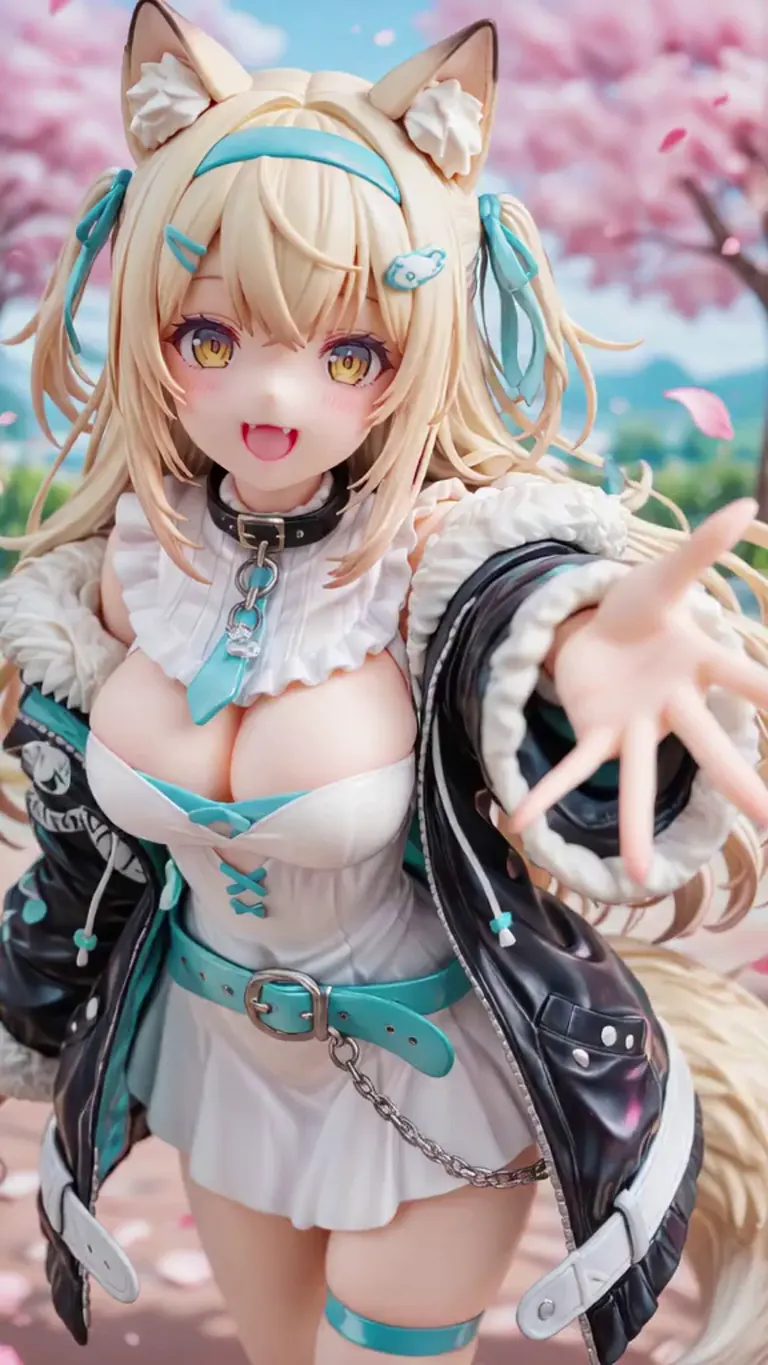
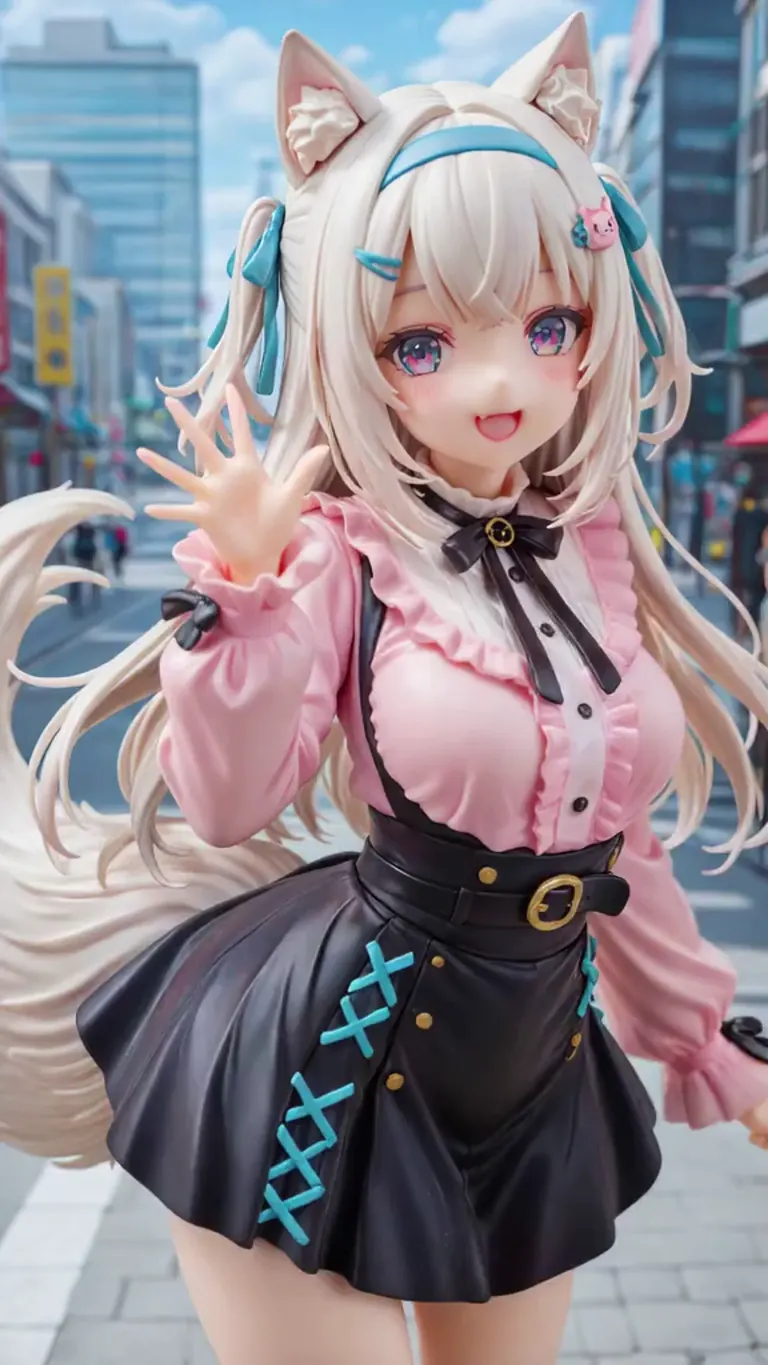
Einstellungen
Sampler
Euler a
Schritte
20
Guidance
1
Seed
-1
Größe
576x1024
Prompt
动漫转真人
Einstellungen
Sampler
Euler a
Schritte
20
Guidance
1
Seed
-1
Größe
576x1024
Prompt
动漫转真人
Einstellungen
Sampler
Euler a
Schritte
20
Guidance
1
Seed
-1
Größe
576x1024
Prompt
动漫转真人
Einstellungen
Sampler
Euler a
Schritte
20
Guidance
1
Seed
-1
Größe
576x1024
Prompt
动漫转真人
Einstellungen
Sampler
Euler a
Schritte
20
Guidance
1
Seed
-1
Größe
576x1024
Prompt
动漫转真人
Ähnliche Modelle
Badges for creators
Hast du dieses Modell gemacht? Zeig seinen Rang auf deiner Civitai-Seite, deiner Hugging Face-Karte, deinem README oder deiner Seite. Jedes Badge ist ein kleines Bild, das den Rang am Tag deines Kopierens zeigt und sich danach nie ändert, egal wie sich die Rangliste später bewegt. Das Datum ist Teil des Badges. Jedes Badge verlinkt zurück auf diese Seite.
Badge-Form


KI-Modelle für Bild-, Video- und Texterzeugung
anime to real ist ein LoRA für die Familie Wan und wird auf ModelTrends.ai gelistet, einem reinen Lesekatalog für Open-Source-KI-Modelle für Bild, Video und Text. Vergleiche es mit anderen Wan-Modellen, prüfe den Hitzewert, um den Trend zu sehen, und öffne es auf PirateDiffusion oder BitVector, um es auszuprobieren.
Nach Modellfamilie stöbern

Text / LLM-Modelle
415
Anima-Modelle
519

Chroma-Modelle
17
Flux-Modelle
1,498
Flux 2 / Klein-Modelle
1,239
MiniMax H3-Modelle
330

Hunyuan-Modelle
204

Ideogram-Modelle
20

Krea2-Modelle
676

Qwen-Modelle
20

Qwen2-Modelle
36

Ltx2-Modelle
152
Stable Diffusion 1.5-Modelle
7,042

Stable Diffusion XL 1.0-Modelle
17,420
Zimage-Modelle
815
Wan-Modelle
1,244

Model
Trends
.ai
© ModelTrends.ai
|
© 2026
|
Alle Rechte vorbehalten