Pixel Art Diffusion XL Sprite Shaper
Lokal ausführen
pixelArtDiffusionXL_spriteShaper.safetensors
6.46 GB · SafeTensor · fp16 · pruned
Downloads werden von Civitai bereitgestellt. Manche Ersteller verlangen zuerst eine Anmeldung bei Civitai.


Über dieses Modell
Vergleichen
STABLE DIFFUSION XL 1.0 · Basismodelle
PixelShaper by Yamer is a 20% merge from HuskyAI's pixel art model. This Pixel Art Diffusion is a dedicated checkpoint designed for creating pixel art style images. It has the capability to generate a wide variety of images in the pixel art style, allowing users to produce beautiful and creative artworks. While it may not focus on generating perfectly shaped pixels, it excels in delivering images with the distinctive pixel art style, offering advantages such as vibrant color saturation and the convenience of shorter prompts. You have total freedom over what this checkpoint can create, use it to generate videos or game assets or even to explore a new style. How To Use: This checkpoint can be hard to use when generating images without knowing how to get the best images with it, here is a simple list of things to follow to generate beautiful art: Keep the prompt simple, don't use extremely long prompts, focus on what you need Use "Pixel Art" at the start or in the beginning part of the prompt, this way you can be sure to achive a pixel art type of image Use words such as 16 bit, 32 and 64 bit to help the checkpoint understand the style if you are having a hard time getting pixel art When upscaling remember to use very low Denoise Strength values, don't go above 0.25 or else the image will start to distort It's preferrable if you don't use words that imply a style that is very different from pixel art, especially in the beginning part of the prompt, prompts such as: realistic, Ph
Notizen des Erstellers
For business inquires, commercial licensing, consultation and large scale image captioning for datasets contact me under , for custom LoRAs visit my .
Follow me on Twitter: Discord: yamer_ai
If you have enjoyed this checkpoint:
--> REDESTRIBUTION OF THIS MODEL TO PLATFORMS OUTSIDE CIVITAI AND SELLING IMAGES WITHOUT MY WRITTEN CONSENT IS FORBIDDEN! <---
You can contact me on Discord: (yamer_ai), Twitter: , email: or directly using the Civitai chat system for my approval.
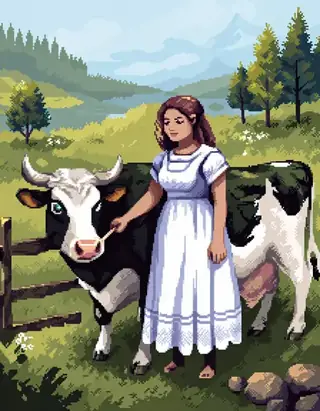
Pixel Art Diffusion is a dedicated checkpoint designed for creating pixel art style images. It has the capability to generate a wide variety of images in the pixel art style, allowing users to produce beautiful and creative artworks. While it may not focus on generating perfectly shaped pixels, it excels in delivering images with the distinctive pixel art style, offering advantages such as vibrant color saturation and the convenience of shorter prompts.
You have total freedom over what this checkpoint can create, use it to generate videos or game assets or even to explore a new style.
The VAE has been already baked in.
How To Use:
This checkpoint can be hard to use when generating images without knowing how to get the best images with it, here is a simple list of things to follow to generate beautiful art:
-
Keep the prompt simple, don't use extremely long prompts, focus on what you need
-
Use "Pixel Art" at the start or in the beginning part of the prompt, this way you can be sure to achive a pixel art type of image
-
Use words such as 16 bit, 32 and 64 bit to help the checkpoint understand the style if you are having a hard time getting pixel art
-
When upscaling remember to use very low Denoise Strength values, don't go above 0.25 or else the image will start to distort
-
It's preferrable if you don't use words that imply a style that is very different from pixel art, especially in the beginning part of the prompt, prompts such as: realistic, Photography and hyper detailed may damage the pixel art aesthetic, use those only in the last parts of a prompt (if you want to use them at all)
-
Keep in mind this is not a perfect pixel art image creator, images generated won't necessarily have pixel perfect squares, square may vary slightly in size
-
Use CFG values between 4 and 12 this way the model is more stable and can generate images better
-
Pay attention to the LoRAs you are using, some may completely remove the pixel art style from the image
What Are The Best Uses?
You have the freedom to create what you prefer, here are some fields where this checkpoint is best used:
-
Game design, generate images to use as inspiration for sprites in video games, tools, potions, armors and everything else you need for a pixelated game adventure
-
Profile pictures, use it to generate your very own and unique profile picture for all social media platforms
-
Commercial use, interested in using this for your next game/AI related projects? Contact me on my mail ()
-
Learning tool, learn how to make pixel art by generating images with this checkpoint and trying to remake it using external drawing software
-
Animations, generate videos with the pixel art aesthetic, this checkpoint can handle animations, see some examples made by RAMTHURST in the gallery below
-
Experimentation, have fun and make something really unique with it, share with friends and enjoy what you create
Creator Note:
Hi, I'm an Italian creator, I love AI and share what I create with others to spread the joy of using AI.
I craft checkpoints, LoRAs and prompts that anyone can use to generate their own art and share it. My ultimate aim is to be a good creator, sharing the models I create as a hobby with others and see other create ever better creations than the ones I upload.
The primary objective of this checkpoint is to excel in crafting pixel art at the highest capability achievable by SDXL.
Future updates aim to enhance the style, making it even more refined and stable. Delve into the realm of AI-generated art with a pixel art aesthetic, and share your thoughts in the comments below.
Don't forget to provide a review and share your pixelated creations for inclusion in the gallery! Unleash your creativity in the realm of 16-bit wonders and enjoy the process! 🤯
P͓̽e͓̽r͓̽s͓̽o͓̽n͓̽a͓̽l͓̽ ͓̽R͓̽a͓̽t͓̽i͓̽n͓̽g͓̽:͓̽
-
Quality: 9.5/10
-
Stability (Variety): 6/10, the lower = the more variety with one prompt
-
Style Flexibility: 3/10
-
CFG resistance: 12/30
-
Style strength: 9/10
-
Image Stability: 9.5/10 (how much the image looks cohesive to the human eye)
Recommended Settings:
Image Quality: 1024x1024 (Standard for SDXL), 768x1024 (Used in the showcase) 16:9, 4:3, 6:13
Steps: 30-50
-
Hires Upscaler: 4x_foolhardy_Remacri or 4xUltraSharp
-
Hires upscale: The only limit is your GPU (I upscale 1,5 times the base image, 576x1024)
-
VAE:
𝓥𝓮𝓻𝓼𝓲𝓸𝓷 2 𝓤𝓹𝓭𝓪𝓽𝓮 𝓝𝓸𝓽𝓮:
The new version uses checkpoint made by .
V2 has also been trained on more images and the pixel shape quality has been improved.
Overall detail of the generated image is better in V2.
To achieve a specific nsfw result I recommend to use a SDXL LoRA, this checkpoint can handle nsfw prompts but it is not a nsfw focused model, keep in mind that a SD 1.5 LoRA doesn't work with a SDXL models.
1) Perfect for pixel creatures, gotta generate'em all
2) Imagination is the first ingredient of AI
3) Think outside the hypercube!
-Yamer Grimlock
Triggerwörter
pixel art
64 bit
32 bit
16 bit
SHA256
7ADFFA28D4003A773C2D4E5F10AE1BA63C33573967864A7F9A4A3BE9C9F04A93
ModelTrends.ai-Modell-ID
#8975
Inhalt melden
Beispielbilder
Prompts und Einstellungen, geteilt von den Leuten, die diese Bilder auf Civitai erstellt haben. Wähle ein Bild, um zu sehen, wie es entstanden ist.
Einstellungen
Sampler
Euler a
Schritte
20
Guidance
8
Seed
4
Größe
1024x1024
Clip skip
2
Prompt
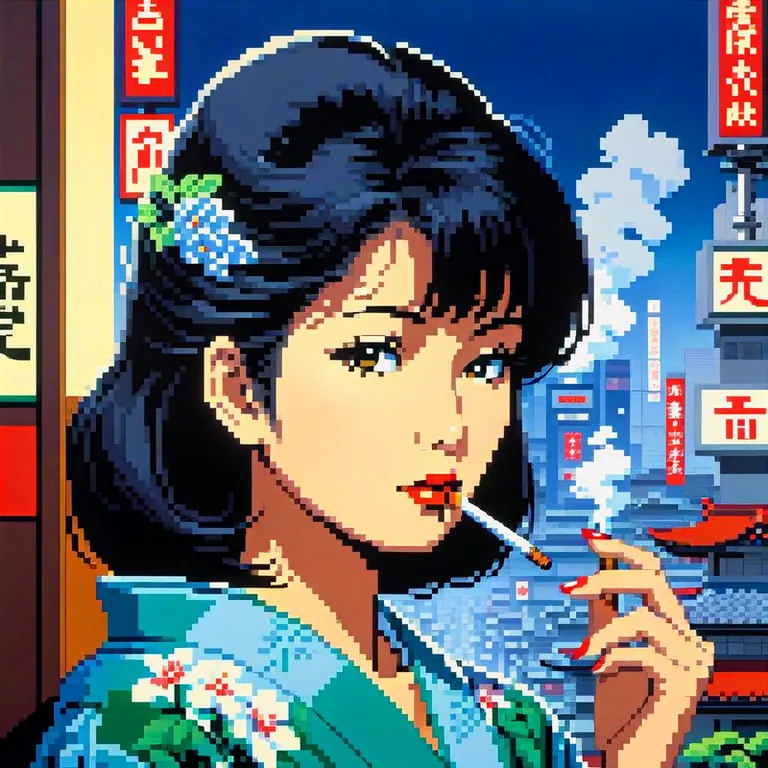
hiroshi_nagai, japanese lady smoking overlooking city, pixel
Negativer Prompt
bad quality, bad anatomy, worst quality, low quality, low resolution, extra fingers, blur, blurry, ugly, wrong proportions, watermark, image artifacts, lowres, ugly, jpeg artifacts, deformed, noisy image
Einstellungen
Sampler
DPM++ 2M Karras
Schritte
20
Guidance
3.5
Seed
2087253762
Größe
832x1216
Clip skip
2
Prompt
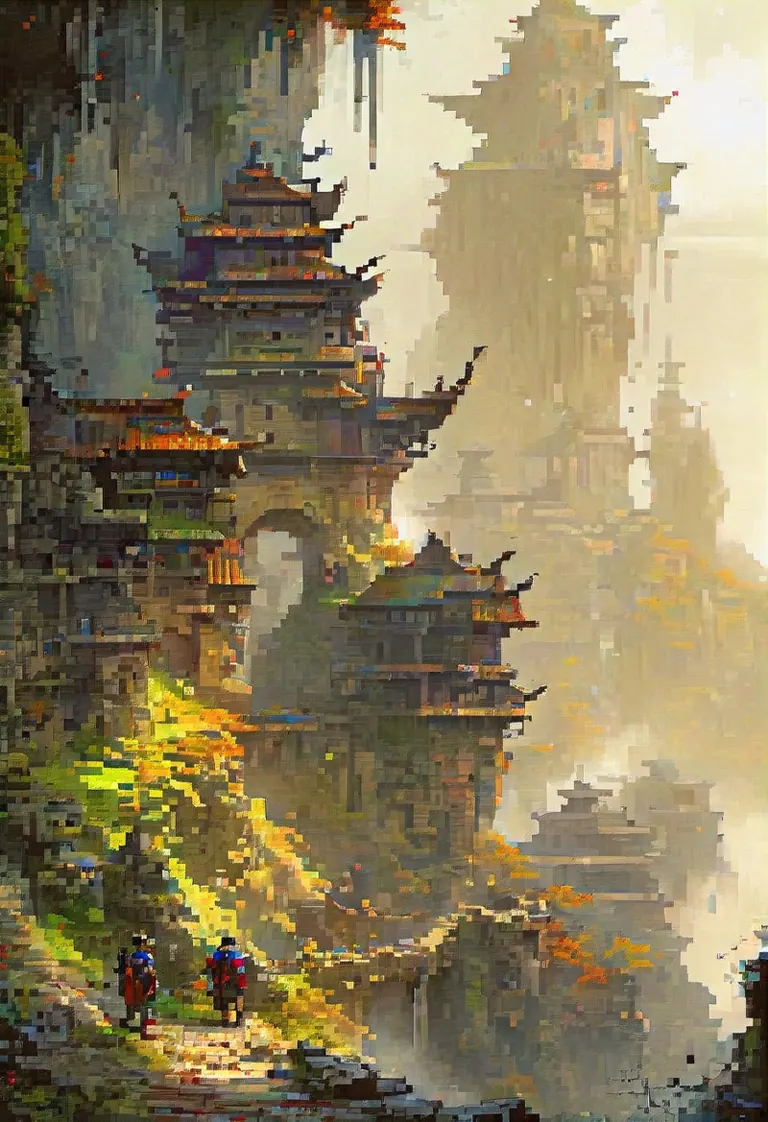
fantasy illustration by John Howe, Akira Toriyama, hyperdetailed, hyper quality, artstation winning award, bright highlights, deep shadows
Einstellungen
Sampler
DPM++ 2M Karras
Schritte
20
Guidance
3.5
Seed
2087253764
Größe
832x1216
Clip skip
2
Prompt
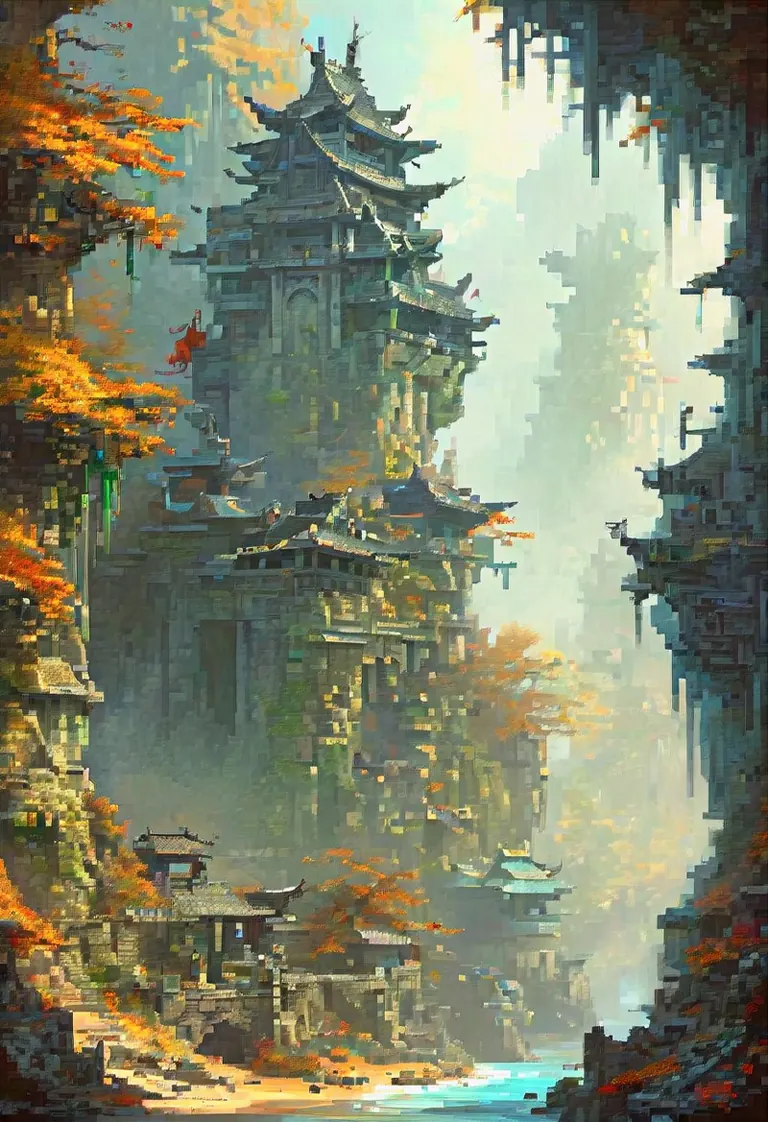
fantasy illustration by John Howe, Akira Toriyama, hyperdetailed, hyper quality, artstation winning award, bright highlights, deep shadows
Einstellungen
Sampler
Euler a
Schritte
40
Guidance
6
Seed
2733400127
Größe
576x1024
Prompt
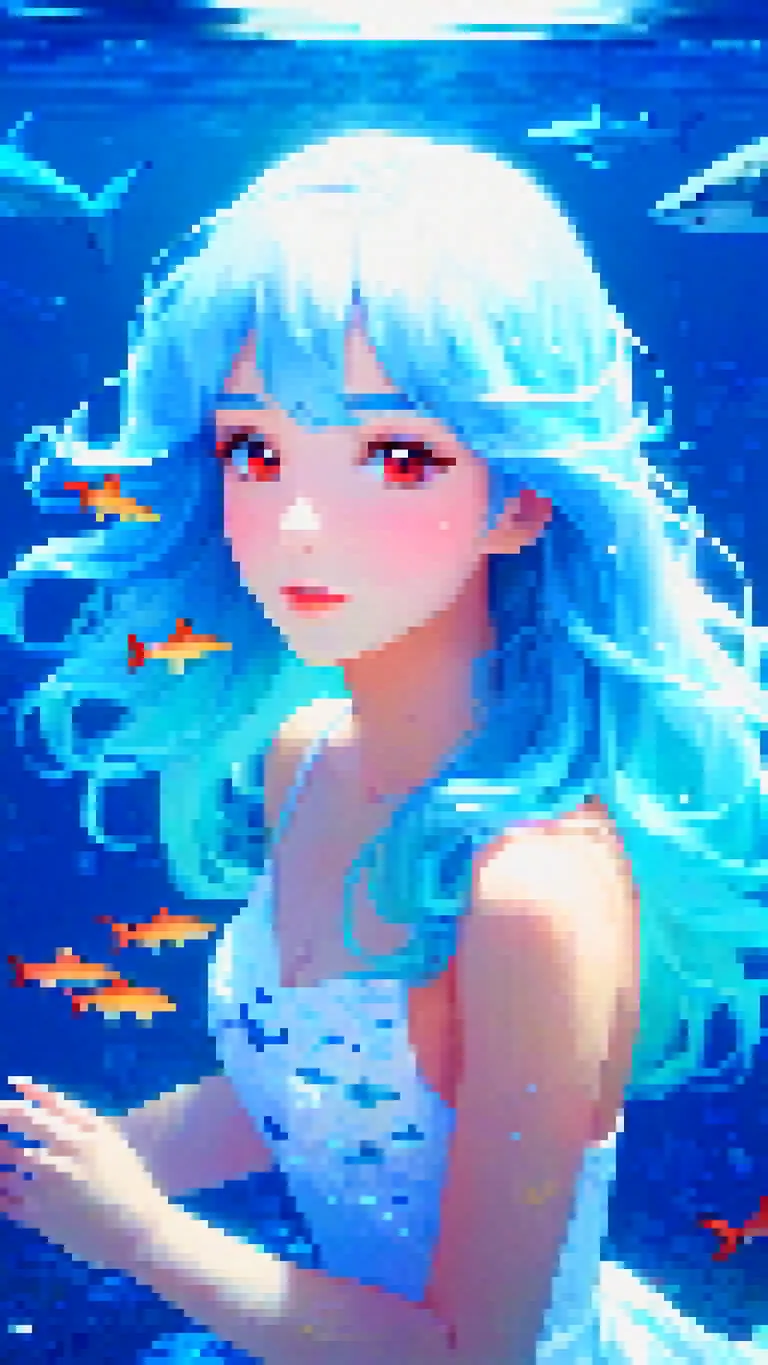
female, red under eye, under eye makeup, white eyes, white eyes, white eyelashes, blue hair, blue hair, flowing hair, flowing hair, glowing hair, glowing hair, while sharks, whale sharks, underwater, underwater, stoic face, calm face, beautiful, pretty, white dress, white dress, flowing dress, stars, stars in hair, pretty, shaded, glowing, glowing beautiful shading, glowing, under water, floating, floating
Negativer Prompt
bad quality, bad anatomy, worst quality, low quality, low resolution, extra fingers, blur, blurry, ugly, wrong proportions, watermark, image artifacts, lowres, jpeg artifacts, deformed, noisy image, deformation, corrupt image
Einstellungen
Sampler
DPM++ 2M Karras
Schritte
30
Guidance
7
Seed
376658587
Größe
832x1216
Clip skip
2
Prompt
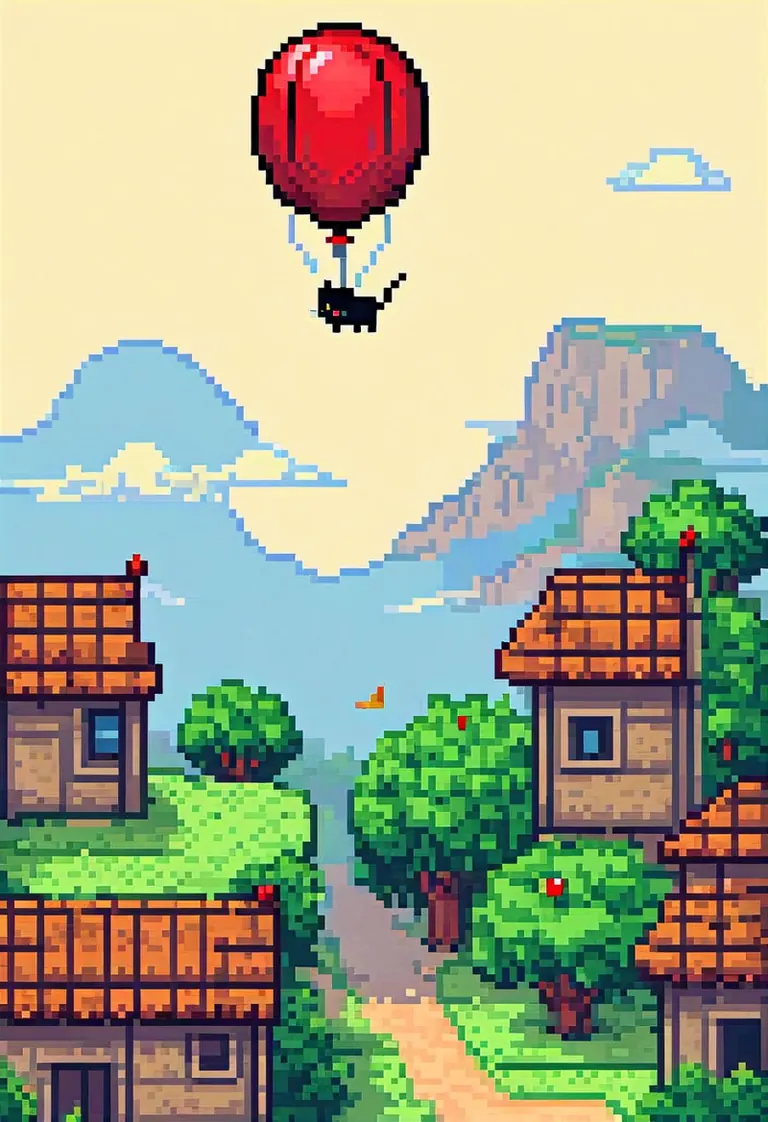
pixel art, 64, cat in a basket being flown by a red balloon, sleeping, peaceful, comic style, adventure
Negativer Prompt
score_5, score_4, watermark, signature, artist name, 3d, muscular, cum,
Einstellungen
Sampler
Euler a
Schritte
40
Guidance
4
Seed
1747542464
Größe
1024x1024
Clip skip
2
Prompt
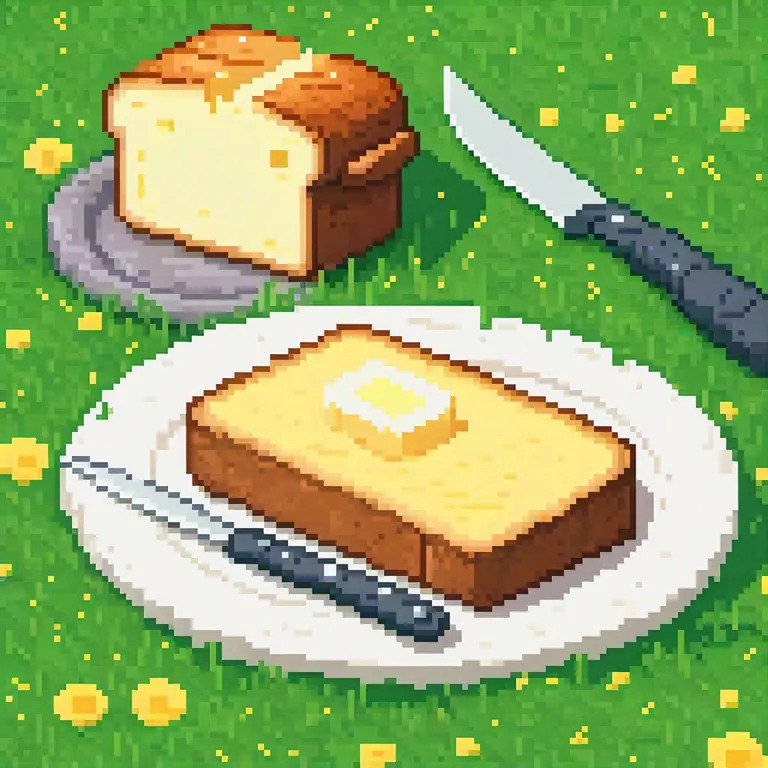
A fancy pixel art butter in grass with knife and toasted bred beside. The dish is white and simple
Einstellungen
Sampler
DPM++ 2M Karras
Schritte
23
Guidance
7
Seed
1351013523
Größe
1024x1024
Clip skip
2
Prompt
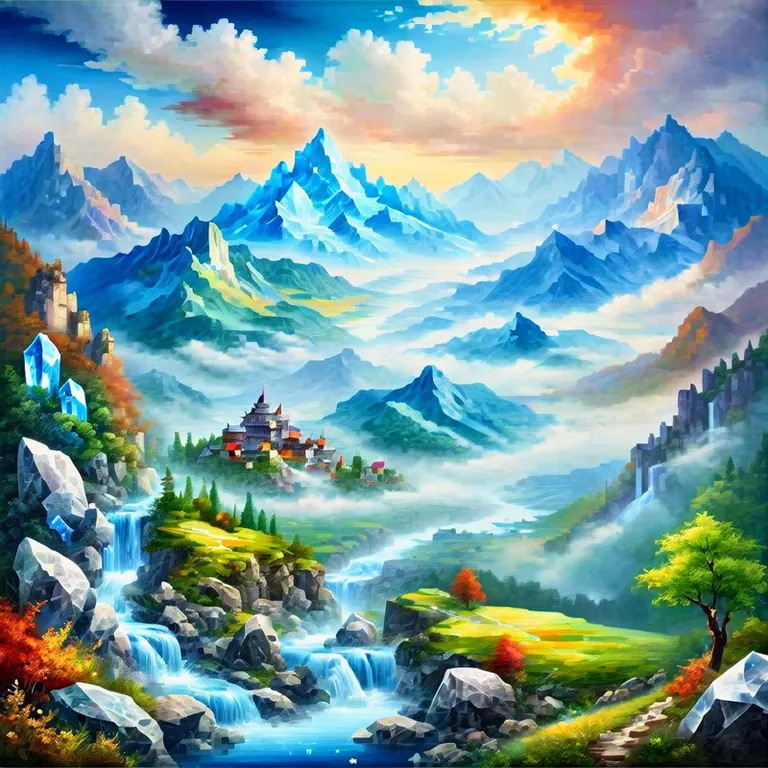
masterpiece, best quality, absurdres, year 2023, ((landscape made of crystal)), mountains, river, valley, clouds
Negativer Prompt
lowres, (bad), bad anatomy, bad hands, extra digits, multiple views,fewer, extra, missing, text, error, worst quality, jpeg artifacts, low quality, watermark, unfinished, displeasing, oldest, early,chromatic aberration, signature,artistic error, username, scan,clone
Einstellungen
Sampler
Euler a
Schritte
40
Guidance
6
Seed
2142381647
Größe
576x1024
Prompt
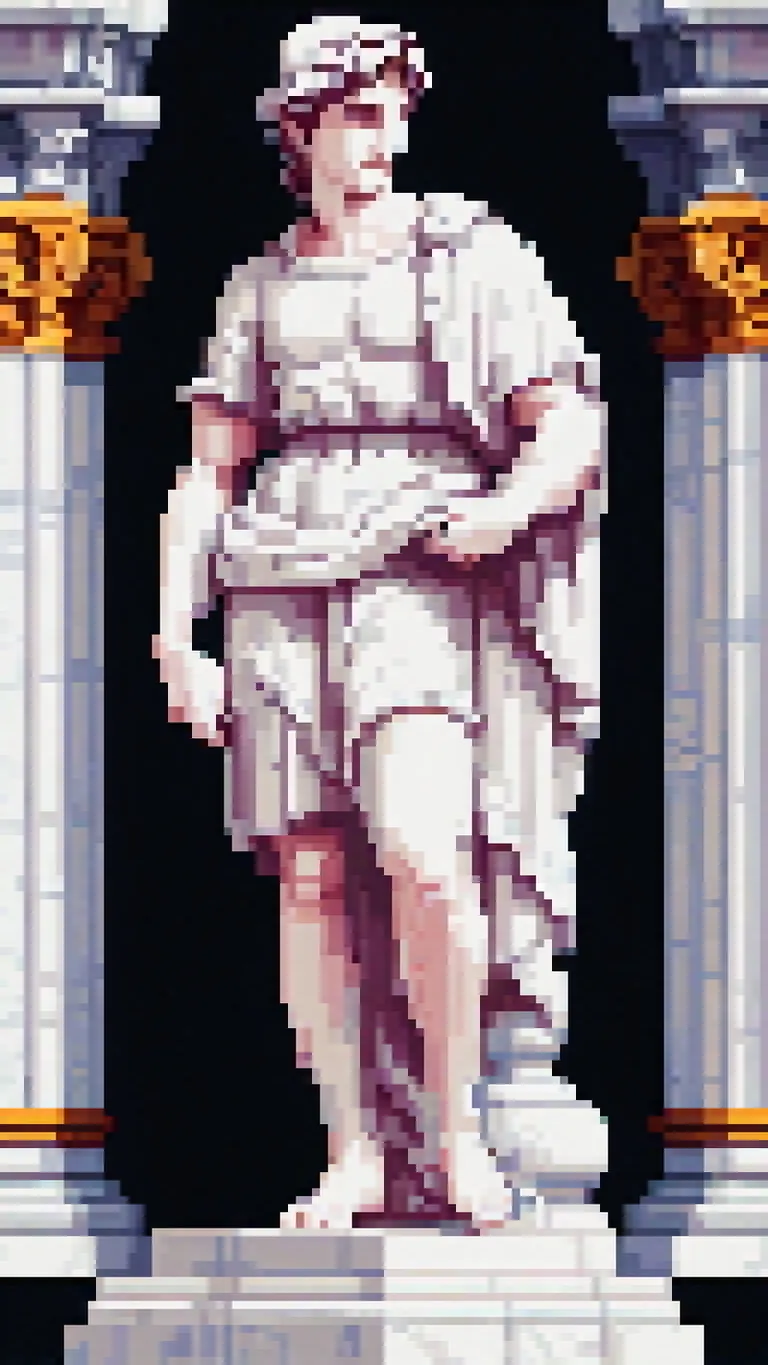
pixel art, 32 bit, a renaissance style (statue) carved out of white marble, David statue
Negativer Prompt
bad quality, bad anatomy, worst quality, low quality, low resolution, extra fingers, blur, blurry, ugly, wrong proportions, watermark, image artifacts, lowres, jpeg artifacts, deformed, noisy image, deformation, corrupt image
Ähnliche Modelle
How this score adds up
Every number on this site can be checked. The heat score of Pixel Art Diffusion XL Sprite Shaper is 8,480°, and this is the receipt: the degrees each source adds, the bonus for the kind of model and what the age of its weights takes away. Hover over or tap any item for a plain-language explanation; the glossary at the end defines every term.
7,000°
8,480°
7,000°
Floor
Every model with real popularity data starts at 7,000°. Models without any data get a lower stand-in number so the lists are never empty, and a stand-in never ranks above a model with data.
+1,332°
Civitai downloads
27,576 downloads of this exact version on Civitai. Downloads are the heaviest ingredient and are counted on a log scale: ten times the downloads adds the same 300°, so a model with a million downloads is not a thousand times hotter than one with a thousand. The five download sources share that one term, split between them in proportion to their counts.
+490°
Likes
1,839 likes and thumbs up across the sources. A like weighs half a download, on the same log scale.
+150°
Full model
+150° because this is a full model: a checkpoint, the weights themselves. A LoRA or an embedding is an add-on to someone else's weights and does not outrank a checkpoint of equal popularity.
−492°
Age of the weights
−492° because the SDXL weights came out in 2023. Every model inherits the age of the weights it is built on: 150° a year, up to 750°, and it keeps growing until then. Without it the top of the list would be 2022 and 2023 checkpoints on the strength of downloads that had years to pile up.
= 8,480°
Heat score
Step by step
- 1Start at the floor.Every model with real popularity data begins at 7,000°.7,000°running total
- 2Add the downloads.27,576 download-equivalents in all, from Civitai downloads. Ten times the downloads adds the same 300°, so size matters but never runs away with the score.+1,332°8,332°running total
- 3Add the likes.1,839 likes and thumbs up, at half the weight of a download.+490°8,822°running total
- 4Bonus for a full model.A checkpoint carries the weights themselves; add-ons do not outrank one of equal popularity.+150°8,972°running total
- 5Take off the age of the weights.The SDXL weights came out in 2023: 150° a year, up to 750°, growing until then.−492°8,480°running total
- =The heat score.Where this model stands on every list of this site. Nothing else adjusts it.8,480°
The same slices over the last twelve months, or since the model's first day. Downloads, likes and runs follow the model's reconstructed curve, the red band is the age penalty as it stood on each date, and the white line is the score. The split between the download sources is today's; the speed, the bonus and the boost are shown as they are today.
Glossary: the terms used here
Heat score
One number for how much a model is used and wanted right now, from 0° to 9,999°. Every list on this site that says hottest is sorted by it and nothing else.
Floor
The 7,000° every model with real data starts from. Numbers below it are stand-ins for models without data.
Download-equivalents
Everything the score treats as a download, added up: downloads themselves, each torrent seeder as 1,000, each AI Horde image and each run on a generation site as one.
Log scale
Counting by tens, not by ones: going from 1,000 to 10,000 downloads adds the same degrees as going from 10,000 to 100,000. It keeps giants from crowding out everything else.
Likes
Thumbs up and likes from every source, worth half a download each on the log scale.
Download speed
How many downloads a day a model gets right now, from the difference between two readings of a source. A quarter of the weight of the download term.
Measured and estimated
Measured means two readings of a source exist and the difference is real. Estimated means only today's total is known and the past is spread over the model's life; the site says which one it is showing.
Seeder
Someone who keeps a copy of the weights online for others to download over a torrent, or a hosted mirror doing the same. Each one counts as 1,000 downloads.
AI Horde
A volunteer network that generates images for free on donated computers. The number of images it has made with a model is public, and each counts as one download.
Generation sites
Sites that host their own copies of a model and let people generate with it, such as PixAI, SeaArt and Yodayo. Their downloads count like Civitai's and each generation run as one download.
Graydient runs
How often a model has been run on Graydient, counted like downloads.
Full model (checkpoint)
The weights themselves, the file that generates on its own. It gets a bonus because add-ons depend on it.
LoRA and embedding
Small add-on files that steer someone else's weights toward a style, a character or a concept. They cannot run alone.
Family and weights
The base a model is built on, such as SD 1.5, SDXL, Flux or Wan. Every model inherits the release date of its family's weights.
Age of the weights
Degrees taken off for how long ago the family's weights came out: 150° a year, up to 750°. It keeps old downloads that had years to pile up from freezing the top of the list.
Family boost
A small, bounded nudge for LoRAs of a family this site is pushing forward right now, always listed in the breakdown.
Stand-in score
A stable number below the floor given to a model no source reports on yet, so lists stay complete. It never ranks above a model with data.
Trend
How a model's growth over a period compares with the typical model's growth over the same period. Faster than typical reads as a rise, slower as a fall.
Typical model
The middle of the catalog: half the models with a figure grew faster over the period, half slower.
Beliebtheitstrend
Wie sich die Beliebtheit dieses Modells im Vergleich zum Rest des Katalogs entwickelt hat: sein Wachstum bei Downloads, Likes und Nutzung in jedem Zeitraum, gemessen am typischen Wachstum eines Modells im gleichen Zeitraum, mit dem Heat-Score zu diesem Zeitpunkt. Über dem typischen Wachstum bedeutet ein Anstieg, darunter ein Rückgang. Die Vergangenheit wird aus den heutigen Gesamtzahlen, dem ersten Tag des Modells und seiner gemessenen Download-Geschwindigkeit rekonstruiert, wenn zwei Messungen vorliegen; ein Modell, das zu Beginn eines Zeitraums nicht existierte, zeigt n/a an.
Diese Woche
▼
0.3%
8,481° damals, 8,480° jetzt
Diesen Monat
▼
1.5%
8,487° damals, 8,480° jetzt
Vergangenes Jahr
▼
11.8%
8,536° damals, 8,480° jetzt
Noch keine zweite Messung der Quellen, daher wird die Kurve die heutigen Gesamtzahlen gleichmäßig über die Lebenszeit des Modells verteilen. Sie wird genauer, wenn tägliche Synchronisierungen weitere Messwerte hinzufügen.
Erstmals gesehen am 27 Feb 2024.
Badges for creators
Hast du dieses Modell gemacht? Zeig seinen Rang auf deiner Civitai-Seite, deiner Hugging Face-Karte, deinem README oder deiner Seite. Jedes Badge ist ein kleines Bild, das den Rang am Tag deines Kopierens zeigt und sich danach nie ändert, egal wie sich die Rangliste später bewegt. Das Datum ist Teil des Badges. Jedes Badge verlinkt zurück auf diese Seite.
Badge-Form


KI-Modelle für Bild-, Video- und Texterzeugung
Pixel Art Diffusion XL Sprite Shaper ist ein Basismodell für die Familie Stable Diffusion XL 1.0 und wird auf ModelTrends.ai gelistet, einem reinen Lesekatalog für Open-Source-KI-Modelle für Bild, Video und Text. Vergleiche es mit anderen Stable Diffusion XL 1.0-Modellen, prüfe den Hitzewert, um den Trend zu sehen, und öffne es auf PirateDiffusion oder BitVector, um es auszuprobieren.
Weitere Stable Diffusion XL 1.0-ModelleWeitere Stable Diffusion XL 1.0 Basismodellegamingretrorealisticpixel-arteffectsartstylesbasemusic
Nach Modellfamilie stöbern

Text / LLM-Modelle
415

Anima-Modelle
519
Chroma-Modelle
17
Flux-Modelle
1,498
Flux 2 / Klein-Modelle
1,239
MiniMax H3-Modelle
330
Hunyuan-Modelle
204
Ideogram-Modelle
20
Krea2-Modelle
676
Qwen-Modelle
20
Qwen2-Modelle
36
Ltx2-Modelle
152
Stable Diffusion 1.5-Modelle
7,042
Stable Diffusion XL 1.0-Modelle
17,420
Zimage-Modelle
815
Wan-Modelle
1,067

Model
Trends
.ai
© ModelTrends.ai
|
© 2026
|
Alle Rechte vorbehalten