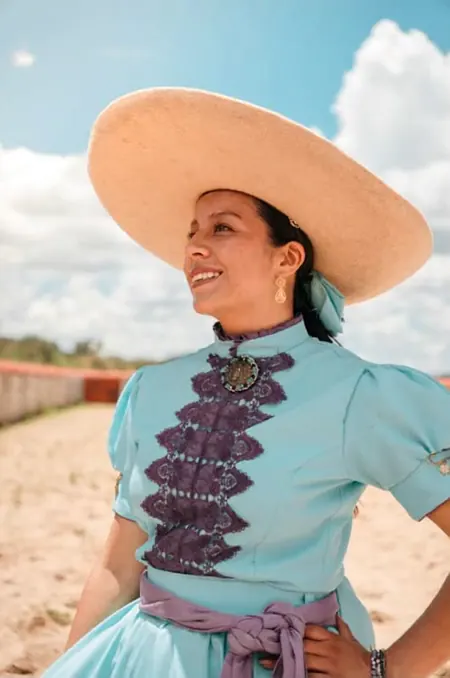
Autoplay
Run Locally
[WAN2.2]Metalcification_Redmond_low_noise.safetensors
146 MB · SafeTensor
Downloads are served by Civitai. Some creators ask for a Civitai login first.


About This Model
WAN · LoRAs
by artificialguybr - [WAN2.2] Metalcification - Redmond - I2V - 14B
Creator notes
💖 Support My Work & Explore More
If this model is useful to you, your support helps me keep publishing free models and open-source AI tools.
-
Patreon:
-
Ko-fi:
-
Buy Me a Coffee:
Discover more of my models, projects, and practical AI resources:
-
Portfolio: — models, projects, and experiments.
-
Prompt library: — curated prompts for image and language models.
-
AI tools directory: — a curated directory of useful AI tools.
-
Twitter/X: — new models announced here first.
Special Thanks: This project was made possible thanks to generous sponsorship and GPU time provided by Redmond Ai. We are grateful for their support in training this LoRA.
Metalcification LoRA for Wan
Model Description
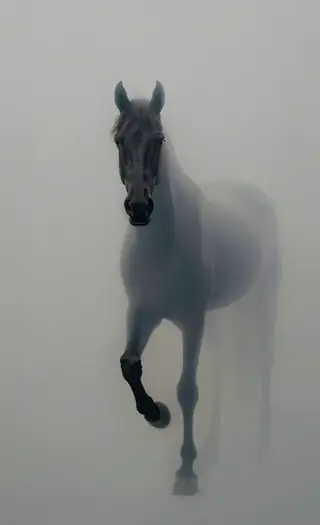
This LoRA specializes in creating mesmerizing metalcification effects - the transformation of objects into metallic forms. Watch as everyday materials gradually transform into stunning metallic surfaces with realistic textures, reflections, and properties. The model captures the gradual process of metallization with beautiful visual effects.
Trigger Words
The trigger phrase is Metalcification.
For best results, use “Metalcification” in your prompt when describing a scene. The model will create a transformation sequence where objects gradually turn into metallic versions of themselves.
Setup for ComfyUI
To use this LoRA in ComfyUI, simply place the files in your loras directory:
-
Download both [WAN2.2]Metalcification_Redmond_low_noise.safetensors and [WAN2.2]Metalcification_Redmond_high_noise.safetensors and place them in ComfyUI/models/loras/
Ensure your ComfyUI environment is already configured to run Wan models.
Example Workflow (ComfyUI)
In your ComfyUI workflow, add a Load LoRA node after your base model loader.
-
Load your base Wan model.
-
Connect the output of the model loader to the model input of the Load LoRA node.
-
Select [WAN2.2]Metalcification_Redmond_low_noise.safetensors and [WAN2.2]Metalcification_Redmond_high_noise.safetensors in the Load LoRA node.
-
Connect the MODEL output of the LoRA node to your KSampler.
-
Adjust the strength_model as needed (0.8-1.0 is a good starting point).
Example Prompts
Here are some example prompts to get you started with Metalcification:
-
Metalcification
Trigger words
Metalcification
SHA256
9956951204E347A4C5636189EED2961D686C2A8665BB0EF4847C881DC5520128
ModelTrends.ai Model ID
#24299
Flag content
Similar Models
AI Models for Image, Video & Text Generation
metalcification low wan is a LoRA for the Wan family listed on ModelTrends.ai, a read-only catalog of open source AI image, video and text models. Compare it with other Wan models, check its heat score to see how it is trending, and open it on PirateDiffusion or BitVector to try it.
Browse by Model Family

Text / LLM Models
411

Anima Models
509
Chroma Models
14

Flux Models
1,071

Flux 2 / Klein Models
1,237

MiniMax H3 Models
331
Hunyuan Models
197

Ideogram Models
20

Krea2 Models
674

Qwen Models
17

Qwen2 Models
36

Ltx2 Models
150
Stable Diffusion 1.5 Models
6,465

Stable Diffusion XL 1.0 Models
15,432
Zimage Models
804

Wan Models
919

Model
Trends
.ai
© ModelTrends.ai
|
Made in Japan
|
© 2026