Run Locally
kegant_v40NAIXLVPREDAIO.safetensors
6.46 GB · SafeTensor · fp16 · full
Downloads are served by Civitai. Some creators ask for a Civitai login first.


About This Model
STABLE DIFFUSION XL 1.0 · Base Models
by Skyger - kegant PDXL is a pony based model focused on mutating pony to a more retro and gritty appearance while focusing heavily upon lighting effects.Tips: Sampler: Eular A / DPM++A Schedule Type: Karras Steps: 20 - 30 CFG: 1.5 - 5 Clip Skip: 2
Creator notes
kegant
workflows (comfyui):
✨ v4 (NAI) ✨
✨ v4 (CHROMA) ✨
✨ v1-v3: ✨
if you aren't using comfyui, GL!
V4 CHROMA UPDATE: Due to popular request, I have trained the model Chroma upon the v4 dataset. I don't know this model as well as SDXL but I figured I'd release it for public consumption either way. It is drastically different than the previous versions of kegant as this is not an AIO but a raw UNET, which means you'll need the clips associated with flux/chroma. The clip locations of the ones I'm using can be found in the workflow posted above.
V4 NAI UPDATE: V4 is a lot of the V3 dataset, although some images were pruned, but most importantly it is a switch from pony to noobai-vpred as the base model. As such, follow conventions appropriate to how noobai was trained with proper danbooru tags. For help, view some of my published images for tagging styles that I usually put at the start of my prompts. The main reason for comfyui usage is to tone down the saturation and contrast of vpred. While the showcase images are all at full denoise, it is highly recommended to turn the main ksampler down to .8 denoise. The reason for this is due to the way the denoising patterns work on vpred models is much different than eps (or epsilon models). This version is not perfect and likely will need a revision as some tags like blur and depth of field are still a bit of an issue. Use things like 'blur' or 'depth of field' in negatives if it keeps going too strong for your tastes and it should fix it up right for you. If you're stuck using the generator and can't make manual sampler changes such as what I'm doing in the attached comfyui workflow for V4, then putting things like 'red_theme' AND 'blue_theme' in negatives can help, but honestly, if you're using this checkpoint, you probably should just use the attached workflow and see how I am using it.
With that said, none of the showcased images were photoshopped or editted post comfy, nor i2i'd, but I AM using a face detailer. This checkpoint struggles harder than the previous pony ones with far away shots, such as 'full_body' or 'wide_angle' for faces, so a face detailer is highly recommended for this version. There is a face detailer attached to the v4 workflow. Its really not hard to set up and they run faster than a full latent anyway and very much so improve faces from far away. I'm using this guys guide here (and it works great):
V3 UPDATE: V3 is mostly a monsters update, with a few cameos but more importantly it is a finer grain control over artistic elements. I have done some obscene things with this version such as manually editting a lot of the source images by hand in gimp to remove as many jpeg artifacts as humanly possible. Watermarks are non existent and aren't necessary to negatively tag, plants and fauna issue has been rectified, and hopefully males are easier to generate as I added a lot. To see the full tag list of the images I've included in this update its under 'about the version'. Many images in v3 have been tagged with very powerful monikers, namely 'film grain, halftone effect, dark fantasy, muted colors, sepia'. You may see me frequently use them because the source images my prompts are pulling from contained those elements within the source. If you don't wish to see any of those and standard anime, use those in negatives. The style is so strong in some cases that it may bleed if no prompt is issued. Some weapons were added, namely swords, guts's 'massive sword', and katana work (from Cis). Generating images with weapons is always going to be painful no matter how good you are at prompting due to SDXL's limitations, but hopefully some of those added images of katanas and swords will help guide the model into more accurate poses with them.
V2 UPDATE: V2 is the first version I have trained and influenced myself manually. It is still mostly the same stack as V1, however some weights have been lowered and the images I have added and trained fixed a few issues V1 was having. V2 focuses more upon desert style lighting and effects, as well as changed the artistic style slightly for a bit smaller eyes and a bit smaller lips. The lighting has only gotten more ridiculous in this version and I feel if I try to do much more with lighting the whole thing will collapse. I guess we can call this the kegant dune update.
kegant PDXL is a pony based model focused on mutating pony to a more retro and gritty appearance while focusing heavily upon lighting effects.
It primarily focuses around the baked version of 5 separate loras and 1 embedding into the ponyv6 model. These models are:
If you can't see the image the following settings were used during the bake:
-
Kenva: .8
-
ExpressiveH: .8
-
GLSHS: .8
-
add_detail: .5
-
negativeXL_D: 1
-
Concept Art Twilight: .3
Please note that this model has biases in generating females, and prefers to keep subjects not too far away, and not too close. Producing full body may be a little difficult but keep in mind if you specify things like 'shoes', 'boots' or 'feet'/'toes', it will much more be inclined to give you those full body examples you desire. Remember -- This is a pony based checkpoint. It much prefers danbooru style tagging instead of plain english. Sometimes, less is more. Overloading a prompt with too many tags makes it harder for it to understand what to do. If full body is important to you, tag that at the start of your prompt as the higher up in the prompt something is, the more importance it gives it. You can also weight it manually which will help further. I leave all my prompts open on this checkpoint if you are seeking guidance on how to use it.
With that said, this checkpoint isnt as flexible as the goat (aka v6), however what you pay for in flexibility, you gain the additional lighting, artstyle, and speed of generation. To gen the same stack of images with all of the associated loras baked in is about 3 times the speed vs if you did it with v6 and the entire stack, which was
SHA256
C601BD7DEC9E7C23BA6203B756A9327CF7EA9B4F735E0824BFC8D4F6715BFECD
ModelTrends.ai Model ID
#13949
Flag content
Example renders
Prompts and settings shared by the people who made these renders on Civitai. Pick a render to see how it was made.


Settings
Sampler
DPM++ 2S a
Steps
50
Guidance
4
Seed
100
Size
1248x1407
Prompt
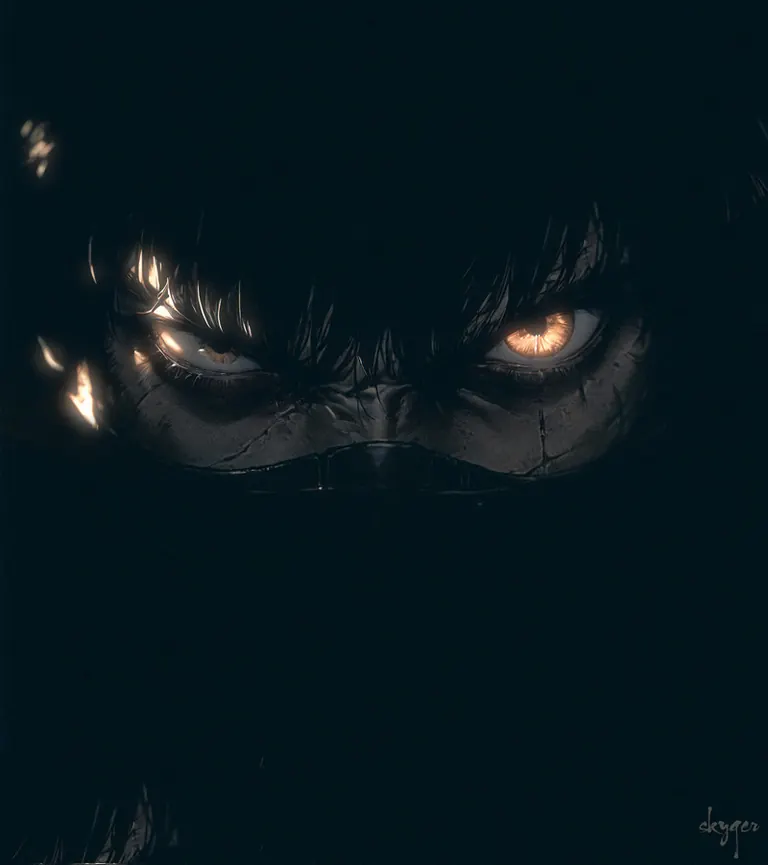
(very awa, masterpiece, best quality, newest, highres, absurdres, ultra-detailed, very aesthetic, HDR), stylized manga, solo, 1boy, close-up, uneven_eyes, fierce, covered_mouth, dark, looking_at_viewer, determined, fierce, scar, bandit, night, long hair, chiaroscuro,
Negative prompt
worst quality, low quality, ugly, multiple_views, smudge, streak, pale skin, painterly, heterochromia
Settings
Guidance
0.5
Seed
1901786498
Size
1188x1740
Prompt
low motion video (loop): a cinematic epic shot of a lone person facing a giant dragon. the mist on the ground is slowly moving and the hair is flowing in the wind.
Negative prompt
blurry
Settings
Size
1080x1350
Prompt
music used: the prodigy - mindfields - the fat of the land ---
sound bytes: star wars episode 3 - revenge of the sith -------
source image: https://civitai.com/images/100574872 --------
video generated using midjourney i2v.
Settings
Steps
30
Guidance
8
Seed
77429016015769
Size
2048x3072
Prompt
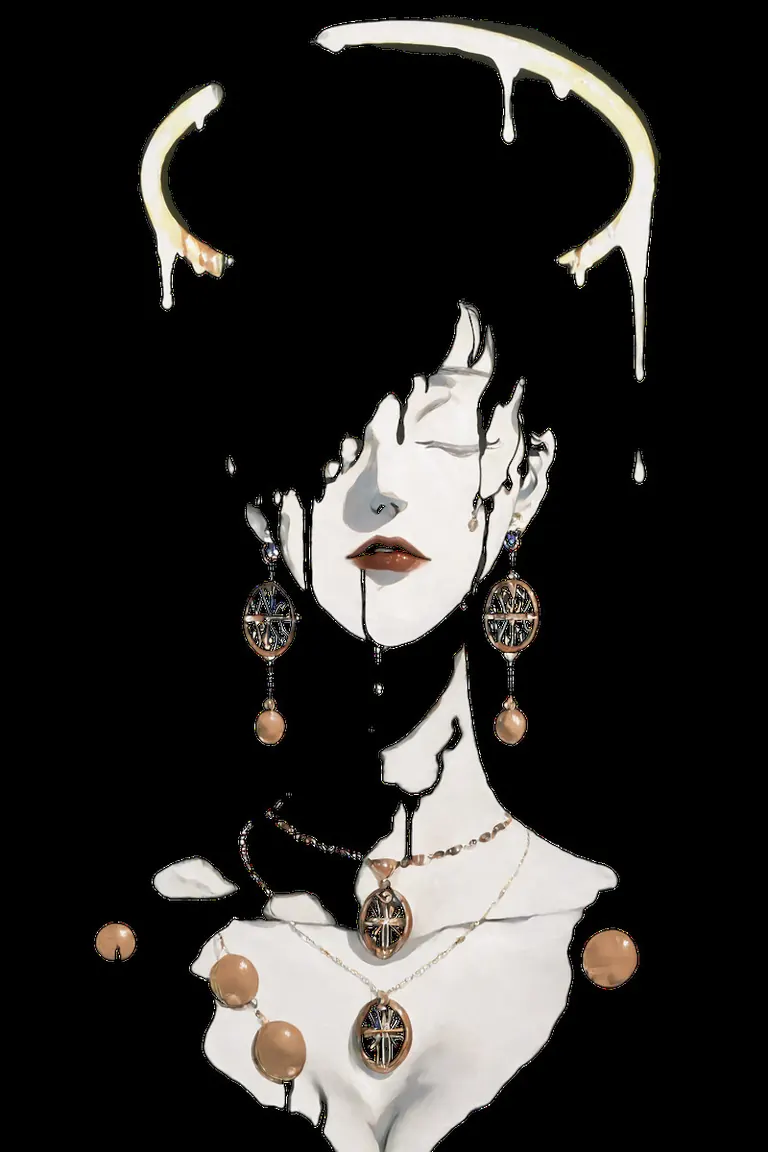
s3lfxp, blending, no lineart, negative space, surreal, portrait,
1girl, inverted bob, (covered eyes:1.3), lips, cleavage, lipstick, halo behind head, melting halo, dripping halo, earrings, necklace, locket,
embedding:IllusP0s,
Negative prompt
embedding:IllusN3g, eyes,
Settings
Steps
30
Guidance
4
Size
1458x2000
Prompt
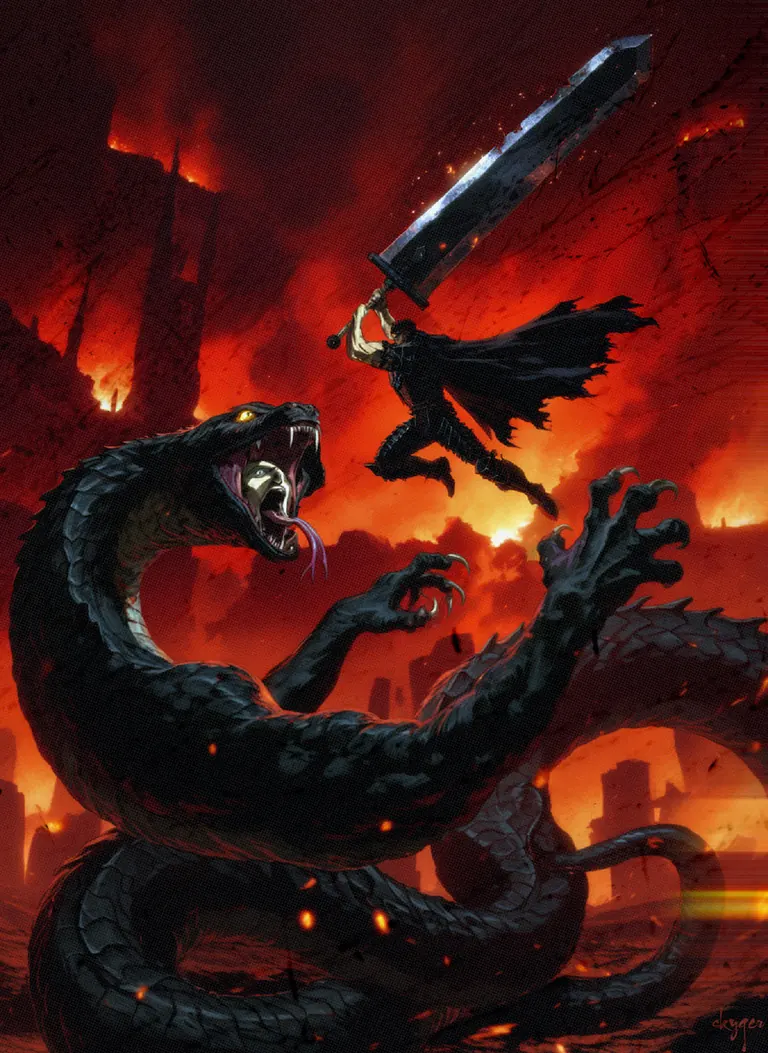
masterpiece, best quality, amazing quality, very aesthetic, absurdres, dated, dark fantasy, 1990s_(style), halftone, cinematic, epic, anime_screencap, wide angle, from side, 1boy, monster, guts_\(berserk\), black armor, holding weapon, huge sword, dragonslayer_\(sword\), black cape, mid-air, jumping, attacking, embers, giant snake, cobra, cobra hood, black scales, open mouth, gaping maw, (human face inside mouth:1.3), pale skin, looking up, (looking at another), (duel), forked tongue, sharp teeth, eyes inside of mouth, fire burning city, night, red sky, hell, ash, sparks, claws, anime_coloring, reflected light, rim lighting, ink splatter, speed lines, halation, blood rain, burning buildings, black buildings
Negative prompt
worst quality, low quality, normal quality, ugly, multiple_views, 4koma, 2koma, loli, scanlines
Settings
Sampler
DPM2 a
Steps
30
Guidance
5
Seed
67
Size
1152x1878
Prompt
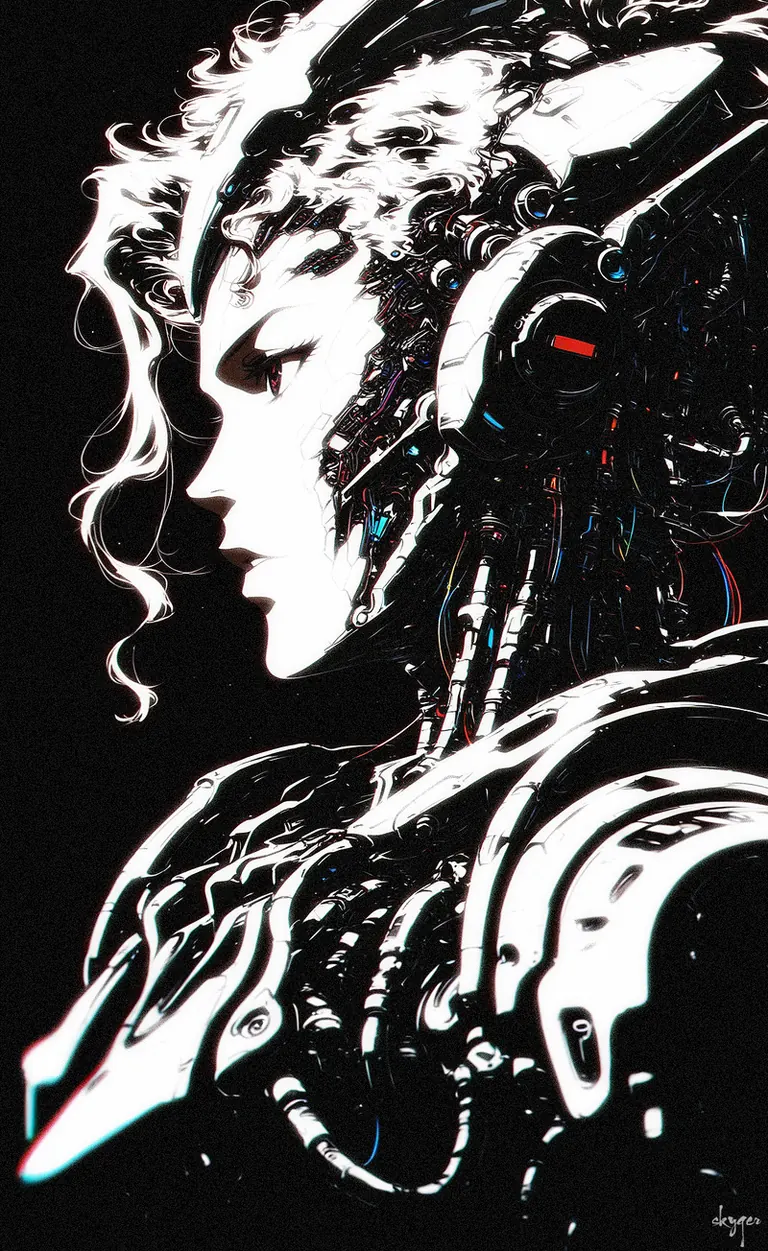
(very awa, masterpiece, best quality, newest, highres, absurdres, ultra-detailed, very aesthetic, HDR), intricate details, cinematic lighting, dramatic lighting, sharp focus, deep focus, depth of field, (chromatic aberration:1.3), (light particles), (anaglyph:1.2),
solo, androgynous, ambiguous gender, cyborg, (futuristic android:1.2), high tech, sleek, elegant, profile, from side, (mecha_headgear:1.4),
exposed wiring, glowing circuitry, mechanical parts, glow, metallic texture, (loose_hair_strand:1.3),
monochrome, desaturated, muted colors, deep shadows, shade, black background, spot color, small red lights
Negative prompt
worst quality, low quality, normal quality, ugly, multiple_views, 4koma, loli, gradient, glowing eyes, blurry
Settings
Sampler
Euler a
Steps
40
Guidance
4
Seed
541
Size
1152x2016
Prompt
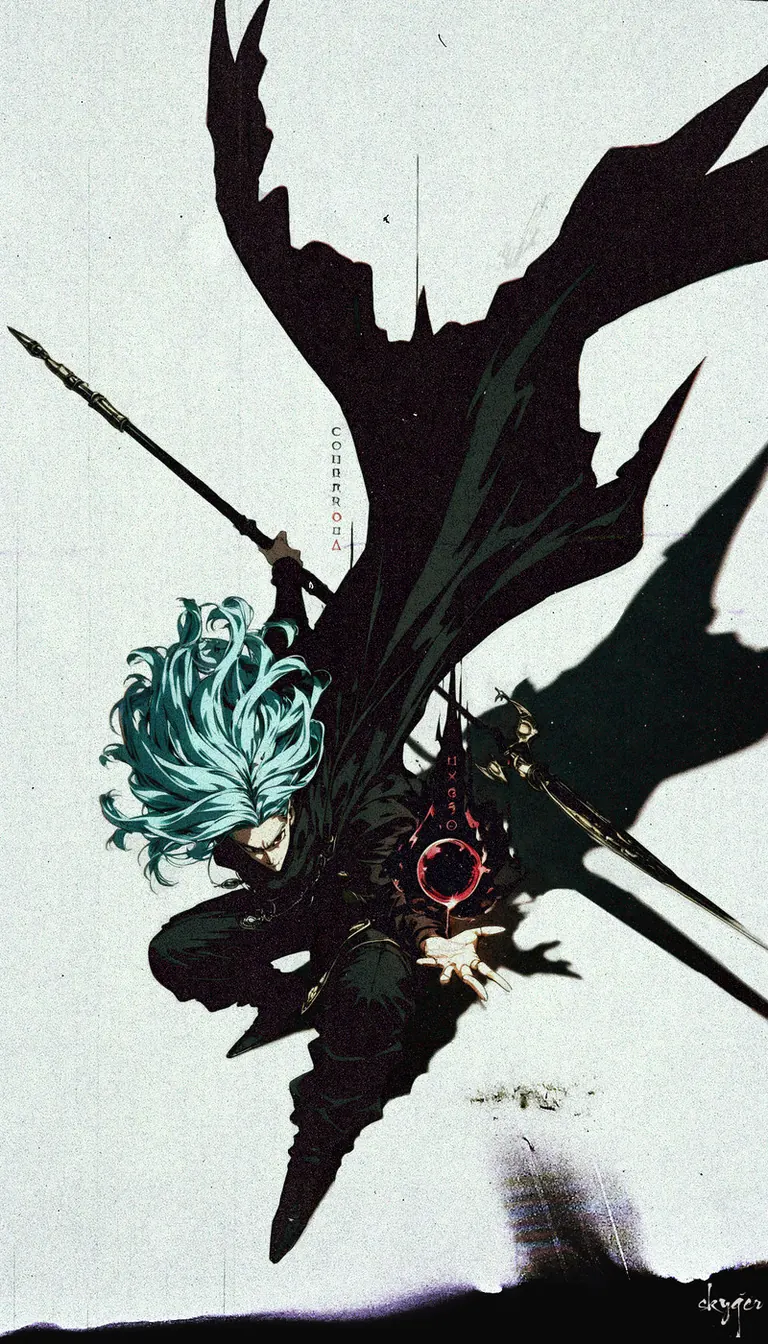
(very awa, masterpiece, best quality, newest, highres, absurdres, ultra-detailed, very aesthetic, HDR), solo, 1boy, (magus_(chrono_trigger)), fantasy, shadow, (chromatic aberration:1.3), (dynamic angle), hand, (shadow magic), (black magic:1.3), (negative space), (extreme film grain), (heavy film grain), (film grain tear), (film grain burn), determined, widow's peak, light blue hair, dark red eyes, cloak, magical runes, exotic jewelry, (futuristic jewelry), vampire, sleak, geometric, high fantasy, dynamic color, graphic, epic, cinematic, dated, volumetric light
Negative prompt
worst quality, low quality, ugly, multiple_views, 4koma, gradient, spikes, scanlines, loli, spiked_hair, blurry
Settings
Sampler
euler_ancestral_karras
Steps
30
Guidance
3.5
Seed
59
Size
832x1216
Prompt
very awa, masterpiece, best quality, newest, highres, absurdres,
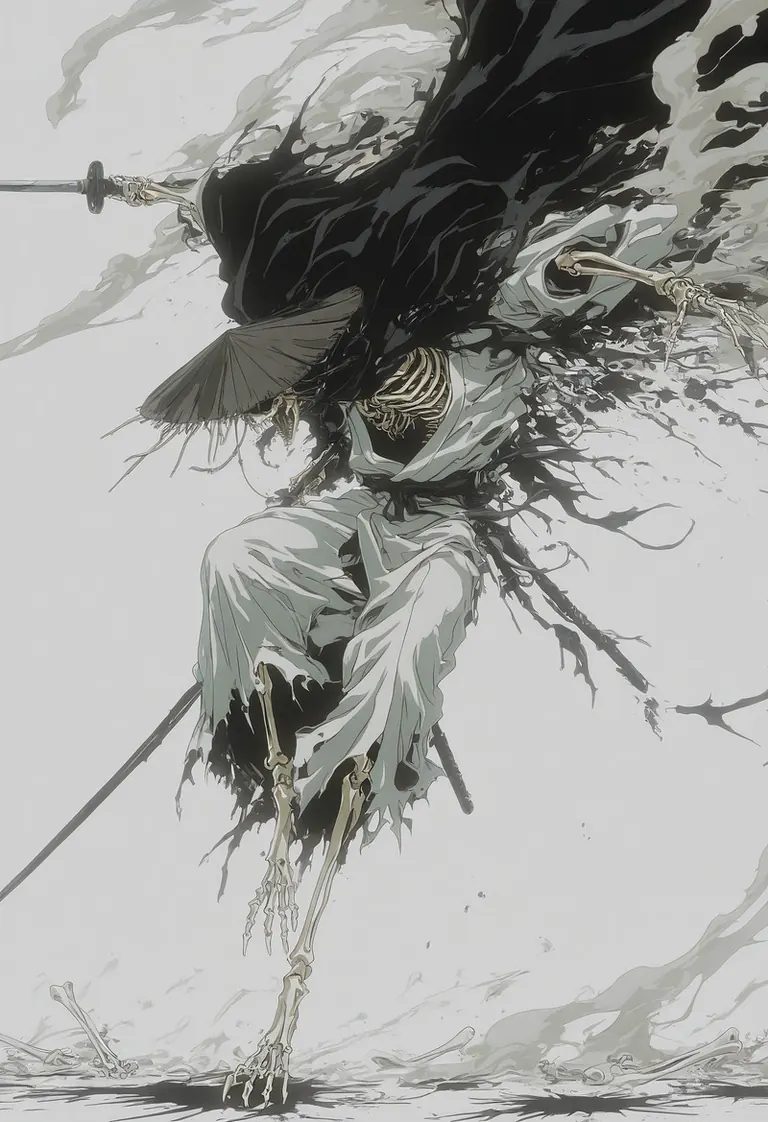
(fantasy), (dynamic), manga, solo, smoke, 1boy, sliding, full body, stylized anime screencap, monster, detailed kimono, white kimono, embroidery, torn clothes, torn cape, holding, holding katana, weapon, oriental, ink blot, black ink splatter, abstract, white rice_hat, wide_brimmed_hat, straw hat, tassels, ninja, white background, attack, ribs, bone hands, hat_over_eyes, skeletal toes, open mouth, sharp teeth,
Negative prompt
worst quality, low quality, ugly, multiple_views, simple background, blur, projected inset, muscles, muscle, muscular, blue bones
Similar Models
AI Models for Image, Video & Text Generation
kegant xl is a base model for the Stable Diffusion XL 1.0 family listed on ModelTrends.ai, a read-only catalog of open source AI image, video and text models. Compare it with other Stable Diffusion XL 1.0 models, check its heat score to see how it is trending, and open it on PirateDiffusion or BitVector to try it.
More Stable Diffusion XL 1.0 modelsMore Stable Diffusion XL 1.0 Base Modelsponytypeanimeretrolightingbasestylegritty
Browse by Model Family

Text / LLM Models
411
Anima Models
509
Chroma Models
14
Flux Models
1,071
Flux 2 / Klein Models
1,237
MiniMax H3 Models
331
Hunyuan Models
197
Ideogram Models
20
Krea2 Models
674
Qwen Models
17
Qwen2 Models
36
Ltx2 Models
150

Stable Diffusion 1.5 Models
6,465
Stable Diffusion XL 1.0 Models
15,432
Zimage Models
804
Wan Models
919

Model
Trends
.ai
© ModelTrends.ai
|
Made in Japan
|
© 2026