

About This Model
MINIMAX H3 · LoRAs
by JonXL - Minimax H3 Photorealistic Image Generator
Creator notes
JonXL's Minimax H3 Photorealistic Image Generator (LORA + Workflow)
Consider to download the workflow (from 'optional downloads') for easier image extraction.
A conceptual lora and workflow to create high resolution photorealistic images with Minimax H3.
Remember image generation on WAN? Now you can generate images with H3 too.
Photorealistic datasets and special training has made it possible to create a photorealistic image generation lora for Minimax-H3, with output up to 3840x2176.
With two types of available workflows, the photorealism image lora is used to either capture the first and last frame out of a 22 frame video (Default) or generates 1 frame (Cicaloo Node+VAE).
Pick either the 3780 or 3990 step variant. Lora 3990 seems to be more vibrant / contrasty and sharper detailed.
Text 2 Image
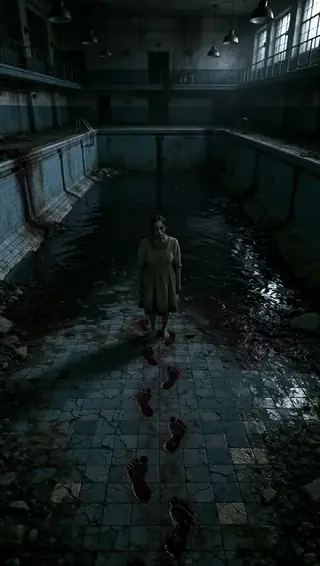
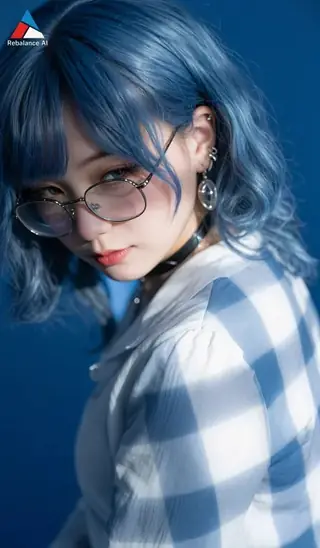
This lora has been originally developed with the intent to generate photorealistic images from text.
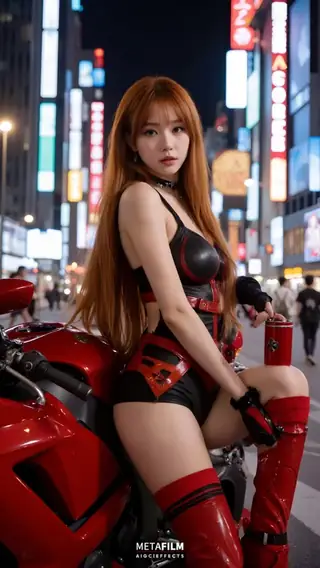
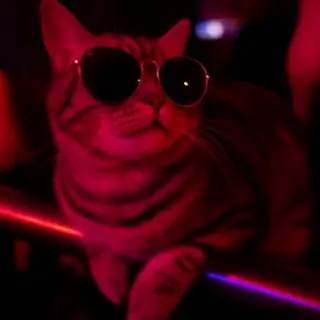
Example from Text to Image
Image 2 Video
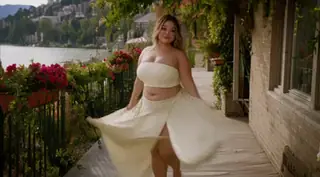
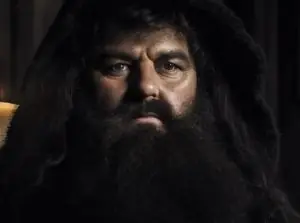
You can also use the "Image2Video" mode to inject an input image into a new output. Results may vary, lora strength may play a factor.
All images above were made using the "Default workflow".
Reference Model:
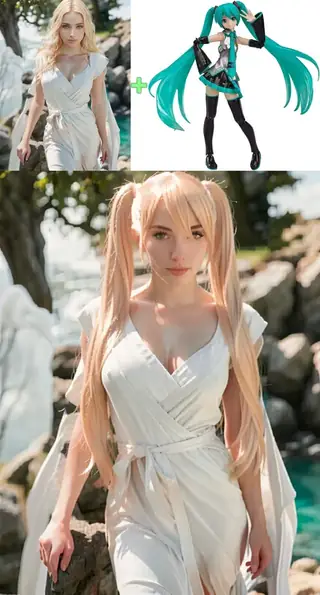
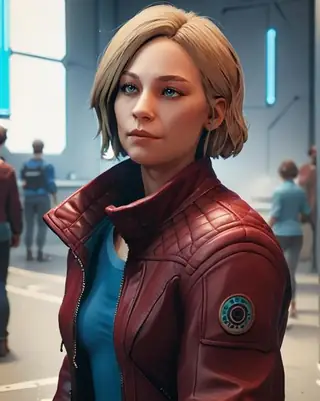
With support for reference model in the default workflow (not the 1 Frame workflow), you can also use the ph0t0r34l lora with a references.
You can try either the FL2VA model or REF2FLVA model, both may yield different results.
Cicaloo 1 Frame node support
As of 26.08, two additional workflows using "Cicaloo 1 Frame node" have been added.
Speed up times on my 5090 are about 5 times faster for a 3840x2176 image generation at 55 seconds vs 5 minutes+.
My recommendation is to use the "Default workflow" up to 2560x1440 for best quality and the "Cicaloo 1 Frame workflow" for renders up to 3840x2176 higher resolution.
Comparison 4K:
JXL_IMGEN_DEF_V4b_single_lora workflow
0.9 lora strength - cfg 1 - 5 minutes 53 seconds
JXL_IMGEN_1FRAME_T2I_v4 workflow (CICALOO 1 Frame node - based)
1.5 lora str / cfg 1.5 - 55 seconds
Note: Adjusting lora strength and CFG can have an effect on sharpness versus stability.
Prompt:
ph0t0r34l, A twenty four year old blonde female looking out a rain-streaked train window, blurred landscape passing by, soft interior lighting, introspective and melancholic , depth of field
Pro tip: The 1 frame gen workflow works quite well at 3840x2176. If you can afford it, try running it at 40 steps for best results.
Authors comment
Feel free to post your safe for work results on this LoRa's page too!
Please enjoy making content and experimenting with this photorealistic lora and workflow!
Usage:
-
Preferably, use the following trigger word to activate the image generation
-
ph0t0r34l
-
Seems to work very well on resolutions up to 2560x1440 resolution (Default workflow) and 4K when using the Cicaloo workflow.
-
The lora when run at lower lora strength can also help bring out any of your character loras n a more static position.
-
As an experiment, you could try increasing/decreasing lora strength and maybe combining both loras with different strengths. 1.0 lora strength is standard for "default" ans 1.5 for the Cicaloo workflow.
-
Let me know your feedback, as I believe this is the only photorealistic image generator that exists for H3 so far :)
Known issues:
-
The workflow might complain about an image needed to be loaded, just feed it an image (ignore that it will have any effect though)
-
You may need to install some frequently used nodes, mostly Kijai's nodes and VideoHelperSuite
-
-
When using the Cicaloo workflows, make sure to clone the custom node and download the special VAE, no turbo lora required.
-
Comparisons:
Left is with lora, right is without lora.
Right click, open image in new tab, notice the difference in sharpness and contrast.
Trigger words
ph0t0r34l
SHA256
446F508A699A0DFE53EC97367EB52E802A88643ABEC6FB1BC63A5A5B93B7747D
ModelTrends.ai Model ID
#26900
Flag content
Similar Models
AI Models for Image, Video & Text Generation
photorealistic h3 is a LoRA for the MiniMax H3 family listed on ModelTrends.ai, a read-only catalog of open source AI image, video and text models. Compare it with other MiniMax H3 models, check its heat score to see how it is trending, and open it on PirateDiffusion or BitVector to try it.
More MiniMax H3 modelsMore MiniMax H3 LoRAsphotographyrealisticvideophotorealismstyleimage generationh3 image generator
Browse by Model Family

Text / LLM Models
411

Anima Models
509

Chroma Models
14
Flux Models
1,071
Flux 2 / Klein Models
1,237
MiniMax H3 Models
331
Hunyuan Models
197

Ideogram Models
20
Krea2 Models
674
Qwen Models
17

Qwen2 Models
36

Ltx2 Models
150
Stable Diffusion 1.5 Models
6,465
Stable Diffusion XL 1.0 Models
15,432
Zimage Models
804
Wan Models
919

Model
Trends
.ai
© ModelTrends.ai
|
Made in Japan
|
© 2026